Odoo 19 and ChatGPT: A Guide to AI in Your ERP
Is Odoo 19 with AI just a fad or a real revolution? The answer is clear: it’s not just a chatbot. Odoo 19 includes a native framework for creating your own AI Agents (Support Assistants, Sales Experts) trained exclusively on your data.
In this guide, discover how Dynapps transforms your CRM, support, and marketing with personalized AI.
What is "Odoo AI"? (It's not just a chat bot)
The biggest mistake is thinking that AI in Odoo is just a chat widget. The reality is that it is a AI framework integrated into the ERP core.
This means that AI isn't a standalone app, but a tool you can call upon inside from any module:
In the CRM: To summarize a long history of email correspondence with a client.
In Marketing: To create 5 versions of a promotional email.
In Support (Helpdesk): To suggest a response to a ticket based on your manual.
In Accounting: To scan (OCR) an invoice and generate the corresponding journal entry.
Odoo has taken a smart approach: instead of reinventing the wheel, it has created connectors so you can safely use the best models on the market (such as those from OpenAI or Google).
Expert Level: Odoo 19 lets you create your own "AI Agents"
This is where Odoo 19 (and later versions) changes the game—and where we demonstrate our expertise. It’s no longer just about using prompts generic drugs; now we can create, customize, and deploy virtual assistants directly within the ERP.
This is the new settings screen for a AI Agent in Odoo. It's the new AI control center for your company.
Configuring a Custom AI Agent in Odoo 19, the core of the new AI functionality.
Let's take a look at how we at Dynapps use this to build a custom AI solution for you:
1. Define the Role and the Brain (Agent and LLM Model)
Agent Name: We define the role as "Customer Service Representative," "Sales Assistant," or "HR Specialist."
LLM Model: We choose the "brain" (e.g., GPT-4o) that will empower the agent by selecting the most suitable one for each task.
2. Choose the Personality (Style and System Prompt)
Response Style: We align AI with your brand's voice. A support agent should be "Analytical" or "Balanced", whereas a marketing one might be "Creative".
System Prompt (Instruction): This is the main guideline. This is where we bring our expertise to bear. Instead of a prompt In general, we configure business rules:
"You are an expert support agent at Dynapps. You are friendly and professional, and your goal is to answer questions about our products X and Y." Never "Offer discounts. If you don't know the answer, escalate the ticket to the Level 2 team."

3. The Key to Odoo 19: Sources and RAG
This is the most important feature for any serious business.
"Add a source": We connect the agent to your internal data: your database Knowledge, your product manuals, or your HR policies.
"Restrict to Sources": By checking this box, you We prohibit AI from "hallucinating" or make up answers. The agent only will use the official information we have provided. This ensures reliable, accurate responses that are aligned with your company.
3 Practical Use Cases for Odoo with ChatGPT and GPT-4
To know how how it's set up is important, but knowing what for Using it is what generates profitability.
1. A CRM (Odoo Sales) that helps you sell
The Problem: A sales representative inherits a client account with three years of history (emails, notes, and past orders). He spends hours catching up.
The Solution (with AI): A button in the Odoo opportunity that says "Summarize History." The AI (your personalized "Sales Assistant") analyzes everything and provides the following: "Customer interested in Product A, price-sensitive, last complaint resolved in January." Suggested next step: Offer Package B."
2. A support service (Odoo Helpdesk) that responds 24/7 (and does so effectively)
The Problem: 60% of support tickets are repetitive questions: "How do I reset my password?", "Where can I download my invoice?"
The Solution (using AI + RAG): We've created a "Support Agent" that's limited to your knowledge base (Odoo Knowledge). It responds instantly, 24/7, and based solely on official information. Your team focuses exclusively on complex cases.
3. Marketing (Odoo Marketing) that creates relevant content
The Problem: You need to create an email campaign for five different customer segments.
The Solution (with AI): From the Email Marketing module, you ask the AI: "Write an email for [Customer Segment: 'Long-time Customers'] promoting [Product: 'New Service Z'], using a [Style: 'Creative'] tone and highlighting the benefits of loyalty." In 10 seconds, you have 5 drafts to review.
How much does it cost to integrate AI and ChatGPT into Odoo?
This is a crucial question. Odoo offers two flexible options, and at Dynapps we can advise you on which one is the most cost-effective for you:
Odoo AI (Credit System): Odoo handles the connection to the models (OpenAI, etc.), and you purchase "credits" to use them. It's the easiest way to get started.
Your Own API Key (BYOK): (Recommended for heavy use). We configure Odoo to use directly your own OpenAI (ChatGPT/GPT-4) or Google (Gemini) account. You pay the AI provider only for what you use, giving you more control and, often, better value at scale.
Why choose Dynapps as your partner for Odoo 19 and AI?
Enable the AI In Odoo, it's not just about "installing a module." It's a project to functional consulting which requires in-depth knowledge of both ERP and AI.
We are Functional Experts: We don't just connect to an API. We understand first your business processes (sales, support, finance) and then We designed the perfect AI agent to optimize it.
We are experts in Odoo 19 and Studio: We don't settle for the standard features. We use Our Odoo Studio Service to create the AI agents that really you need, with the prompts and restrictions (RAG) that ensure its success.
Focused on Safety (RAG): Our priority is for your AI to use your data securely. We know how to configure "Restricted Sources" so that the AI never shares confidential information or makes up answers.
Real-Life Experience: We are already implementing these advanced solutions for clients on Odoo 18 and V19, ranging from enhanced CRMs to support automation with custom agents.
Want to see how a custom AI agent can revolutionize your support or sales in Odoo? Schedule a quick 15-minute demo with our experts
Already have Odoo and want to enable these advanced features in V19? Contact the Dynapps team here and requests an AI audit
Discover what Odoo can do for your business.
An initial meeting to see if we're a good fit, followed by a demonstration tailored to your processes.
More posts like this
4-minute read
Odoo and PHP: Why Critical PHP Vulnerabilities Don't Affect Your Odoo.
Odoo does not run on PHP. The two critical vulnerabilities that PHP fixed on October 21, 2026, put millions of websites at risk—but not your Odoo. We'll explain what happened and what you need to check.
5 min read
AI in Odoo for SMEs: what already works, with real cases.
What AI can do in your Odoo today, the Prima Protección case, the two ways to connect it (Claude via MCP and the Odoo 20 agents) and how to start in your company.
7 min read
Connecting Claude to Odoo: the MCP connector we use every day.
What MCP is, how we connect Claude to your Odoo with our own connector, what your team can do with it from day one, and how it fits with the MCP in Odoo 20.
12 min read
What's new in AI in Odoo 20: agents that act and ask permission.
A summary of the AI talk at Odoo Experience 2026: the Odoo AI agent, app-specific agents, self-update, IAP credits and Odoo as an MCP server, plus what we found in the version 20 code.

Odoo Pricing in Spain
Odoo Pricing in Spain
Licenses, implementation, and how to finance it.

Odoo Partners Near You: Valencia · Murcia · Alicante · Barcelona · Madrid
Odoo Partners Near You: Valencia · Murcia · Alicante · Barcelona · Madrid
Odoo Implementation, Consulting, and Support for Companies in Spain
8-minute read
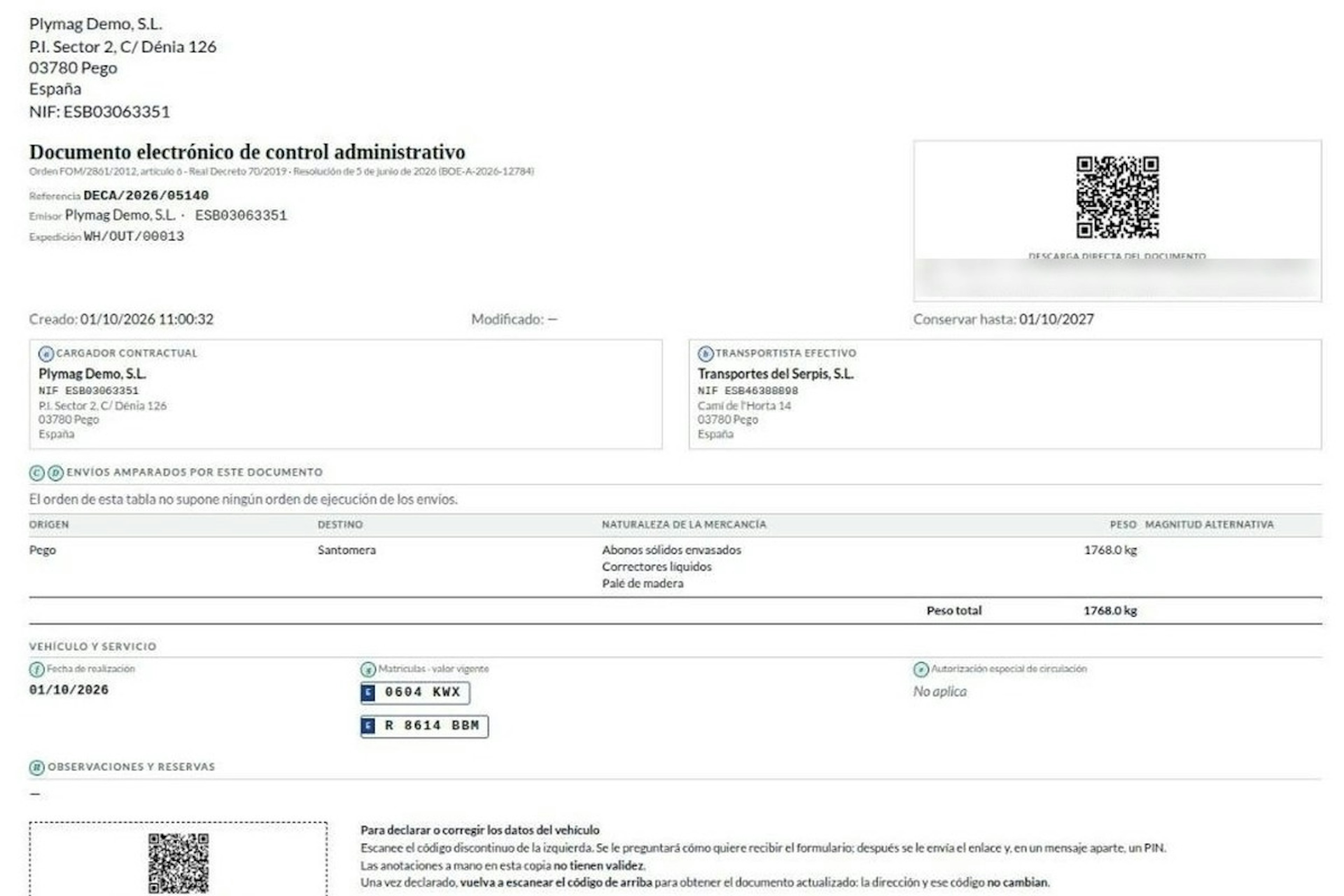
How the DeCA works in Odoo when the truck changes on the road: QR, secure link and PIN.
A breakdown, a different semi-trailer, a reservation about the load: this is how the DeCA is amended in Odoo during transport, with two QR codes, a link only the carrier receives and a six-digit PIN.
8-minute read
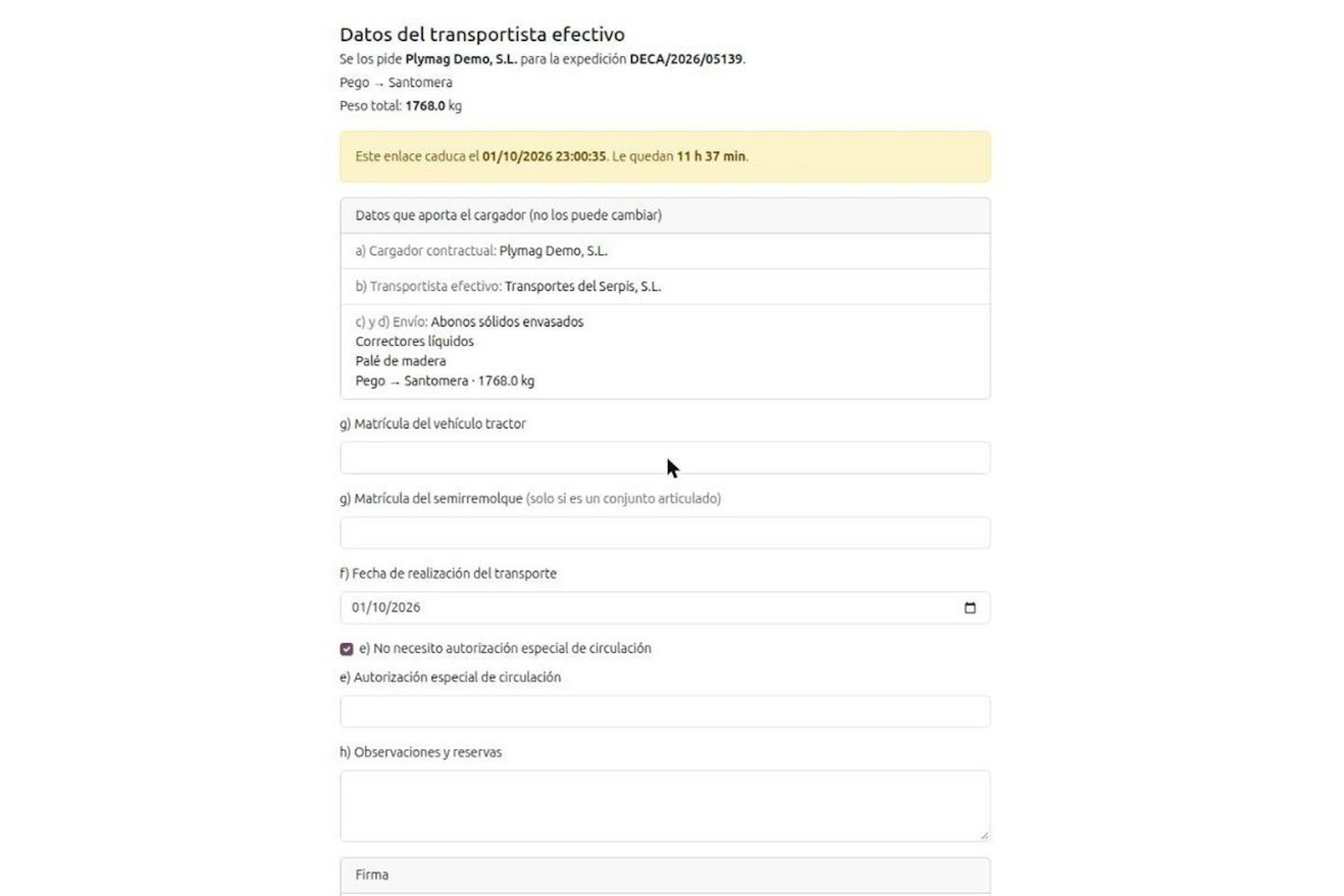
DeCA for transport companies with Odoo: you supply your data by link and issue it when you subcontract.
As the actual carrier, the DeCA binds you, but you will usually supply the special authorisation, date and plates through the link your client's Odoo sends you. When you subcontract, you will normally issue it from your own Odoo.
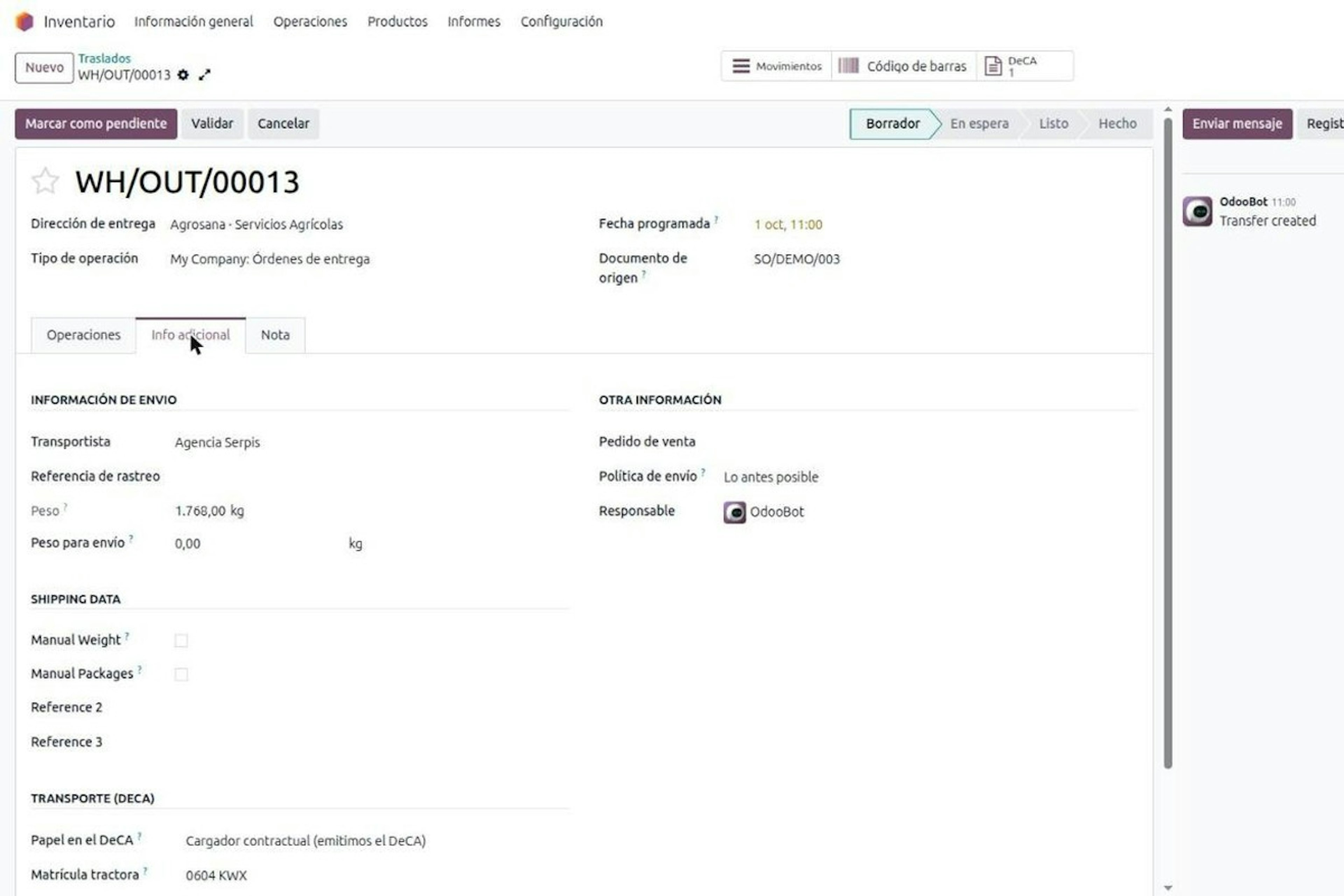
13-minute read
DeCA in Odoo: the transport control document, issued from the delivery order.
The DeCA is mandatory from 5 October 2026. If you run Odoo, you issue it from the delivery order with no separate tool, and the carrier adds the plate from their phone.
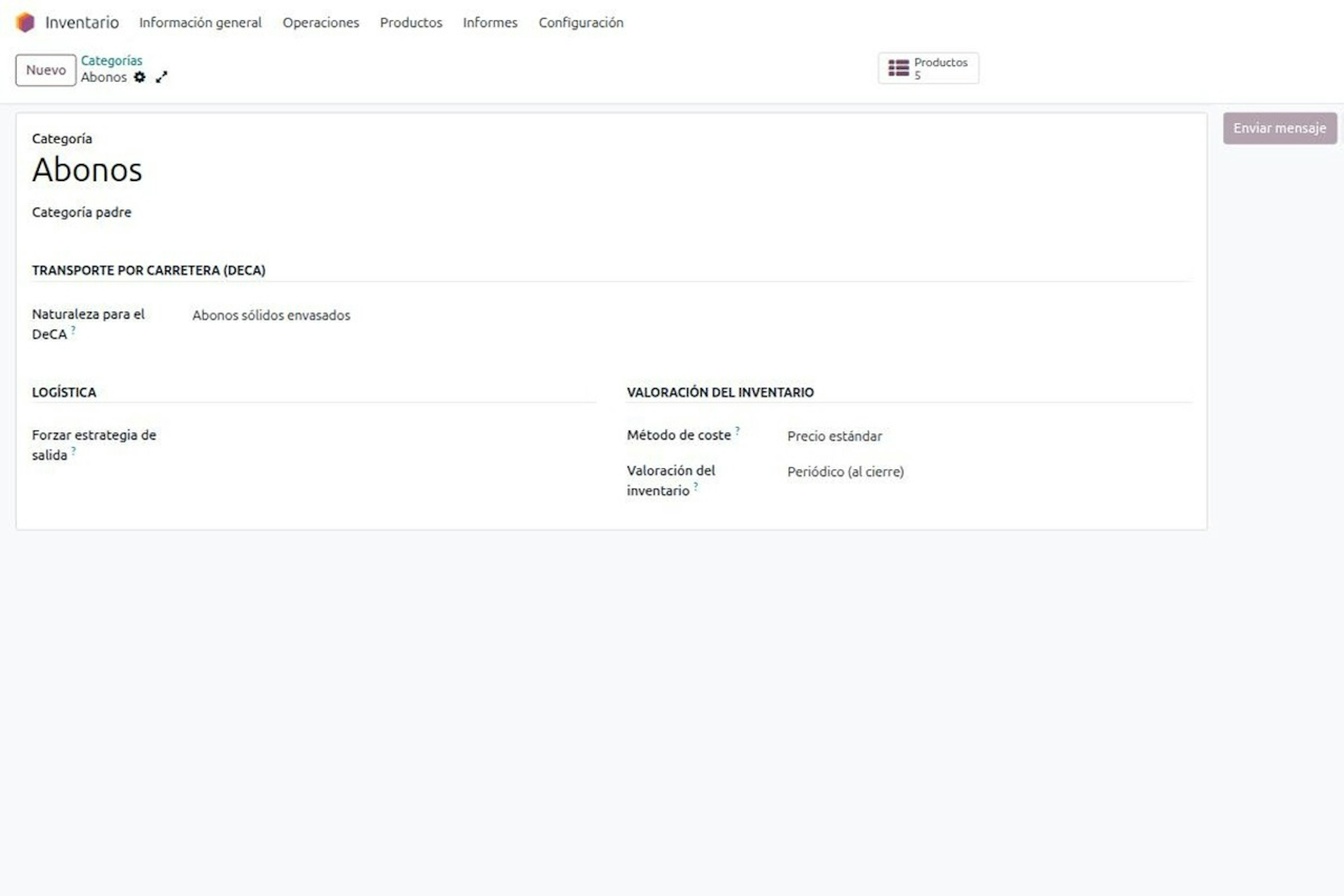
8-minute read
DeCA in Odoo for distribution companies: comply even without trucks.
If you distribute with Odoo and contract the transport, the DeCA binds you even if you own no truck, and you will usually be the one issuing it. What data you supply, why it is already on your delivery order and what daily work looks like.