Odoo: Manage Your Company's Hiring
Odoo Time Tracking: Boost efficiency, reduce errors, and ensure regulatory compliance. Turn time logs into actionable data for resource planning. Integrate with payroll, accounting, mobile devices, and geolocation. Measure productivity with clear dashboards. Dynapps (Gold Partner) guides you step by step to activate your solution seamlessly and unlock the full potential of Odoo 19.

Why choose Odoo for time tracking?
Odoo's time and attendance software provides a single platform that centralizes time tracking, absences, and real-time analytics. Its modular architecture allows you to activate only the features you need and scale up without having to rebuild the system, while maintaining the required traceability. The interface simplifies daily tasks and reduces administrative burden, with rules that reflect your shifts and breaks. The integration with HR and accounting prevents duplication and eliminates loose sheets that are difficult to audit. Role-based security protects sensitive data and ensures a reliable history. Additionally, the ERP’s flexibility enables complex scenarios without manual processes. To learn more about the system, check out this resource.
Benefits of an integrated time management system in Odoo time tracking
Centralizing digital time tracking within the ERP eliminates data silos and errors caused by copying and pasting. Information flows seamlessly between attendance, HR, and payroll, speeding up month-end closings and preventing future issues. The department- and project-level view makes it easier to allocate costs and detect variances early on. Business rules capture the specifics of collective agreements and shifts without the need for auxiliary sheets. Dashboards allow you to validate anomalous clock-ins in minutes, not days. Automation reduces repetitive tasks and frees up time for higher-value functions. Thus, Odoo time tracking becomes a cornerstone of operational management.
Compliance with Spanish regulations regarding Odoo time tracking
The attendance module tracks clock-ins, clock-outs, breaks, and overtime with an audit-proof, tamper-proof record. Workday, break, and shift configurations transparently reflect collective bargaining agreements and internal policies. Reports consolidate data by period and employee, ready for review and signature as needed. Traceability by user and device makes it easy to quickly review incidents. Alerts warn of overtime or potential violations before they occur. Exporting to standard formats simplifies archiving and document submission. In this way, Odoo’s time tracking complies with current legal requirements.
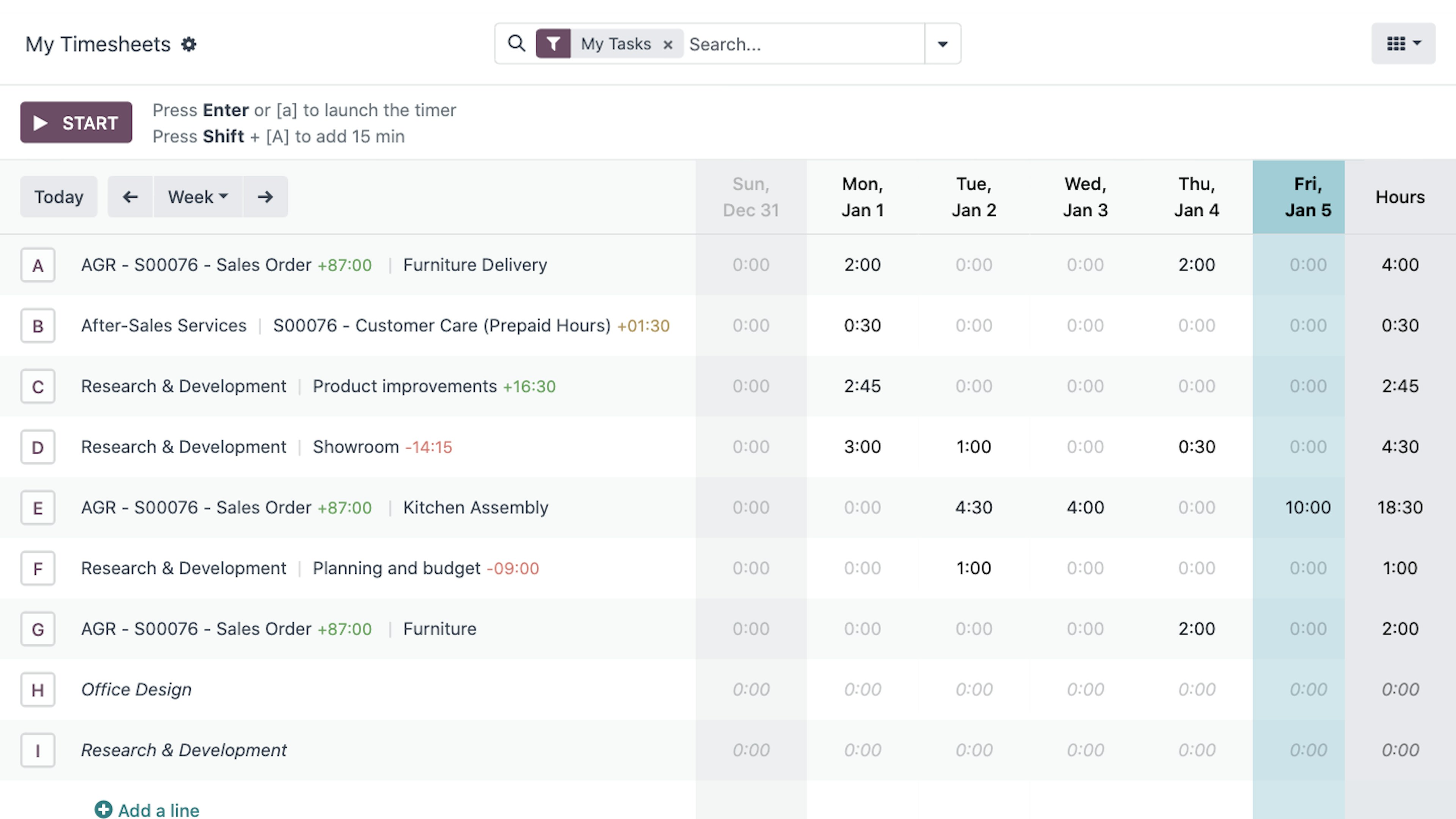
Key features of the Odoo Time and Attendance module in Odoo
The attendance module includes real-time clock-in, validation, rules, and ready-to-use dashboards. The dashboard shows who is currently working, who has finished their shift, and who has accumulated overtime. Templates speed up setup with parameters that can be customized for each department. Calendar, list, and graph views facilitate daily monitoring tasks. The mobile app enables Odoo time tracking for remote teams with geolocation when required. Reports compare periods and help justify staffing needs. To connect finances and collections, you should also check out Odoo Invoicing.
Real-time clock-in and clock-out tracking for Odoo time tracking
Every new hire is instantly reflected in the dashboard, preventing last-minute payroll closings. Supervisors review issues using filters that prioritize critical cases. Controlled editing and change logs ensure full traceability. Shifts are accurately tracked, including nights and holidays. The rules account for breaks and overlaps to prevent calculation errors. Daily and weekly totals are calculated without external formulas. Thus, Odoo time tracking provides a reliable basis for operational decisions.
Mobile and geolocation-based clock-in within the Odoo time tracking module
The mobile app tracks work hours from remote locations with configurable validation settings. When enabled, geolocation verifies the start and end points of tasks. Field teams can log their hours without returning to the office, increasing efficiency. Privacy policies are upheld through permissions and transparency in usage. Managers can see team availability to respond to spikes in demand. Reports break down work by office, client, or remote work for further analysis. This approach enhances Odoo’s time tracking coverage in hybrid models.
Management of overtime, breaks, and shifts integrated with Odoo time tracking
The rules calculate night shift, holiday, and overtime premiums without the need for separate spreadsheets. Contractual limits trigger alerts before the permitted threshold is exceeded. Mandatory breaks are applied precisely to prevent non-compliance. Rotating shifts are planned using templates that streamline weekly scheduling. Calendar simulations anticipate seasonal staffing needs. Managers have clear summaries to validate and close periods. All of this is done within the framework of Odoo time tracking and its standard scenarios.
Productivity reports and analyses linked to Odoo time tracking
The dashboards combine metrics on attendance, absences, and performance by team. Week-over-week comparisons reveal trends and help you take proactive action. PDF and Excel exports allow you to share results with management. Filters by project, client, or location clarify where time is being spent. Punctuality and compliance metrics reduce cascading incidents. Segmentation by role guides specific improvement plans. With this approach, Odoo time tracking becomes a productivity radar.
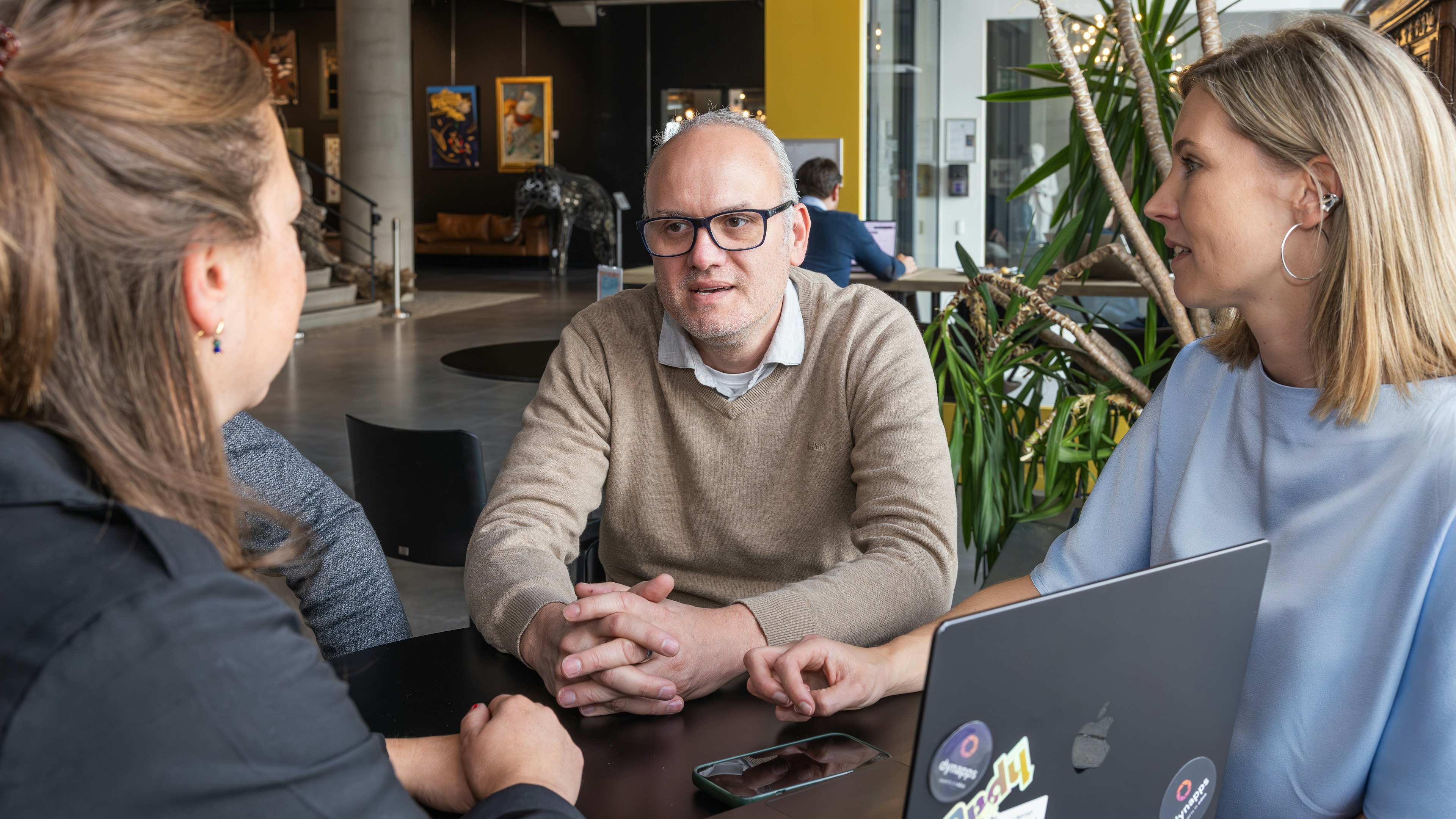
Dynapps Services for the Implementation of Odoo Time Tracking
Dynapps supports the project from start to finish with a clear plan and measurable deliverables. We begin with a thorough assessment to ensure functional and regulatory compliance. The design takes into account the specifics of your workforce’s collective bargaining agreements and actual shift schedules. The configuration is validated with key users to fine-tune it before deployment. Integrations with HR and accounting close the data loop. Hands-on training accelerates adoption and reduces early issues. The result is a stable Odoo time tracking system that’s ready to scale.
Consulting and requirements analysis for Odoo time tracking
The process begins by mapping out workflows and identifying measurable areas for improvement. Rules regarding work hours, breaks, overtime, and common scenarios are established. Approval workflows are aligned with the organizational chart to minimize friction. Reports are designed with metrics that management and HR need on a daily basis. The historical data to be migrated is validated to ensure continuity. Key decisions are documented for future audits and developments. With this foundation, Odoo time tracking fits seamlessly from day one.
Customization and bespoke development for your Odoo time tracking system
When the standard solution isn't enough, we customize screens, rules, and specific automated processes. We create shift schedules and calendars tailored to specific seasons or campaigns. Dashboards prioritize incidents so managers can act quickly. Integrations prevent duplicate entries with existing corporate systems. User profiles are fine-tuned to grant access only to what is necessary. Reminders and validations are automated to reduce human error. Thus, Odoo time tracking accurately reflects your actual operations.
Integration with payroll and other modules in Odoo time tracking
The integration with payroll allows for the transfer of hours, overtime, and absences without the need for intermediate files. Accounting reflects labor costs by location and project with greater accuracy. HR has access to a dashboard that reduces closing times. Derived journal entries are generated using consistent and auditable rules. Validations prevent discrepancies between attendance records and final payroll settlements. Data consistency eliminates repetitive tasks at the end of each month. Odoo time tracking is integrated into the financial cycle.
User training and ongoing technical support for the Odoo time tracking system
The hands-on sessions focus on real-world, day-to-day tasks specific to each role. Concise manuals and quick guides make it easy to look up information without relying on others. Initial monitoring identifies error patterns so they can be corrected promptly. The team receives support during the critical first few weeks. Iterative improvements are planned with defined impact and timelines. Clear communication prevents confusion and builds trust in the system. This consolidates Odoo time tracking as an everyday tool.
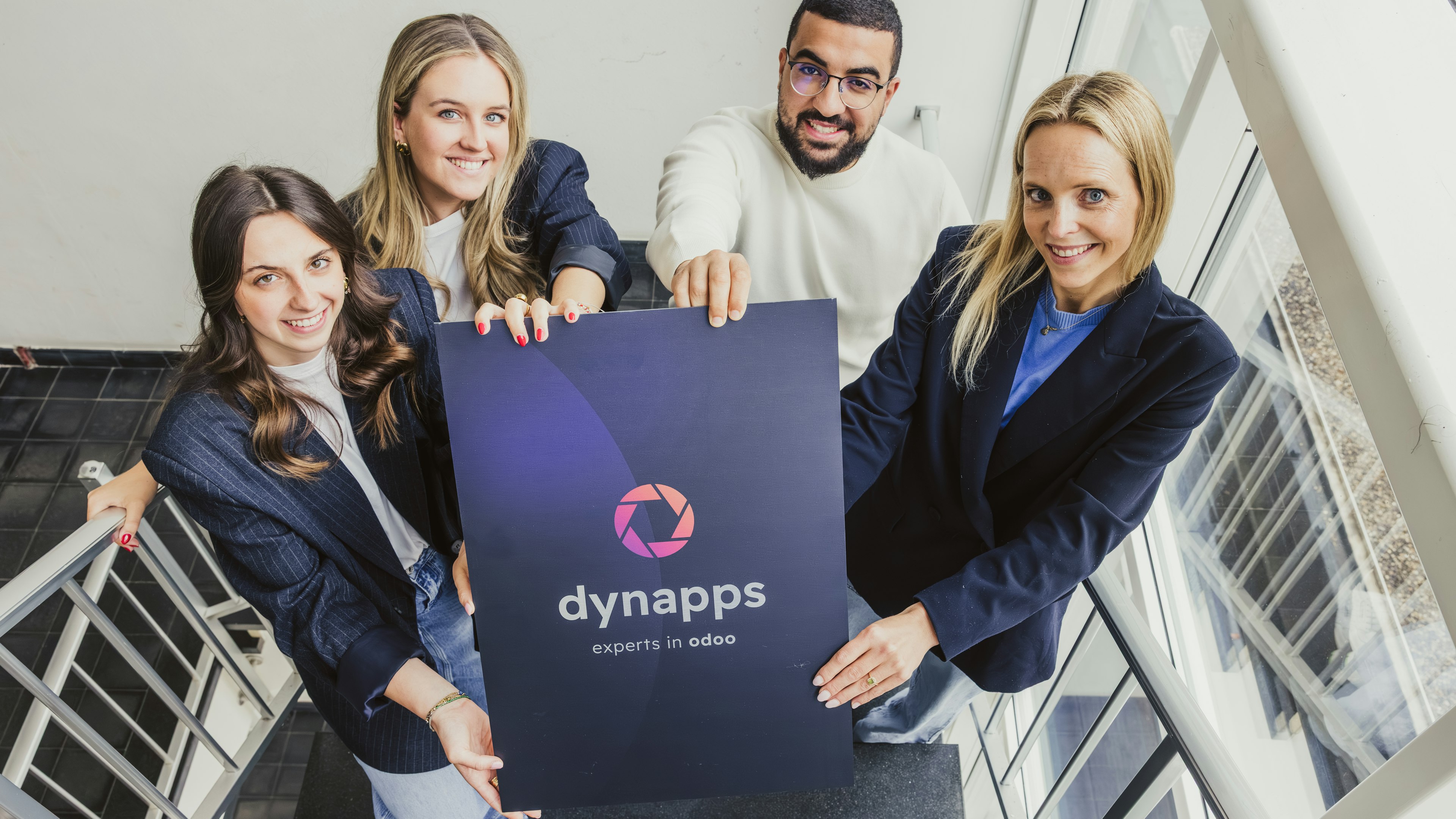
Step by step: How Dynapps implements your Odoo time-tracking solution
The method is organized into phases with specific objectives, responsible parties, and deliverables. Each milestone is validated with users to ensure adoption from the outset. Risks are identified early on and addressed with mitigation measures. Documentation is organized for future audits and handoffs. Pilot tests ensure that the configuration aligns with reality. The rollout is carried out with a close support plan. The Odoo time tracking system becomes operational with clear success metrics.
Phase 1: Assessment and Planning for the Odoo Time Tracking Project
Managers and users are interviewed to identify needs and constraints. Agreements, schedules, and specific characteristics of centers or locations are reviewed. A realistic timeline is established, including milestones and acceptance criteria. The quality and scope of the historical data to be migrated are assessed. Resources are allocated, and responsibilities are assigned by area. Metrics are agreed upon to measure adoption and time savings. With this, the project launches with focus and direction.
Phase 2: Configuring and Customizing the Odoo Time Tracking Module
Working hours, holidays, breaks, and overtime rules are configured. Dashboards and filters are adjusted to prioritize relevant incidents. Report templates with key performance metrics are activated. Mobile access is set up, and, if applicable, agreed-upon geolocation is enabled. Role-based permissions are configured to ensure privacy and control. Decisions are documented and validated with key users. The environment is ready for testing.
Phase 3: Data migration and pilot testing of the Odoo time tracking system
The agreed-upon historical data is imported, ensuring data integrity and traceability. A pilot group validates routine entries, approvals, and closings. Issues are logged and quickly resolved before full deployment. Reports and views are adjusted based on operational feedback. Synchronization with payroll and accounting is verified. The pilot team is trained to serve as an internal reference. With the changes implemented, the system is fine-tuned.
Phase 4: Implementation and Post-Implementation Monitoring of the Odoo Time Tracking System
The production environment is launched with close support for administrators and users. Key metrics are monitored to confirm stability and adoption. Questions are addressed, and fine-tuning is performed on the fly. A review of best practices is scheduled for the second week. The closing routine is consolidated without any extra manual tasks. A final report is issued with results and next steps. Odoo time tracking is now fully operational.
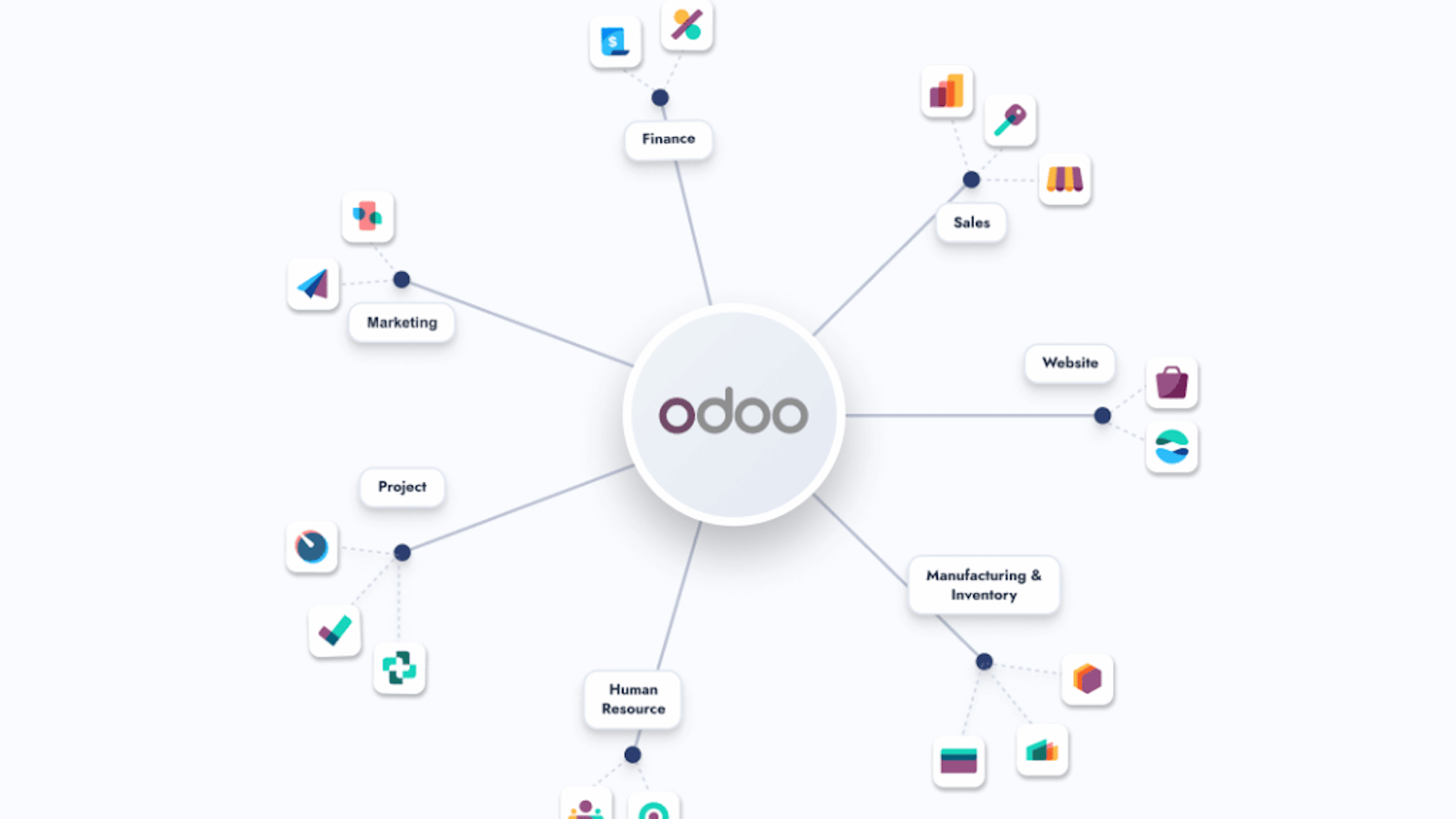
Benefits of choosing Dynapps for your Odoo time tracking project
Experience with projects involving Spanish regulations reduces time and risk. A practical approach accelerates adoption and minimizes the learning curve. Integration with key areas prevents silos and inconsistent data. Analytics provide visibility for informed and proactive planning. Documentation leaves a clear trail for future audits. Iterative improvements keep the system aligned with reality. The result is a sustainable and cost-effective Odoo time tracking system.
Odoo expertise and know-how for Spain applied to Odoo time tracking
The teams have worked rotating shifts, night shifts, and intensive campaigns. They are familiar with common scenarios and shortcuts that simplify day-to-day operations. Decisions are made based on metrics and expected return on investment. The configuration is designed to reduce incidents and last-minute requests. Data quality is ensured from the start to avoid having to redo tasks. Communication with management and HR accelerates key agreements. Thus, the rollout of Odoo time tracking is progressing smoothly.
Post-implementation support and service for Odoo time tracking
Initial monitoring helps establish habits and corrects early deviations. Small, planned improvements keep the tool up to date. Ongoing training keeps managers informed of changes in the team. Regular review of metrics identifies actual bottlenecks. Coordination with HR and finance ensures timely closings. The evolving roadmap provides visibility into upcoming milestones. As a result, Odoo time tracking remains at an optimal level.
Discover what Odoo can do for your business.
An initial meeting to see if we're a good fit, followed by a demonstration tailored to your processes.
More posts like this
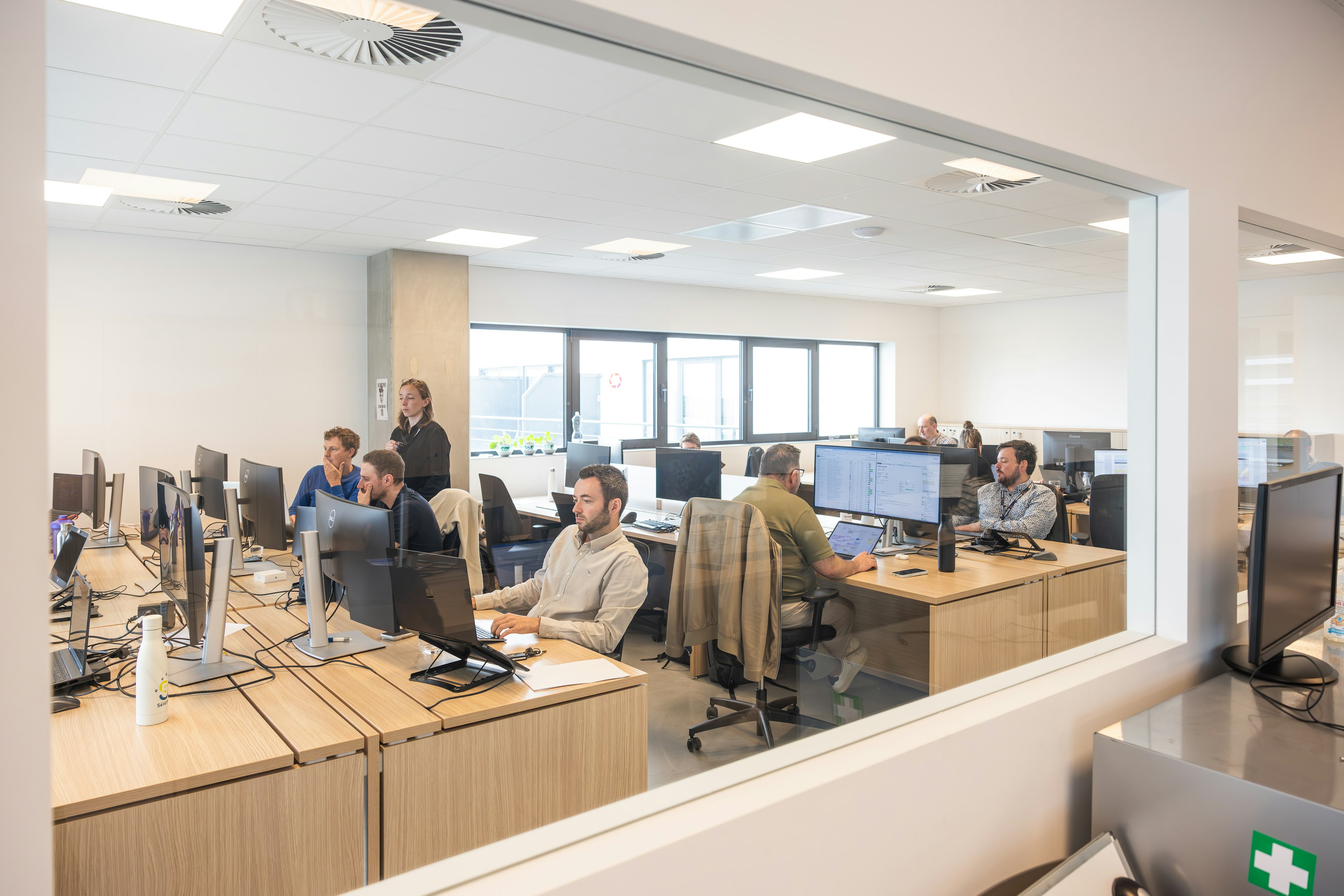
Odoo Partner in Barcelona
Odoo Partner in Barcelona
Odoo Implementation, Consulting, and Support for Businesses in Barcelona
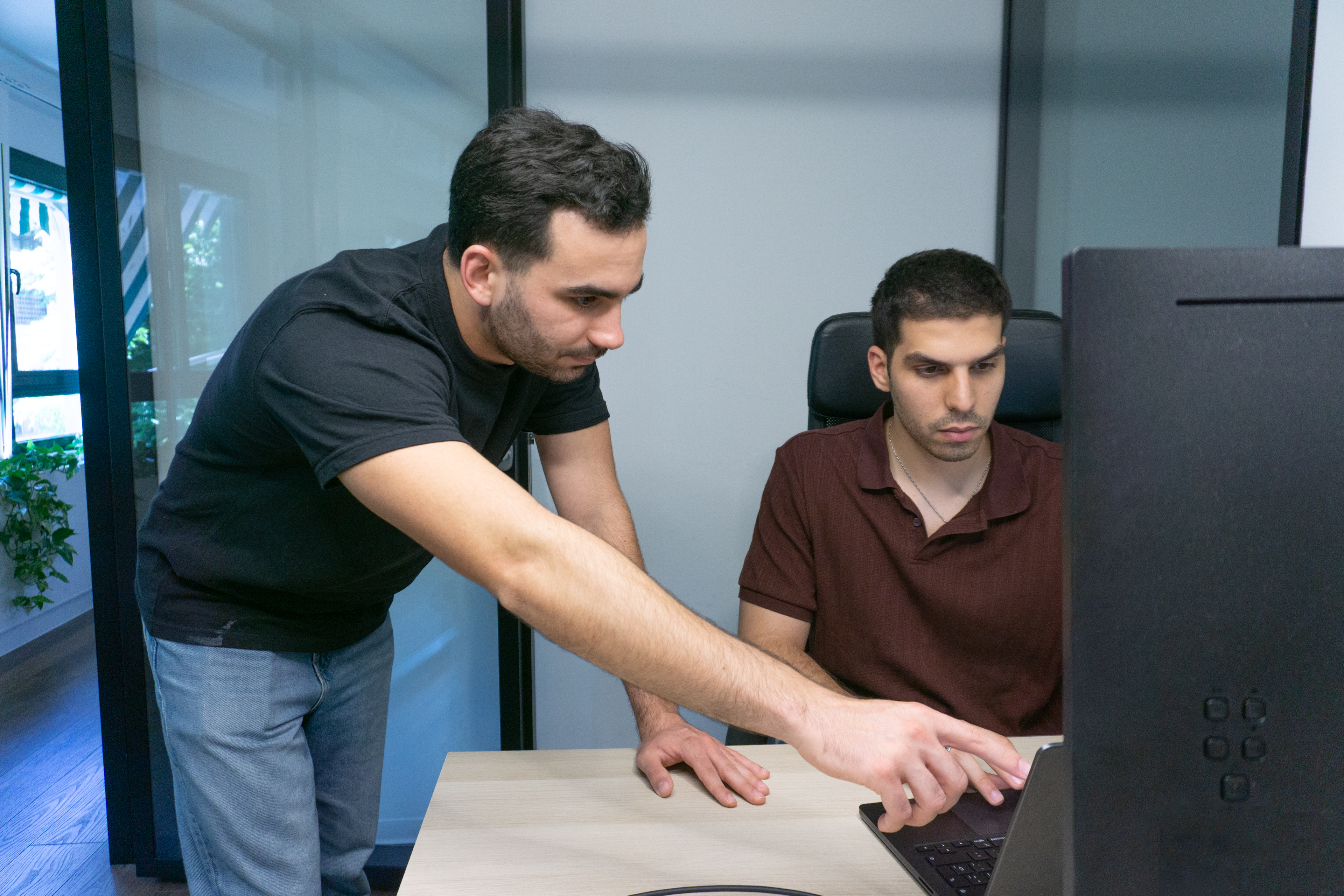
Odoo Partner in Madrid
Odoo Partner in Madrid
Odoo Implementation, Consulting, and Support for Companies in Madrid

Odoo Partner in Alicante
Odoo Partner in Murcia
Odoo Implementation, Consulting, and Support for Businesses in Murcia

Odoo Partner in Murcia
Odoo Partner in Murcia
Odoo Implementation, Consulting, and Support for Businesses in Murcia
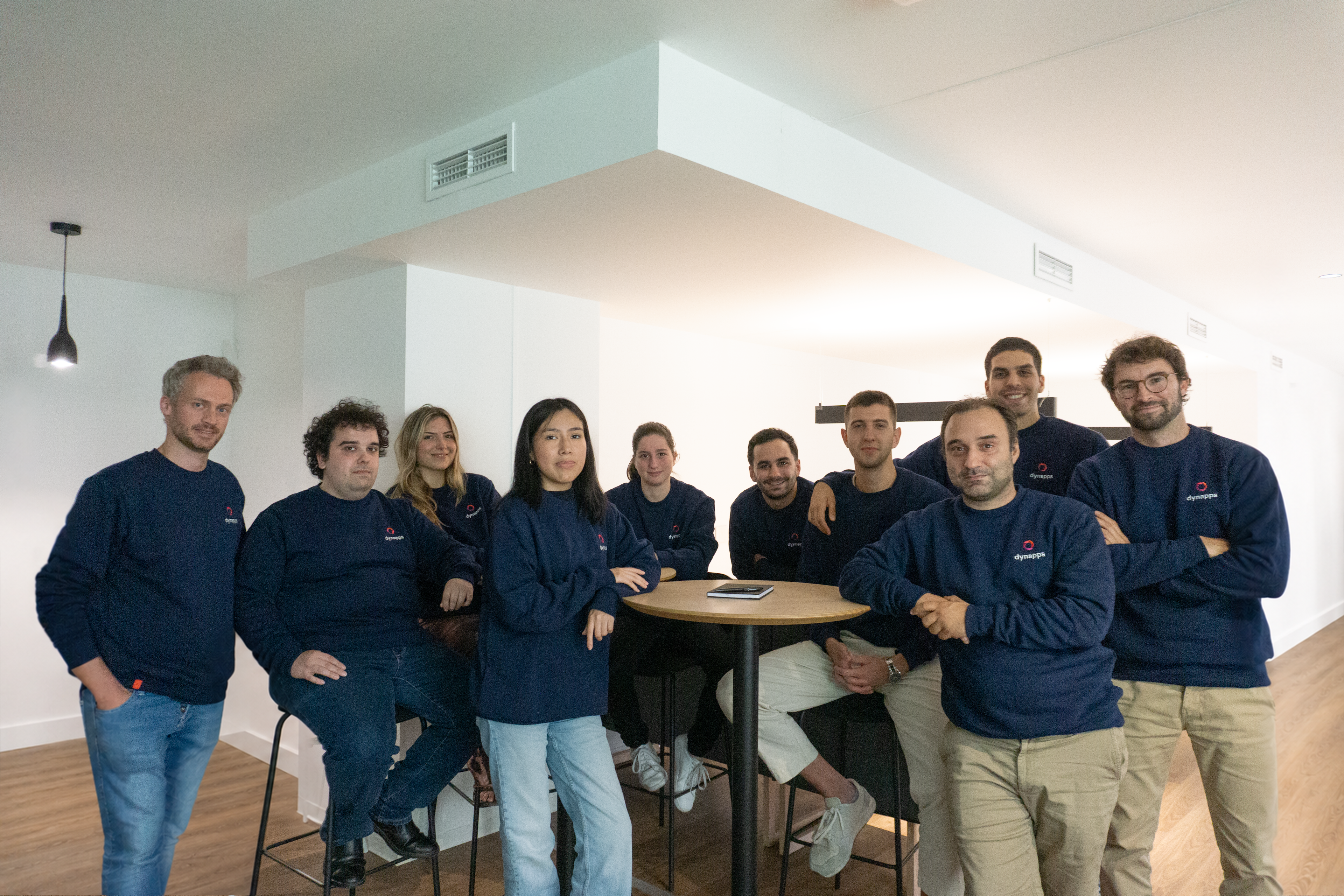
Odoo Consultants
Odoo Consultants
At Dynapps, we’ve been working as Odoo consultants in Spain since before we wrote the first line of configuration code: we understand your business, prioritize what truly adds value, and only then do we design the solution.
Dynapps Digital Kit
Dynapps Digital Kit
Digitize Your Business with Dynapps
Odoo in Valencia
Digitize Your Odoo in Valencia

8-minute read
Verifactu 2027: The Law That Never Comes... Until It Does

8-minute read
Odoo 20: All the New Features and the 2026 Release Date

4 min read
Dynapps named Best Odoo Partner in Europe
At the Odoo Experience Days in Brussels, Dynapps won the title of Best Odoo Implementation Partner in Europe, with former CEO Karel Hendrickx and the team collecting the award on 2–4 October 2024.