Artificial intelligence in Odoo

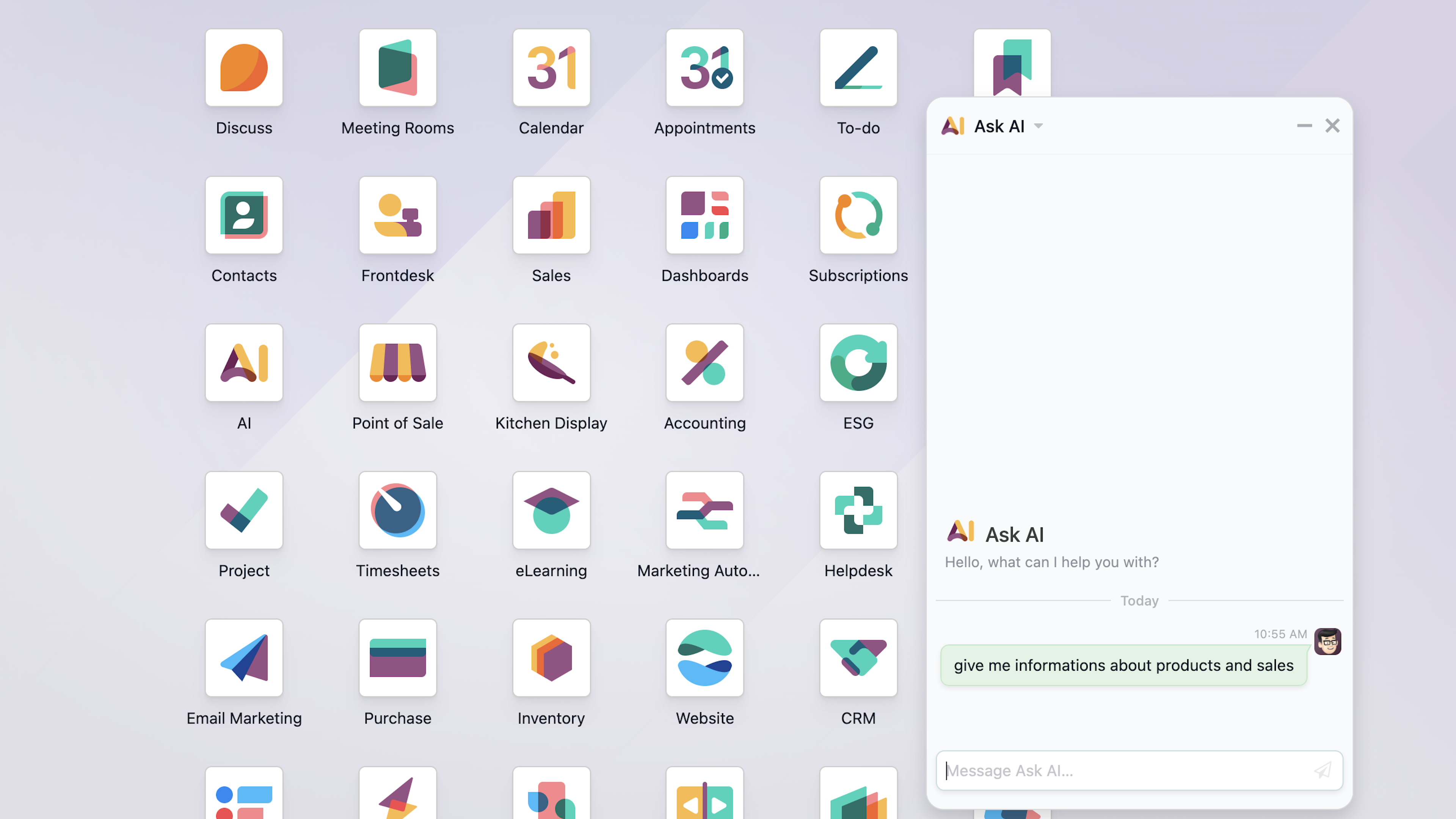
The artificial intelligence module in Odoo 19 represents a shift toward a proactive, conversational ERP system. This version integrates AI across the board, enabling the creation of intelligent agents custom bots that perform tasks using natural language.
Its key features include automatic content generation (emails and descriptions), field autocomplete based on historical patterns, and predictive sales analysis.
Important clarification regarding costs
OCR only uses Odoo IAP credits. Generative AI features (text, chatbot, descriptions) use your own account OpenAI, Claude, or Gemini.
"Odoo's AI generated a description for me that any intern could have written using Google."
This comment, which is appearing more and more frequently on user forums, sums up the frustration of those who expected magic but found templates instead.
The artificial intelligence built into Odoo promises to revolutionize business management, but the reality is more nuanced. Many companies don't fully understand What uses IAP credits and what doesn't: Only invoice OCR uses Odoo credits, while generative AI tools (descriptions, chatbot, etc.) are charged to your own account OpenAI, Anthropic, or Google. The problem isn't with the technology itself, but rather with how it's configured and, above all, with understanding When to use it and when NOT to.
In Dynapps We’ve implemented hundreds of projects where AI has been a game-changer, and others where it’s been an unnecessary expense. We’ll explain the difference: which built-in features are worth it, how to configure them so they actually save time, and when it’s better to integrate external APIs such as OpenAI, Anthropic (Claude) or Google Gemini for tasks that require real customization.
The real problem: confusion about costs and general AI
There is a lot of confusion about the system of IAP credits (In-App Purchase) in Odoo. The reality is simpler than it seems: Only OCR for invoices and documents uses up IAP credits. The other AI features (text generation, chatbots, assistants) use the account you set up with the provider of your choice: OpenAI, Anthropic (Claude), Google Gemini, or others.
Document OCR → Odoo IAP Credits: Odoo's prepaid system for digitizing invoices and documents.
Generative AI (text, chatbot) → Your own account: Set up your OpenAI, Claude, or Gemini API key, and the cost will be charged directly to your account.
Predictive Lead Scoring → No additional cost: Uses Odoo's internal algorithms without using credits or external APIs.
The real challenge It's not the cost, but the setup. Default AI features generate generic responses because they lack context about your business. Let's see how to fix that.
Features That DO Work
OCR for Vendor Invoices
Extracts structured data from PDFs with high accuracy. Uses IAP credits (the only service that does this).
Predictive Lead Scoring
Analyze historical conversion data and prioritize opportunities with the highest likelihood of closing.
VoIP Call Transcription
Convert audio to text and generate automatic summaries for the customer history.
Classification of Expenses
Identify patterns in tickets and automatically assign accounting categories.
Support Ticket Categories
Automatically assign categories and priorities to incoming tickets based on their content.
AI Agent for E-commerce Live Chat
A chatbot that explains product features and guides customers through the purchasing process.
Features with Questionable ROI
Generating Generic Descriptions
Without a brand context, it produces generic content that doesn't set your product apart.
Chatbot Without Training
Default responses are so impersonal that they can undermine the customer experience.
OCR for Simple Documents
Using AI for simple, standardized invoices uses up credits without adding any value.
Tips for Mass Emails
Without prior segmentation, AI suggestions are too generic to be effective for campaigns.
6 AI automations that really save time
After implementing dozens of AI projects in Odoo, we have identified the automations that consistently generate a positive return. The common thread: they all work with structured data and repetitive patterns.
1. Intelligent Digitization of Vendor Invoices
Where it works: In the module for Odoo Accounting, OCR invoice digitization is one of the features with the highest ROI. The system automatically extracts the vendor, date, line items, taxes, and totals from any PDF or image.
How to optimize it: Be sure to set up recurring suppliers correctly and validate the first few documents for each format. The system is optimized for standard European invoice formats and works best with high-quality PDFs rather than scanned images.
When to avoid it: If you receive invoices from a single vendor in a very simple format (name, description, total), the manual process may be faster. Weigh volume against complexity.
2. Lead Scoring with Predictive AI in CRM
Where it works: The module for Odoo CRM You can analyze your history of won and lost opportunities to assign a predictive score to each new lead. This score indicates the likelihood of conversion based on actual patterns in your business.
How to optimize it: You need a minimum history of 200–300 closed deals (won and lost) with high-quality data: industry, company size, lead source, and sales cycle length. The more fields you fill in, the better the prediction will be.
Expected result: Sales teams that prioritize high-scoring leads report a a 20–30% increase in terms of conversion rate, simply by focusing efforts where the odds are better.
3. Automatic Transcription and Summary of VoIP Calls
Where it works: With the module Odoo VoIP v19, AI can transcribe phone conversations and generate executive summaries that are automatically saved in the customer's file. This eliminates the need to take notes during the call.
How to optimize it: Set up transcription only for calls longer than 2 minutes. Short calls (confirmations, transfers) don’t usually provide valuable information, and using credits on them reduces ROI.
Ideal use case: Teams from support and assistance who need to document incidents without wasting time on post-call documentation.
4. Automatic Categorization of Expenses and Receipts
Where it works: In the module for Odoo Expense Tracking, the AI analyzes scanned expense receipts and suggests the appropriate accounting category based on the description, amount, and vendor.
How to optimize it: Define clear and consistent categories in your chart of accounts. AI works better when there are a few well-defined categories than when there are dozens of similar subcategories.
Expected result: Reduction in expense processing time by 60–70%, especially in companies with sales teams that generate a large number of travel, per diem, and entertainment expense reports.
5. Generating Product Descriptions with Brand Context
The common pitfall: Using the description generator "as is" produces generic text. The solution is provide context in the AI prompt before it generates content.
How to optimize it: In Odoo 18/19, you can set up automated actions that include your brand information in the prompt: communication tone, target audience, key benefits, and examples of successful descriptions. This transforms the output from generic to one that aligns with your brand identity.
Advanced option: Connecting to the OpenAI, Anthropic (Claude), or Google Gemini API using your own key allows you to fine-tuning by matching the model to your actual catalog, resulting in descriptions that sound like they were written by your best salesperson.
6. Automatic Classification of Support Tickets
Where it works: In the module for Odoo Helpdesk, AI can analyze the content of incoming tickets and automatically assign categories, priorities, and responsible teams. This automation we have implemented in production with excellent results.
How to optimize it: Define clear, mutually exclusive categories. Provide examples of tickets for each category in the configuration prompt. AI works best when categories are specific ("Billing issue," "Technical error," "Sales inquiry") rather than generic ("General," "Other").
Expected result: Reduction in initial triage time at a 80% and improved first response times by assigning tickets to the right team from the start.
When to integrate external APIs: OpenAI, Anthropic, and Gemini
Remember: most AI features in Odoo they're already using up your credit from the provider you choose. You can choose between OpenAI (ChatGPT, GPT-4), Anthropic (Claude 3.5, Sonnet, Opus, Haiku), or Google Gemini, depending on your needs. The advantages of each:
Use Cases Where External APIs Make a Difference
AI Agent for E-commerce Live Chat
A chatbot integrated into your online store that helps customers by explaining product features, comparing options, answering questions about shipping, and guiding them through the purchasing process. Connect your product catalog with Claude, GPT-4, or Gemini for context-aware responses.
Customer Service Chatbot Trained Using Your Knowledge Base
By connecting Claude, GPT-4, or Gemini to an index of your FAQs, product documentation, and internal policies, the chatbot can answer questions specific to your business—not just generic phrases.
Sentiment Analysis in Support Tickets
Automatically process incoming tickets to detect urgency, frustration, or satisfaction, prioritize responses, and alert supervisors when necessary.
Generation of Customized Sales Proposals
Feed the model with customer data, purchase history, and industry information to generate recommendations that directly address their needs, rather than generic templates.
Data Extraction from Complex Documents
For contracts, legal agreements, or technical documentation that standard OCR struggles to process, models like GPT-4 with vision capabilities can extract structured information from non-standard formats.
Practical setup guide
Key Steps to Optimize AI on Your Odoo Instance
1. Assess Your Current IAP Usage
Go to Settings > IAP and review your transaction history. Identify which features use up the most credits and assess whether the value they generate justifies the cost. If you can't quantify the time saved, there probably isn't any.
2. Disable Non-Essential AI Features
In modules such as Sales or E-commerce, you can disable automatic content generation if it isn't configured correctly. It's better not to use AI at all than to use AI that's configured incorrectly.
3. Set up Usage Alerts
Set up notifications when IAP credits fall below a certain threshold. This allows you to detect unusual spending before it becomes a budget issue.
4. Set Up Your Brand Context for Prompts
Please include: tone of voice, target audience, unique value proposition, and 5–10 text samples that showcase your style. This document will serve as the basis for customizing any AI prompt, whether built-in or external.
5. Test it before scaling it
Before rolling out an automation system company-wide, test it with a small team or a single department for 2–4 weeks. Track performance metrics, errors, and user satisfaction before deploying it company-wide.
Discover what Odoo can do for your business.
An initial meeting to see if we're a good fit, followed by a demonstration tailored to your processes.
More posts like this

4-minute read
Odoo and PHP: Why Critical PHP Vulnerabilities Don't Affect Your Odoo.
Odoo does not run on PHP. The two critical vulnerabilities that PHP fixed on October 21, 2026, put millions of websites at risk—but not your Odoo. We'll explain what happened and what you need to check.
5 min read
AI in Odoo for SMEs: what already works, with real cases.
What AI can do in your Odoo today, the Prima Protección case, the two ways to connect it (Claude via MCP and the Odoo 20 agents) and how to start in your company.
7 min read
Connecting Claude to Odoo: the MCP connector we use every day.
What MCP is, how we connect Claude to your Odoo with our own connector, what your team can do with it from day one, and how it fits with the MCP in Odoo 20.
12 min read
What's new in AI in Odoo 20: agents that act and ask permission.
A summary of the AI talk at Odoo Experience 2026: the Odoo AI agent, app-specific agents, self-update, IAP credits and Odoo as an MCP server, plus what we found in the version 20 code.

Odoo Pricing in Spain
Odoo Pricing in Spain
Licenses, implementation, and how to finance it.

Odoo Partners Near You: Valencia · Murcia · Alicante · Barcelona · Madrid
Odoo Partners Near You: Valencia · Murcia · Alicante · Barcelona · Madrid
Odoo Implementation, Consulting, and Support for Companies in Spain
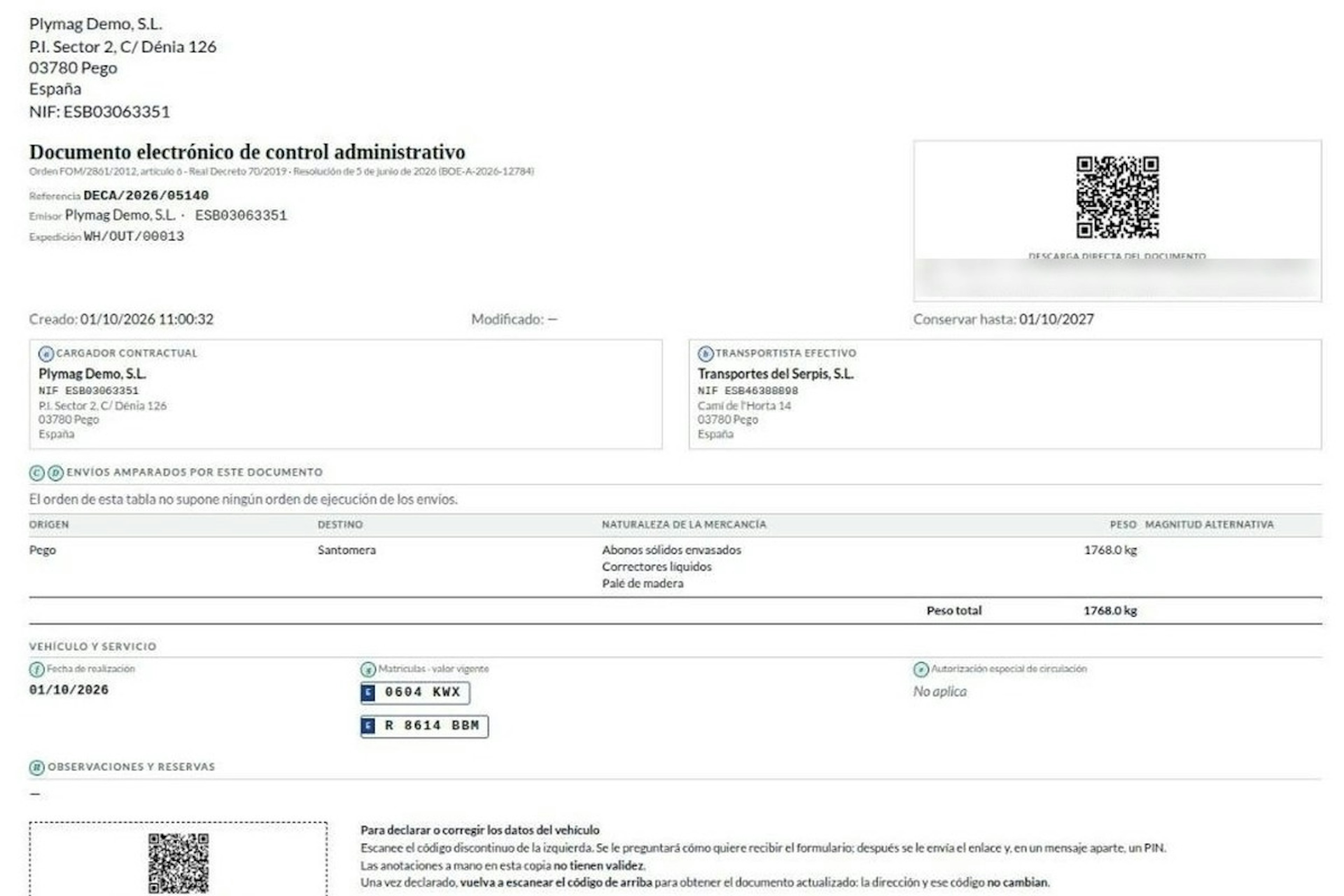
8-minute read
How the DeCA works in Odoo when the truck changes on the road: QR, secure link and PIN.
A breakdown, a different semi-trailer, a reservation about the load: this is how the DeCA is amended in Odoo during transport, with two QR codes, a link only the carrier receives and a six-digit PIN.
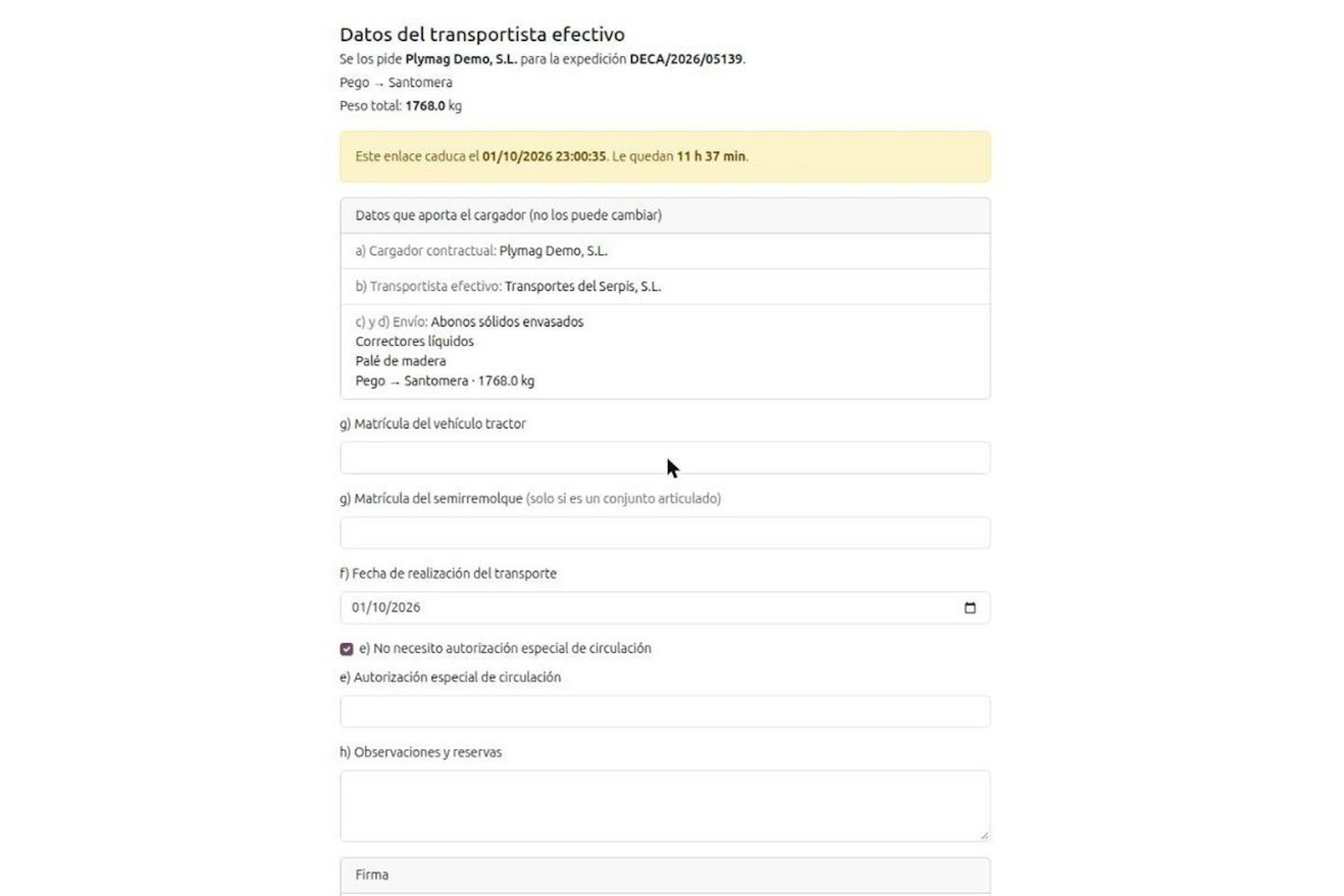
8-minute read
DeCA for transport companies with Odoo: you supply your data by link and issue it when you subcontract.
As the actual carrier, the DeCA binds you, but you will usually supply the special authorisation, date and plates through the link your client's Odoo sends you. When you subcontract, you will normally issue it from your own Odoo.
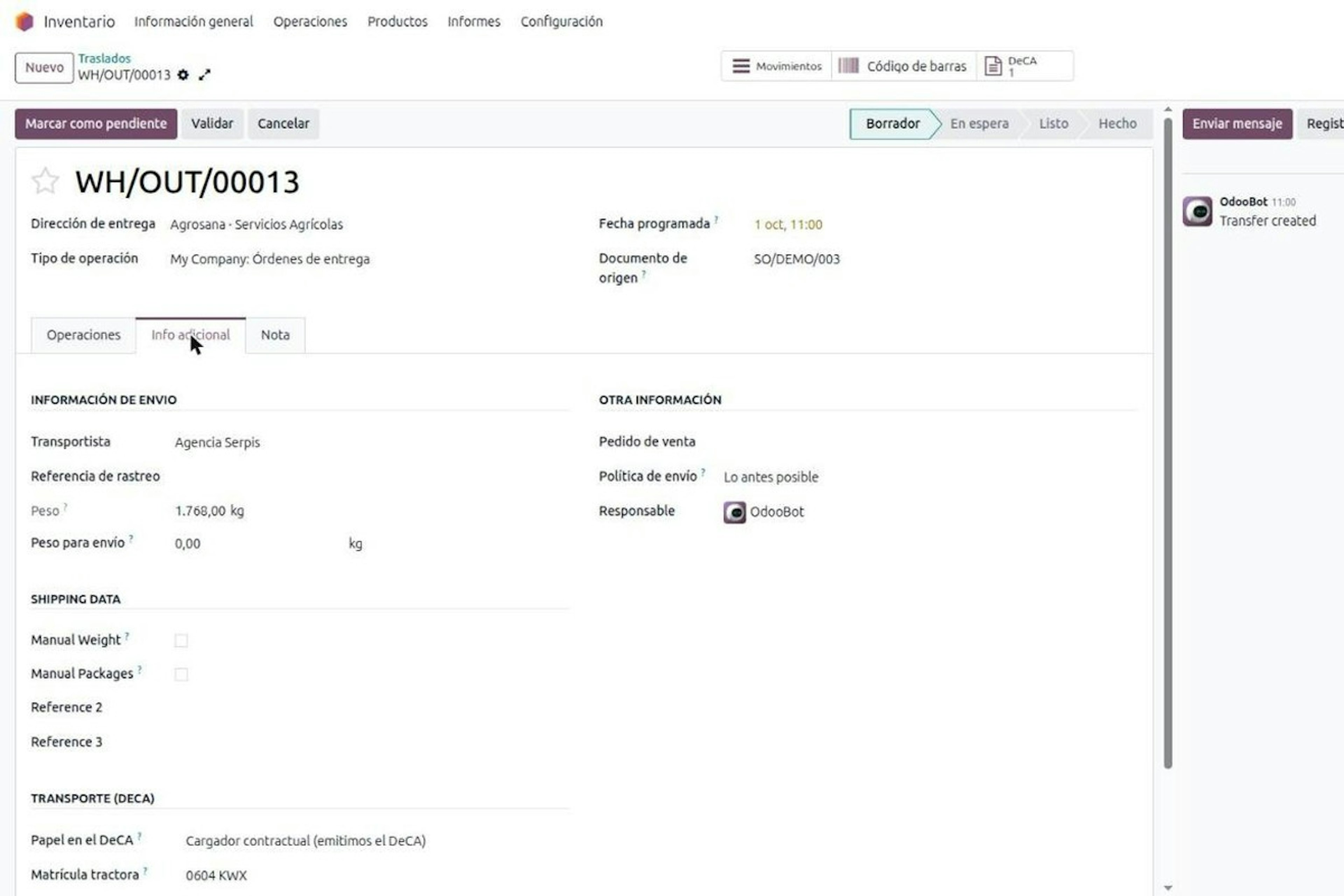
13-minute read
DeCA in Odoo: the transport control document, issued from the delivery order.
The DeCA is mandatory from 5 October 2026. If you run Odoo, you issue it from the delivery order with no separate tool, and the carrier adds the plate from their phone.
8-minute read
DeCA in Odoo for distribution companies: comply even without trucks.
If you distribute with Odoo and contract the transport, the DeCA binds you even if you own no truck, and you will usually be the one issuing it. What data you supply, why it is already on your delivery order and what daily work looks like.