Step-by-Step Guide to Setting Up Odoo in Your Restaurant
In the hospitality industry, operational efficiency is essential. Odoo is a comprehensive ERP system that automates processes, streamlines administration, and enhances the customer experience. This article shows you how to set up Odoo for your restaurant: order management, inventory, employee management, and more. Dynapps provides consulting and implementation services to tailor the system to your specific needs.
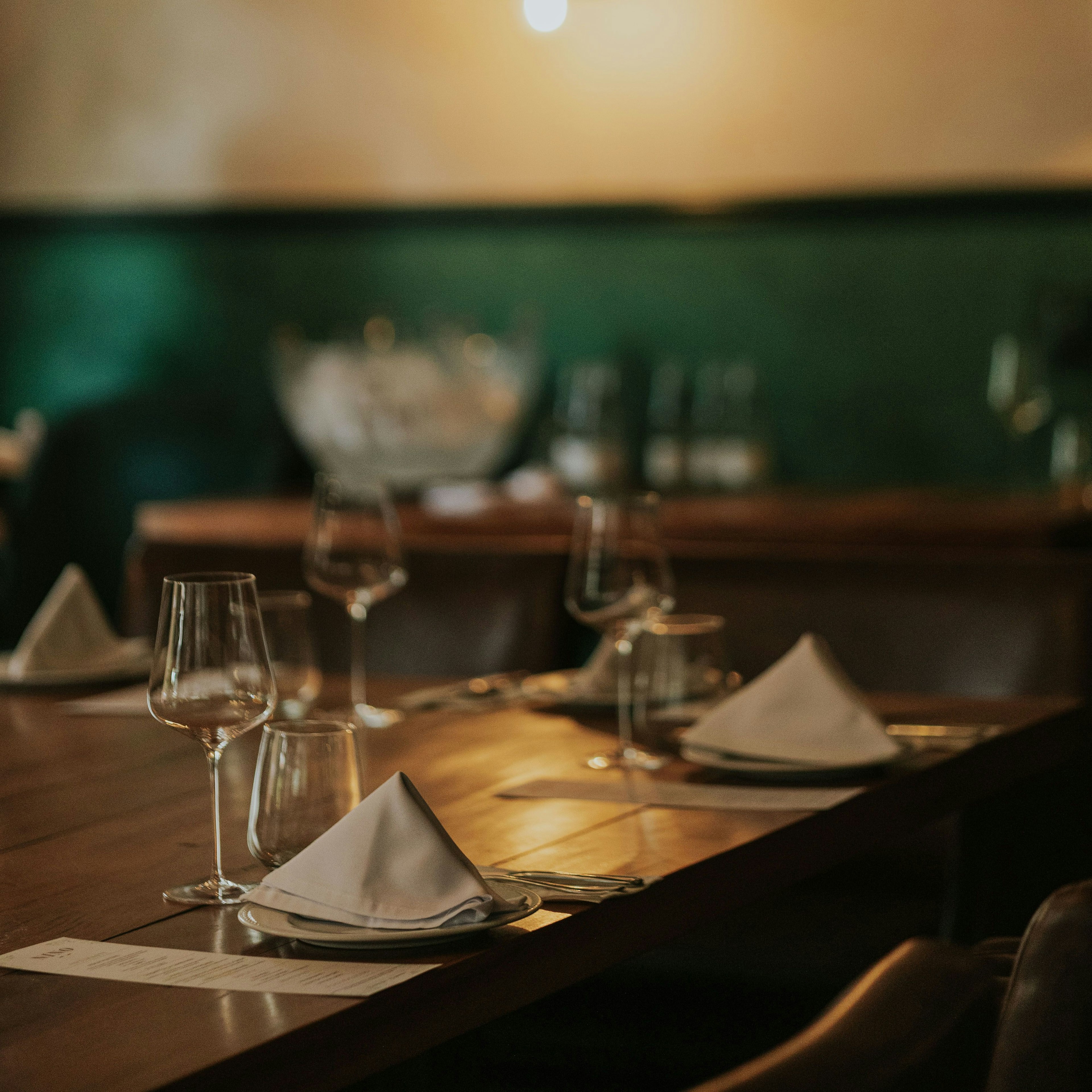
Why use Odoo for restaurant management?
Odoo It is a modular and flexible platform that allows restaurant owners to manage every aspect of their business from a single system. It enables the integration of various operational processes that, together, optimize efficiency, reduce errors, and enhance the experience for both customers and staff.
Benefits of Odoo for Restaurants
Those who have already implemented Odoo for small and medium-sized businesses know that it is a software solution with a wide range of features that offers many benefits across various industries. As a result, it has established itself as one of the best in Spain and other parts of the world.
Setting up Odoo for Restaurants
The most challenging aspect of Set up Odoo for a restaurant is to carry out the process effectively. However, it’s simple if you follow the right steps and take expert advice.
Installation of the Point of Sale (POS) Module
The POS module It is essential for any restaurant, as it streamlines sales and order management in real time. The installation involves a few setup and customization steps to ensure a smooth user experience.
Sales Interface Settings
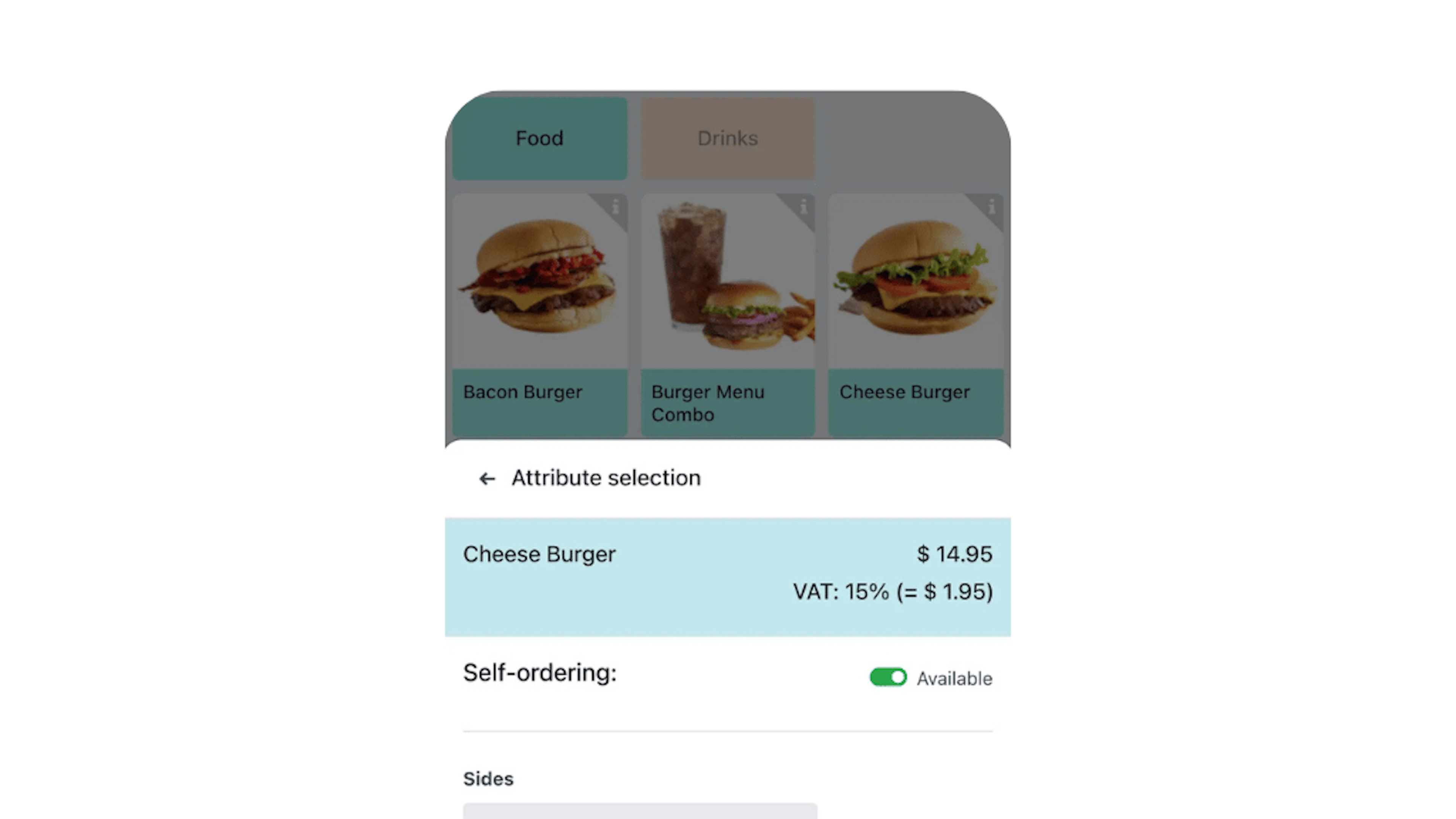
Once POS module installed, you can customize the interface. It should be user-friendly and tailored to the restaurant’s needs, including product categories and button layout. Odoo lets you choose which information to display, such as the menu, prices, and payment options. You can also include a tipping system and even taxes.
Customization of menus and products
Once the interface is set up, customize the Restaurant menu in Odoo. You can add products, set prices, and create specific categories to organize the menu in a logical way. You can include images and descriptions detailed features to enhance the customer experience. Plus, you can update the menu in real time to reflect changes such as promotions or product availability.
Payment Methods and Electronic Invoicing
As for payments, Set up Odoo for a restaurant It allows you to configure payment methods and ensures compliance with tax regulations through integrated electronic invoicing. From cash payments to card payments, bank transfers, and electronic platforms such as PayPal or Stripe, all can be set up. Additionally, you can enable the split bill feature so that customers can pay for individual items.
Inventory and Supplier Management
Inventory management is another feature you can access when Set up Odoo for restaurants. This is important for preventing product waste and ensuring the restaurant’s operational continuity. Set up the inventory module to maintain full control over supplies.
Real-time inventory tracking
Odoo lets you see your inventory status in real time. You can view the stock levels for each ingredient or product, which will allow you to place reorder requests in a timely manner and avoid shortages of key items. From the module’s interface, you can view the various warehouse locations—even those on hold—and determine product requirements.
Automation of supplier orders
One of Odoo's greatest strengths is the automation of operations. In the order request process, the system can automatically generate purchase orders for your suppliers based on inventory levels or product sales. For even greater control, it is possible to set up automatic alerts to manage orders when inventory levels reach a critical point. This saves time and ensures that you always have the necessary ingredients in stock.
Employee and Shift Management
Staff management is a constant challenge in the restaurant industry. With Odoo, you can automate employee management, including schedules and shifts, allowing you to focus more on service quality and customer satisfaction.
Recording of working hours and shifts
Odoo makes it easy to track clock-in and clock-out times for each employee, which makes it easier to generate detailed reports for payroll and shift scheduling. In addition, you can assign a specific role with each person’s responsibilities and track their work hours. This simplifies the management of work hours, attendance, overtime calculations, and payroll processing.
User Permissions Settings
Another factor in favor of the Set up Odoo for a restaurant This covers everything related to the different access levels for users. You can define which employees have access to specific system features, which helps maintain information security and control over operations. For example, servers need access to customer orders, while managers must have access to sales and inventory statistics.
Setting Up Online Reservations and Orders
The customer experience at a restaurant is enhanced by integrating online booking and ordering platforms. Odoo simplifies the management of reservations and advance orders and facilitates integration with delivery platforms, thereby streamlining processes.
Integration with delivery platforms
If the restaurant offers delivery services, Odoo integrates with the leading delivery platforms to manage orders. The system can automatically receive orders from platforms like Uber Eats or Glovo and manage the workflow seamlessly. All you have to do is install the corresponding module and sync the orders so that kitchen staff can receive them smoothly, without having to enter them manually.
Pre-order and Reservation Management
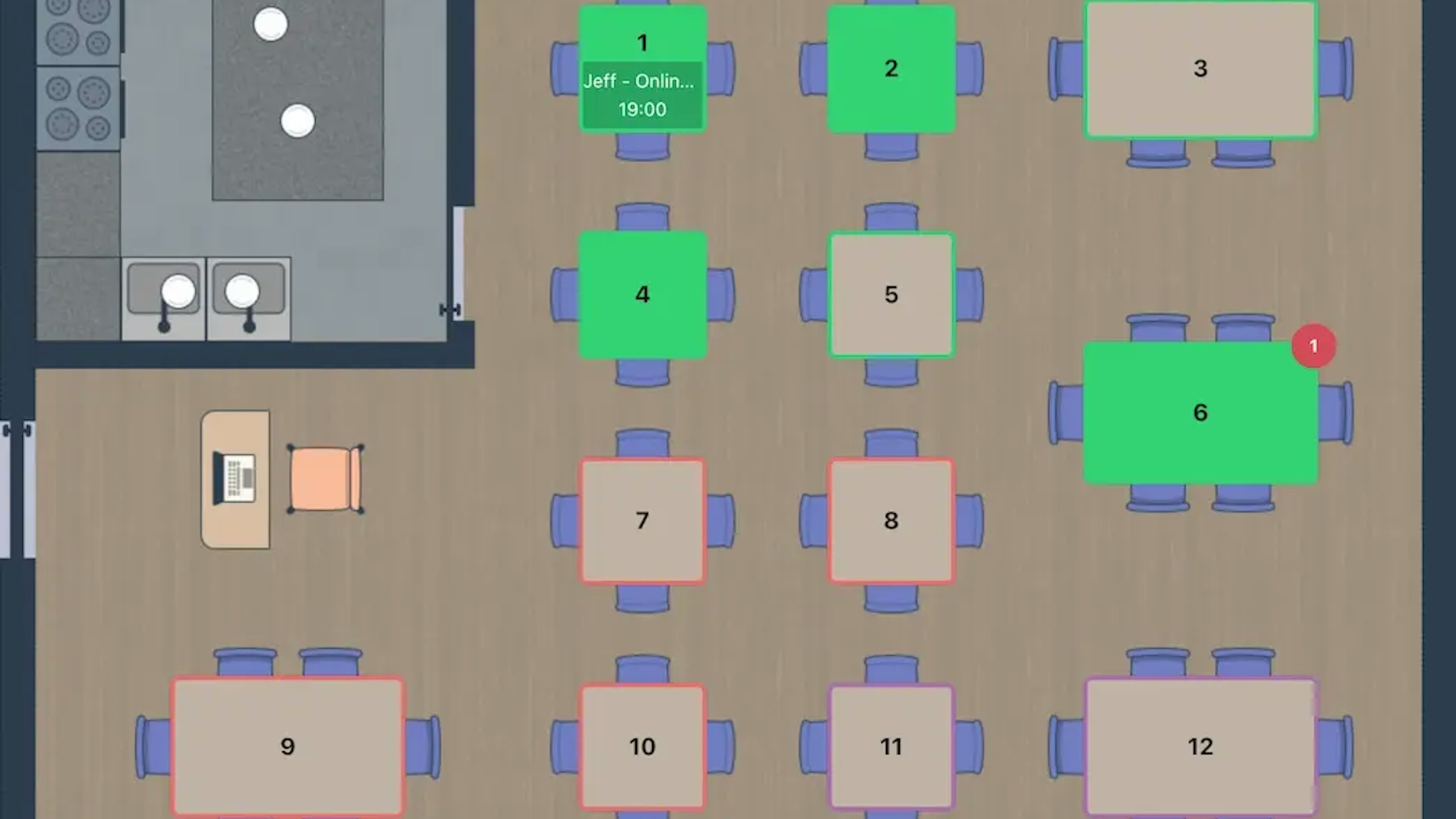
In addition to integration with delivery platforms, Odoo allows you to manage online reservations and pre-orders through its booking module. You can set up a booking system that allows customers to choose the date and time of their visit, as well as place orders in advance. You can also set up automatic notifications to confirm bookings and keep customers informed, ensuring a positive experience.
Advanced Odoo Customization for Restaurants
Another benefit you get from Set up Odoo for restaurants is the system's customizability. It can be tailored to the needs of the business, whether to optimize inventory management, sales tracking, or integration with external systems. The possibilities are endless.
Reporting and Business Analytics
To make informed decisions, it is necessary to analyze the reports generated by the various business operations. Odoo allows you to create detailed sales reports, such as identifying which dishes are the best sellers and which ones aren’t generating the expected return. You can also get a breakdown of costs and key performance indicators (KPIs), such as profit margins and table turnover efficiency, among others. All of this in real time.
Integration with external systems (POS, delivery apps, etc.)
Integrate Odoo with the point-of-sale (POS) system is essential for maintaining a continuous and up-to-date flow of information. In this case, it enables real-time sales synchronization, where data is automatically updated, making it easier to manage inventory. Integration with delivery apps allows online orders to sync directly with the management system, eliminating duplicate work. Additionally, it can integrate with online booking systems and even accounting tools, bringing everything together on a single platform.
Security and automatic backups
Security is one of the most sought-after features when Set up Odoo for restaurants. The system offers a variety of measures to ensure that data is protected and available at all times. For example, it includes two-factor authentication (2FA), automatic backups, and data encryption. Configuring these security options helps maintain the integrity of the information and protect the business from potential threats.
Common Issues and Solutions in Configuring Odoo for Restaurants
Although Odoo is a robust platform, as with any software, issues may arise during setup. Fortunately, there is a solution for every potential problem, and experts can be of great help if you encounter any difficulties.
POS Configuration Errors and How to Fix Them
In this section, some of the most common mistakes include:
Synchronization issues with the POS terminal: If the POS terminal does not sync properly with Odoo, orders will not be recorded correctly. Make sure the settings are configured correctly.
Lack of customization in user interfaces: The POS screens may not fit well with the restaurant's workflow. To resolve this, customize the POS interfaces in Odoo, adjust the buttons and product display to make taking orders easier.
Billing errors: If invoices are not generated correctly, this may be due to incorrect settings for tax rates or payment methods. Check the tax and payment settings in Odoo to resolve these issues.
Inventory synchronization errors
To the Set up Odoo for a restaurantThis can lead to errors in inventory synchronization and daily purchases. To resolve this issue, try review the product and category settings, checking that everything is in order. Also, set up reorder rules so that Odoo notifies you when inventory levels are low and need to be restocked. If you work with suppliers who deliver products on a regular basis, make sure to Check the tax settings and inventory data so that everything syncs automatically.
Problems with electronic invoicing and how to resolve them
Electronic invoicing is mandatory and must be integrated with your management system to avoid errors or legal issues. If you encounter issues, review your tax settings and ensure they are configured according to local laws. Also, verify that Odoo is up to date and compatible with the tax systems of the country where you operate. If invoices are not generated correctly, review the billing templates and make sure all required fields are filled out correctly.
Discover what Odoo can do for your business.
An initial meeting to see if we're a good fit, followed by a demonstration tailored to your processes.
More posts like this
8-minute read
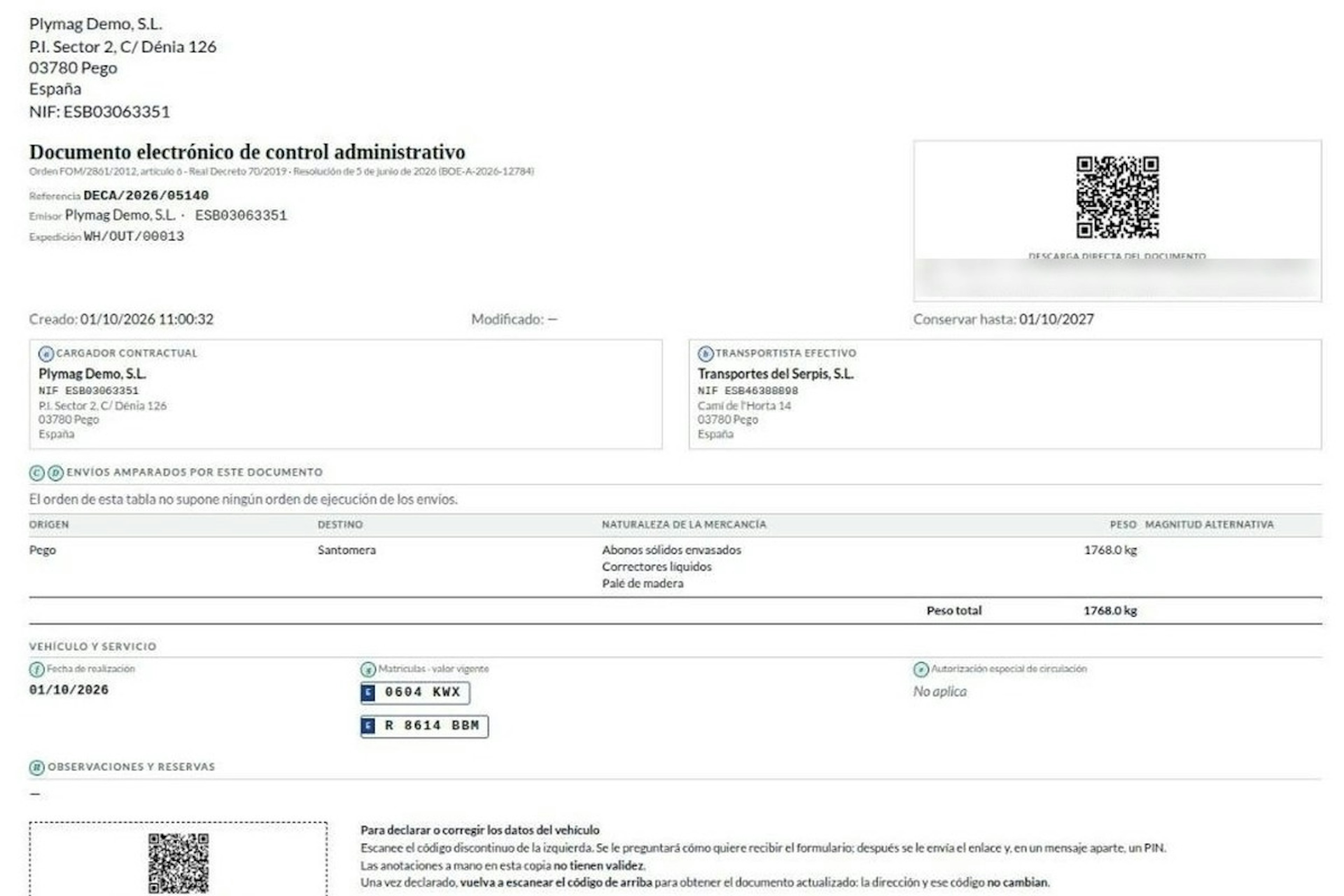
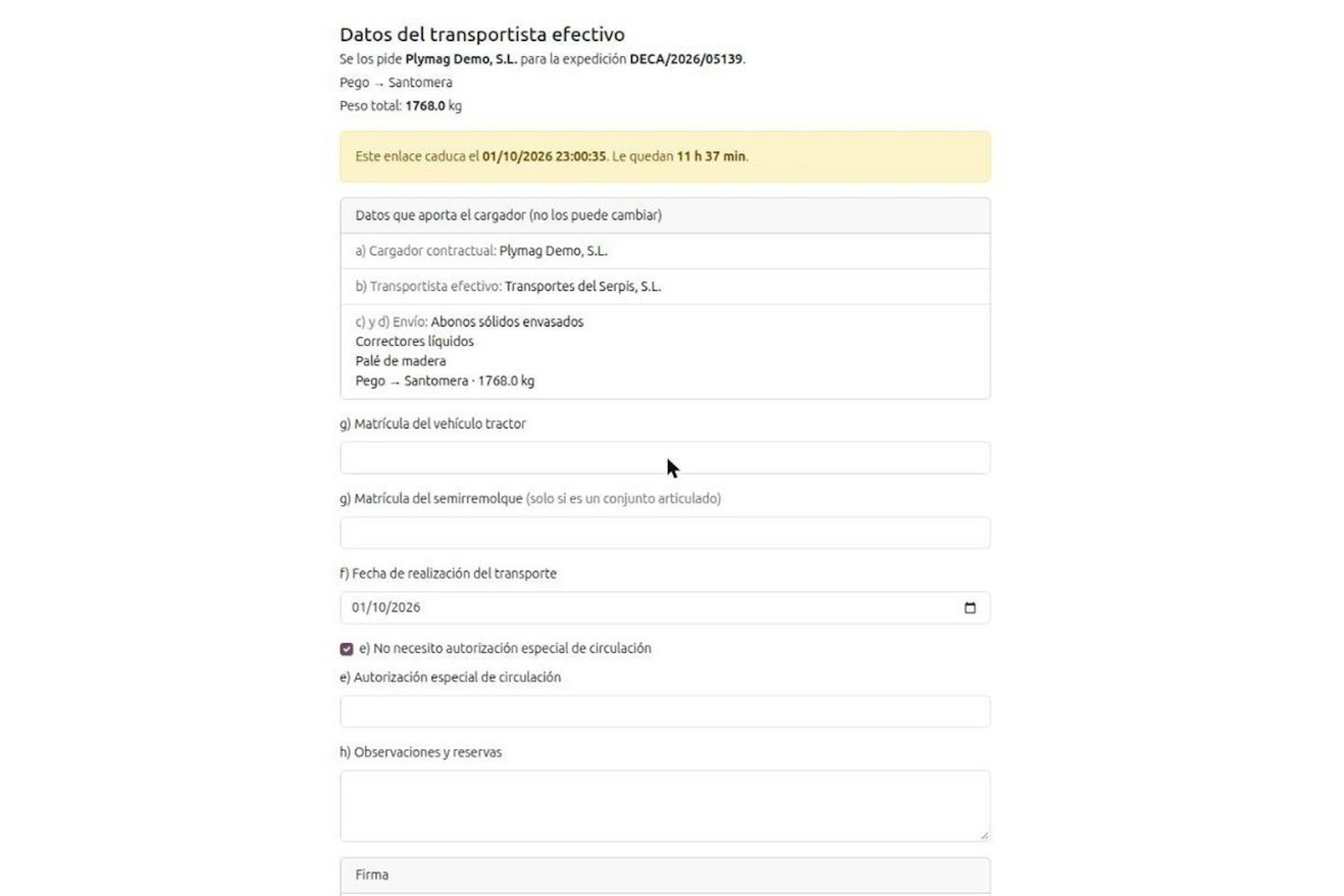
How the DeCA works in Odoo when the truck changes on the road: QR, secure link and PIN.
A breakdown, a different semi-trailer, a reservation about the load: this is how the DeCA is amended in Odoo during transport, with two QR codes, a link only the carrier receives and a six-digit PIN.
8-minute read
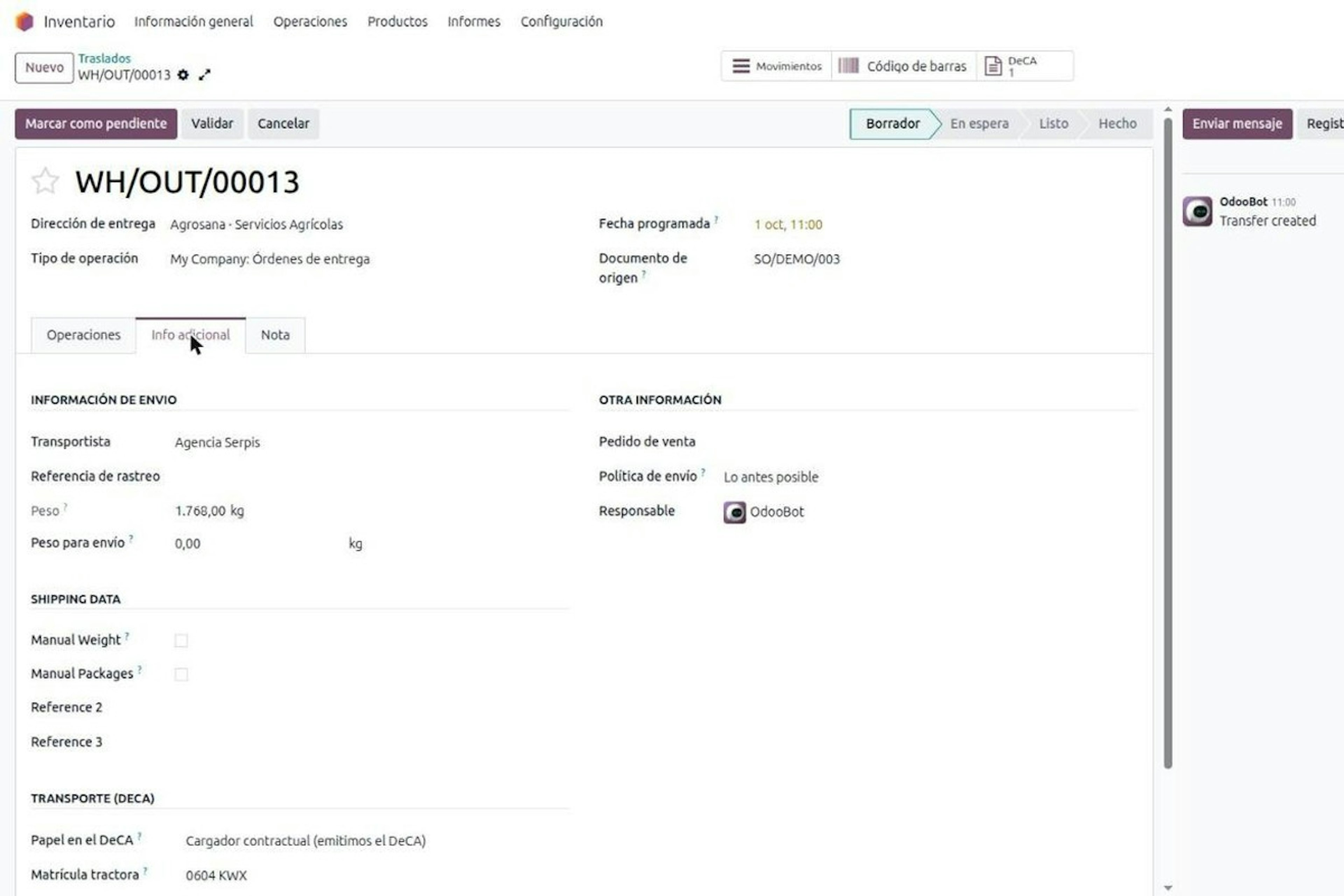
DeCA for transport companies with Odoo: you supply your data by link and issue it when you subcontract.
As the actual carrier, the DeCA binds you, but you will usually supply the special authorisation, date and plates through the link your client's Odoo sends you. When you subcontract, you will normally issue it from your own Odoo.
13-minute read
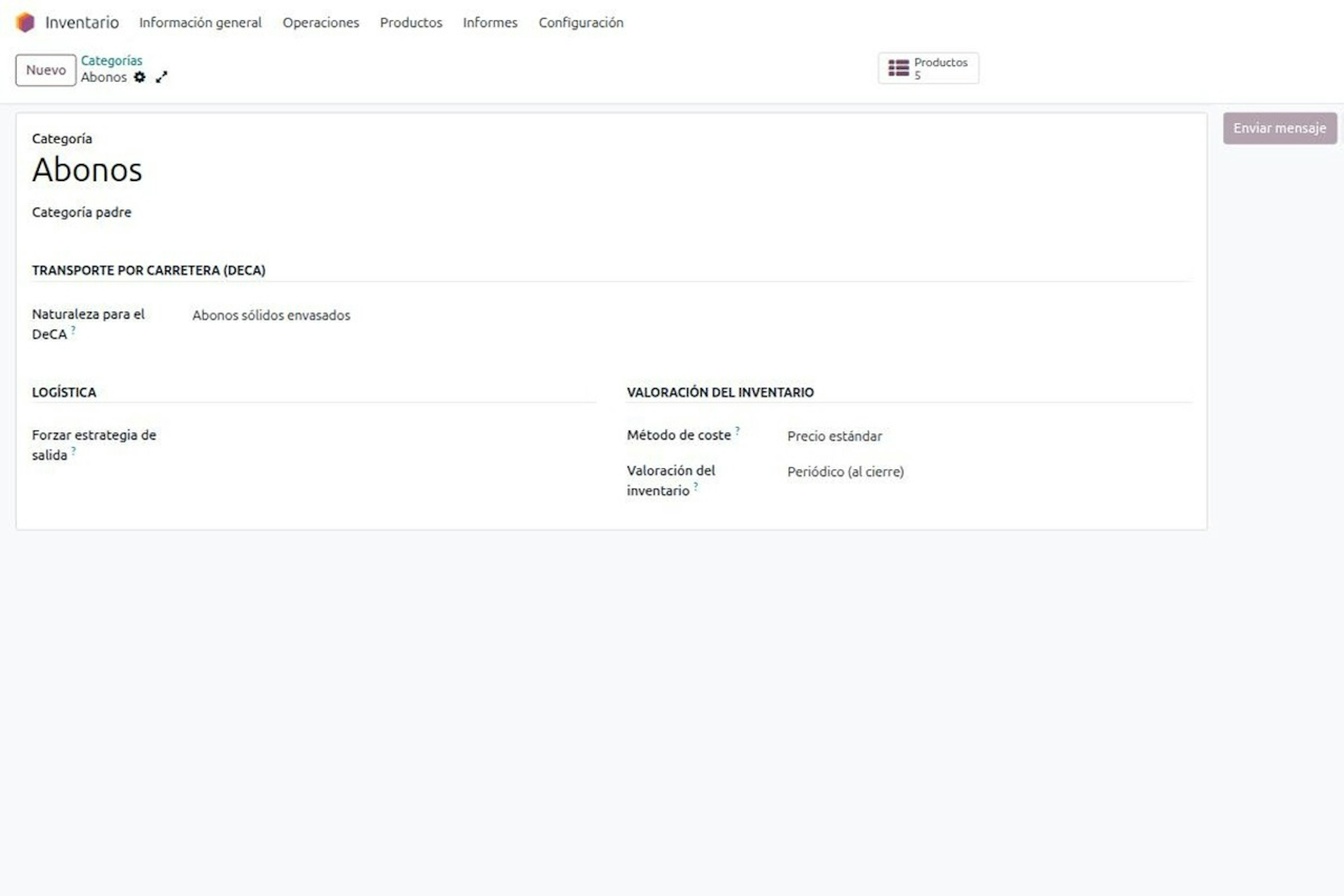
DeCA in Odoo: the transport control document, issued from the delivery order.
The DeCA is mandatory from 5 October 2026. If you run Odoo, you issue it from the delivery order with no separate tool, and the carrier adds the plate from their phone.
8-minute read
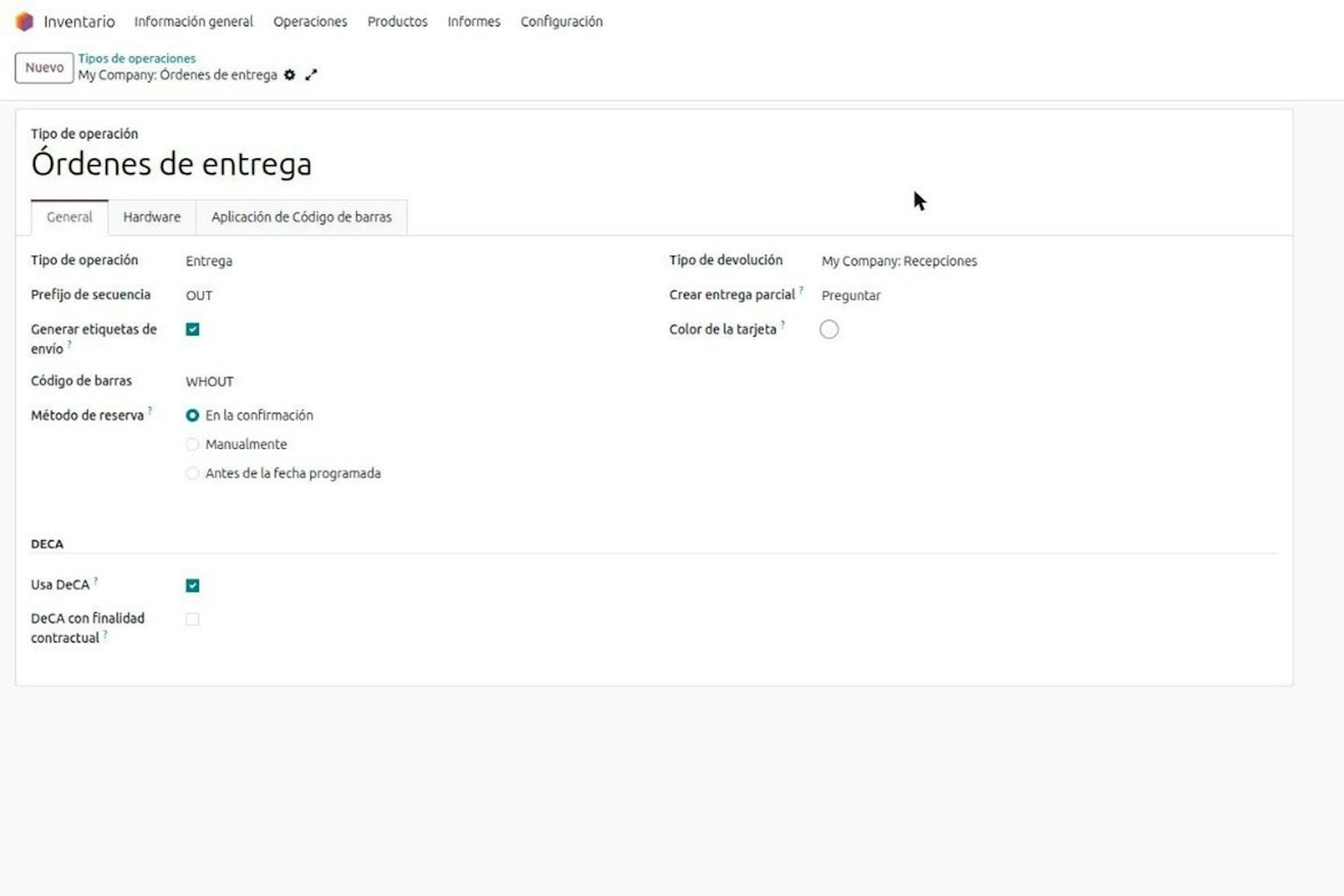
DeCA in Odoo for distribution companies: comply even without trucks.
If you distribute with Odoo and contract the transport, the DeCA binds you even if you own no truck, and you will usually be the one issuing it. What data you supply, why it is already on your delivery order and what daily work looks like.
8-minute read
Who must issue the DeCA: both parties, and in Odoo you decide it on each delivery order.
The DeCA binds both the contractual shipper and the actual carrier, even if you own no trucks. Five questions to find out which one you are and how it shows on each Odoo delivery order.
Odoo Partner in Barcelona
Odoo Partner in Barcelona
Odoo Implementation, Consulting, and Support for Businesses in Barcelona
Odoo Partner in Madrid
Odoo Partner in Madrid
Odoo Implementation, Consulting, and Support for Companies in Madrid

Odoo Partner in Alicante
Odoo Partner in Murcia
Odoo Implementation, Consulting, and Support for Businesses in Murcia

Odoo Partner in Murcia
Odoo Partner in Murcia
Odoo Implementation, Consulting, and Support for Businesses in Murcia
Odoo Consultants
Odoo Consultants
At Dynapps, we’ve been working as Odoo consultants in Spain since before we wrote the first line of configuration code: we understand your business, prioritize what truly adds value, and only then do we design the solution.