Odoo vs. Factusol: The Best Solution for Your Billing System

Why does this comparison matter?
If you run a small business or are self-employed in Spain, it’s very likely that at some point you’ve used—or at least considered—Factusol. For years, this software has billing Developed by Software DELSOL, it has established itself as one of the most popular tools on the Spanish market for issuing invoices, managing inventory, and handling basic day-to-day operations. Its accessibility, free version, and practical approach have made it the natural starting point for thousands of businesses that needed to digitize their invoicing without complicating their lives.
But businesses evolve. What started as a one-person operation with just a handful of clients eventually grows into a more complex enterprise: a sales team that needs a CRM, a warehouse that requires true traceability, online orders that need to be managed, processes of manufacturing whether it's a matter of coordination, or simply the need to have all the company's information connected in a single system instead of jumping between three or four different programs. That's when the inevitable question arises: Do I stick with Factusol or make the switch to a Full-featured ERP Like Odoo?
This comparison provides an in-depth analysis of what each solution offers, where each one excels, and, above all, which one is the best fit based on your business’s current situation and actual needs.
Meet the contender
What is Factusol? (TeamSystem Factusol Popular)
Factusol is an invoicing and sales management program originally developed by DELSOL Software, a Spanish company based in Mengíbar (Jaén) that has been developing management software for small and medium-sized businesses and freelancers for decades. In recent years, Software DELSOL was acquired by TeamSystem, an Italian technology company specializing in business management solutions, which has led to a rebranding: the product is now officially called TeamSystem Factusol Popular, although in the Spanish market most people still refer to it simply as Factusol.
At its core, Factusol is an invoicing solution. The program allows you to issue invoices, quotes, and delivery notes; manage customers and suppliers; and keep basic track of inventory. It is a tool designed to address a specific need—invoicing in an organized manner—and it does so reasonably well. Its interface, while somewhat traditional, feels familiar to those who have been using it for years, and its learning curve is moderate for simple tasks.
Fragmented ecosystem: Factusol is not a comprehensive system. When you need accounting For a comprehensive solution, turn to Contasol. Payroll: Nominasol. POS: Tpvsol. eCommerce: Tienda Virtual. CRM: TeamSystem CRM. Each is a standalone application, which means that information does not always flow seamlessly between them.
Another important aspect is the technological architecture. Factusol is primarily a desktop application for Windows. Although cloud-based options are available, the experience is designed for on-premises installation. This means it relies on specific physical hardware, has limitations for remote work, and offers less flexibility compared to web-based solutions.
All in all, Factusol has one undeniable merit: it has made digital invoicing accessible to everyone in Spain. Its free version has enabled thousands of freelancers and microbusinesses to take their first step toward digital management, and that is something that deserves recognition.
What is Odoo?
Odoo is a Modular open-source ERP which integrates more than 90 native apps into a single platform: billing, accounting, CRM, inventory, manufacturing (MRP), e-commerce, human resources, marketing, point of sale, project management, and many more. All seamlessly integrated, sharing the same database and workflow.
Unlike traditional management software, Odoo was designed from the ground up as a solution 100% web-based. You can access it from any browser, on any device, without the need for local installations or specific operating systems. Its native mobile app lets you manage key operations—sales, inventory, approvals, and employee time tracking—directly from your phone.
Full integration: When a sales representative closes a lead in the CRM, they can turn it into a quote with a single click. When the customer accepts, the order is generated. When the order is shipped, inventory is updated. When the invoice is issued, it is reflected in accounting. Everything is automatic, everything is connected, with no manual exports. This ability to create end-to-end workflows is what sets a Real ERP a set of separate tools.
In addition, Odoo offers a level of customization that few other systems can match. Because it is open source, any aspect of the system can be tailored to the specific needs of each business. For no-code customizations, Odoo Studio It allows you to modify views, add fields, create automations, and design reports without writing a single line of code.
In-depth comparison by category
Billing and Accounting
Invoicing is where Factusol really shines—and for good reason. The program was designed specifically for this purpose: creating invoices, managing billing cycles, issuing quotes and delivery notes, and maintaining an organized record of business transactions. For a freelancer or a micro-SME whose primary need is to invoice correctly and meet their basic tax obligations, Factusol fulfills its role reliably.
However, there is one key distinction: Factusol does not include full accounting functionality. To maintain the general ledger, manage journal entries, perform year-end closings, file tax returns, or generate balance sheets, you need to use Contasol, which is a standalone program within the TeamSystem ecosystem. This means that billing and accounting data are stored in separate systems.
In Odoo, invoicing and accounting are part of a single, native workflow. When you issue an invoice, the journal entry is generated automatically. When you record a payment, the bank reconciliation is updated in real time. Financial reports are generated directly from operational data without any intermediate steps. Additionally, Odoo natively supports multi-company and multi-currency functionality.
Inventory and Logistics
Factusol offers inventory management that works well for simple operations. You can track incoming and outgoing items, monitor stock levels, and generate basic inventory reports. For a small retail store or a business with a limited product catalog, this may be sufficient.
But as inventory complexity increases—and in most growing companies, it does—the limitations become apparent. Factusol does not offer advanced batch or serial number management, does not allow for the definition of multiple warehouses with logistics routes between them, nor does it have automatic restocking rules that generate purchase orders when inventory reaches a minimum level.
Odoo Inventory
Batch and Serial Number Management
Multi-warehouse system with configurable routes
Automatic restocking
Complete end-to-end traceability
Integrated with purchasing, sales, and MRP
Factusol Stock
Record of arrivals and departures
Inventory Control
Basic inventory reports
No advanced batches or series
No multi-warehouse or routes
CRM and Sales
This is an area where the difference between the two solutions is particularly noticeable. At its core, Factusol is not a sales management tool. It does not include a true CRM—there is no sales pipeline, no lead tracking, and no sales automation. If you need CRM functionality within the TeamSystem ecosystem, you’ll have to turn to TeamSystem CRM, which is a separate product with its own logic and interface.
This creates a problematic disconnect for any company with an active sales team. Sales reps use one tool, while billing uses another, and the connection between the two relies on manual processes or integrations that rarely work seamlessly.
In Odoo, the CRM is natively integrated with the entire sales process. A lead comes in and enters the sales pipeline. The team manages the opportunity, logs activities, and schedules follow-ups. When the opportunity matures, it becomes a quote with a single click. When the customer accepts, the sales order is generated. From there, the process continues through delivery, invoicing, and collection without leaving the system. The customer’s entire sales history is available in one place.
e-commerce and Web Presence
E-commerce has become an essential channel for most companies, and the differences in approach are very clear here. Within the TeamSystem ecosystem, online sales are managed through Online Store, a separate product that allows you to create a basic online store. Since it is a standalone system, synchronization with Factusol for inventory and billing requires additional configuration and is not always immediate or two-way.
Odoo integrates its eCommerce as an integral part of the ecosystem. The online store shares the same database as inventory, accounting, and sales. When a customer makes a purchase on the website, stock levels are updated in real time across all channels. The invoice is generated automatically. The payment is reconciled with the bank. All without manual intervention or scheduled synchronizations that could fail. For a complete guide, check out our article on Odoo for e-commerce.
Manufacturing (MRP)
The comparison here is brief because the difference is so significant. Factusol does not include manufacturing features. There are no bills of materials, no production orders, and no material requirements planning (MRP). If your company manufactures—whether finished products, assemblies, or any other type of manufacturing process—Factusol simply does not meet that need.
Odoo offers a comprehensive, built-in MRP module. Multi-level bills of materials, production orders, work centers with capacity and schedules, quality control at critical process points, and production planning that takes material availability into account. MRP is natively integrated with inventory and purchasing: when a production order requires materials that are out of stock, the system automatically generates purchase orders.
Scalability and Customization
One of the most important questions to ask when choosing management software It's not just about whether it meets your current needs, but whether it will be able to support your business as you grow.
Factusol is designed for a specific audience: freelancers and micro-businesses with basic invoicing and inventory management needs. And it performs well within that scope. But as the business grows—when you need more complex processes, more concurrent users, more integrations, and more automation—the system reaches a functional roof which cannot be resolved through additional configuration.
Because Odoo is modular, it allows you to Start with what you need and add features as your business grows. You can start with just invoicing and accounting, and later add CRM, inventory, manufacturing, e-commerce, or HR without switching systems. Because it’s open source, the customization options are virtually unlimited. This flexibility means your investment in Odoo doesn’t become obsolete—the system evolves with your business.
Regulatory Compliance: VeriFactu and more
Regulatory compliance is a non-negotiable requirement for any management software in Spain, especially with the entry into force of VeriFactu and the requirements of the Anti-Fraud Law. In this regard, both Factusol and Odoo are compliant with current regulations, ensuring that you can issue verifiable invoices and meet your record-keeping and reporting obligations.
Where Odoo really stands out is in its ability to handle global regulatory compliance. In addition to VeriFactu, Odoo natively supports Immediate Information Reporting (SII) with the Tax Agency, electronic invoicing in multiple international formats (Factur-X, PEPPOL, UBL), and tax compliance in over 70 countries. For companies that operate or plan to operate internationally, this capability is a key differentiator.
Cloud vs. Desktop
The technological architecture of each solution directly influences how you work on a day-to-day basis. Factusol is, by design, a desktop program for Windows. This means you need to have it installed on a specific computer, that the data is stored on that machine (or on a local server), and that remote access relies on external solutions such as remote desktop software or VPNs.
Odoo is 100% web-based from the ground up. You can access it from any browser, on any operating system, from any location. The data is centralized in the cloud (or on your own server if you prefer an on-premises solution), and all users work on the same up-to-date version of the system in real time. The native mobile app extends this accessibility to your phone. In a world where remote work and mobility are increasingly the norm, native web architecture isn’t a marginal advantage—it’s an operational requirement.
Who is each one for?
Factusol
A good choice if...
Are you self-employed or a microbusiness?
Your main need is bill correctly
You don't have a sales team to manage
You don't manufacture or sell online
Your growth outlook is moderate
Looking for Odoo with no upfront investment
Smart investing is...
You need more than just revenue
You have a sales team and need a CRM
You manage inventory that involves a certain degree of complexity
Do you manufacture products or sell them online?
You need integrated accounting
You plan to grow without changing your system
The fundamental difference lies not in specific features, but in overview. Factusol addresses a specific need; Odoo connects all your company’s needs into a cohesive system. The value of this integration multiplies with every process you add: each new area you incorporate into the ERP generates data that feeds into the rest, creating operational intelligence that no set of separate programs can replicate.
Discover what Odoo can do for your business.
An initial meeting to see if we're a good fit, followed by a demonstration tailored to your processes.
More posts like this
8-minute read
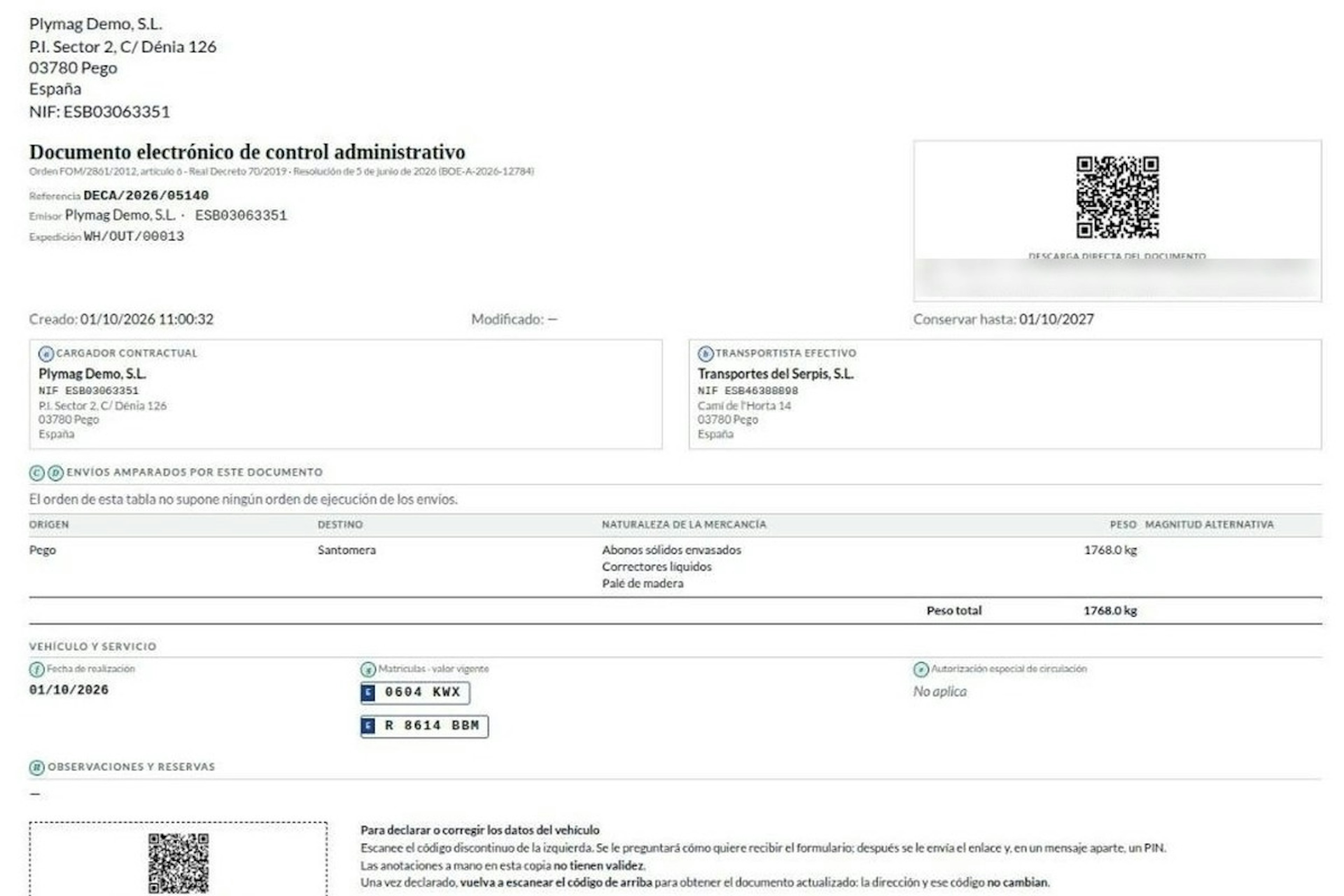
How the DeCA works in Odoo when the truck changes on the road: QR, secure link and PIN.
A breakdown, a different semi-trailer, a reservation about the load: this is how the DeCA is amended in Odoo during transport, with two QR codes, a link only the carrier receives and a six-digit PIN.
8-minute read
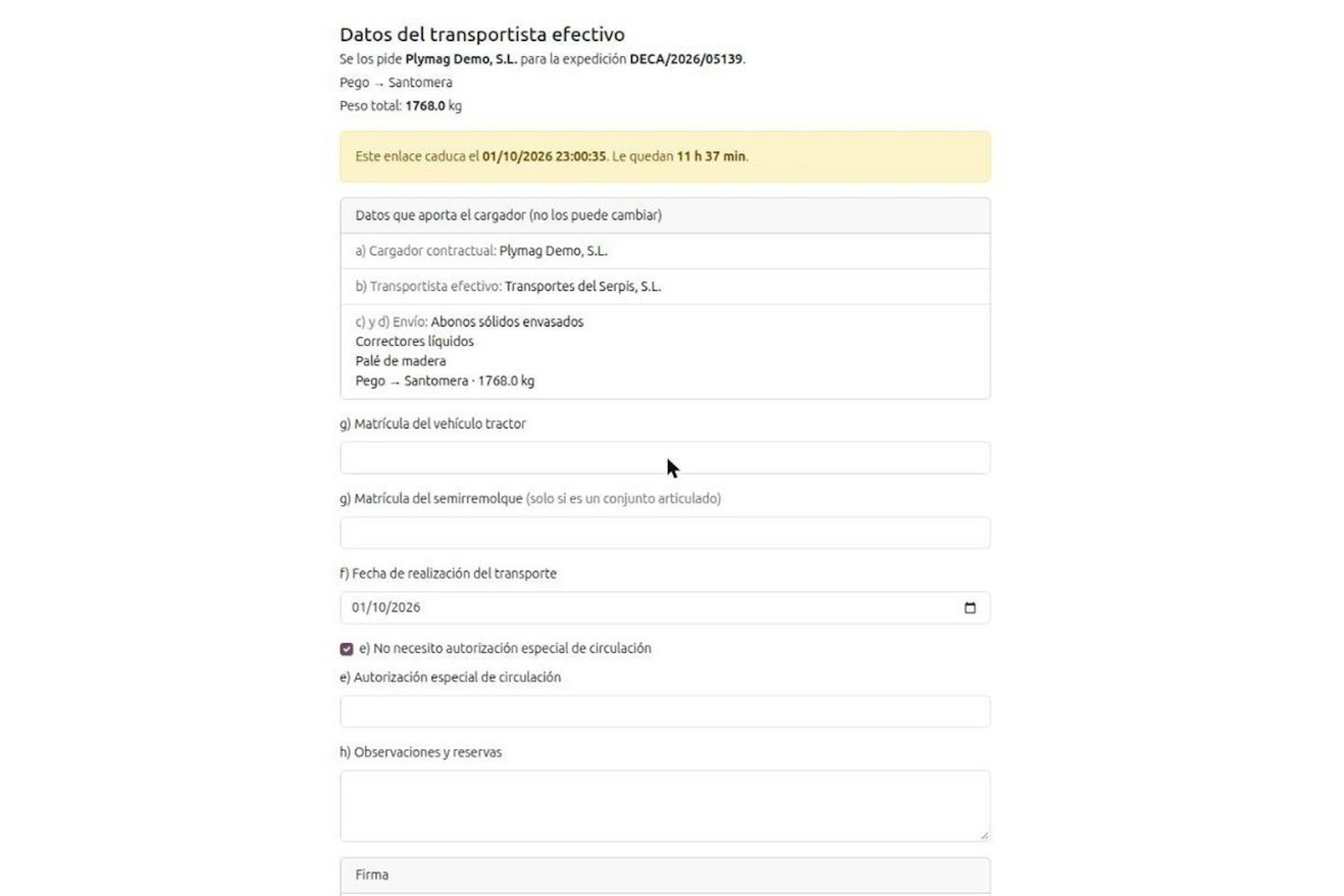
DeCA for transport companies with Odoo: you supply your data by link and issue it when you subcontract.
As the actual carrier, the DeCA binds you, but you will usually supply the special authorisation, date and plates through the link your client's Odoo sends you. When you subcontract, you will normally issue it from your own Odoo.
13-minute read
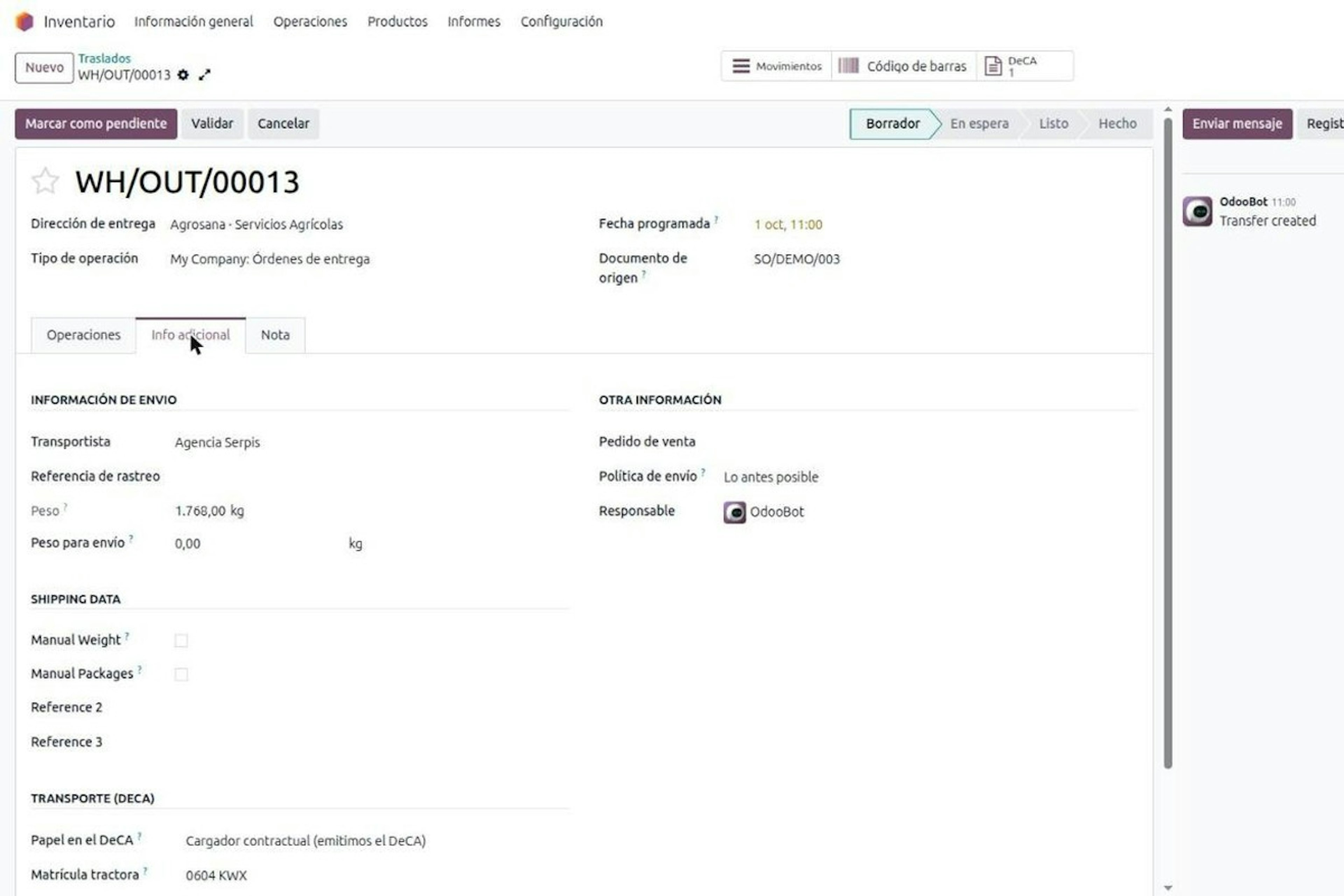
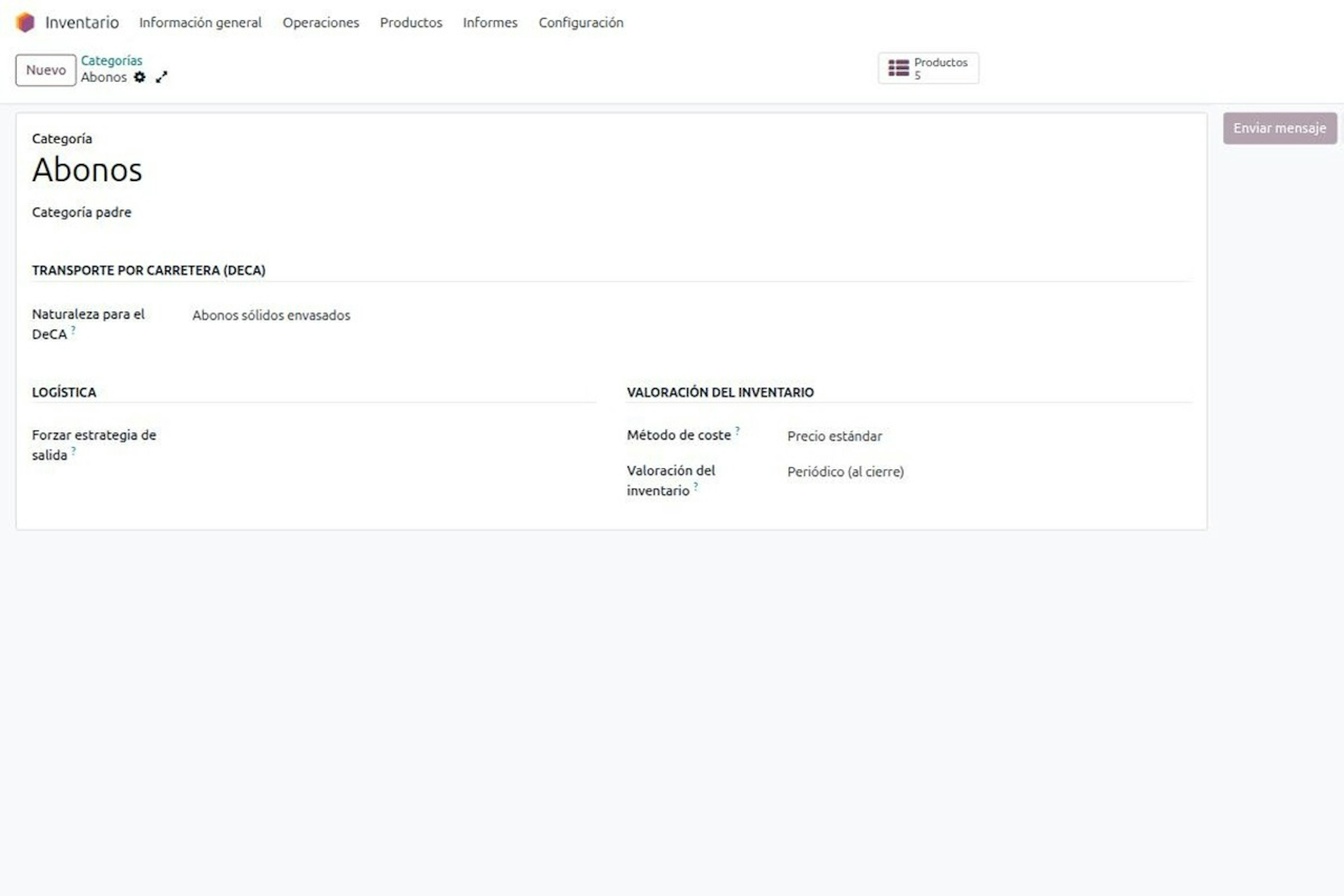
DeCA in Odoo: the transport control document, issued from the delivery order.
The DeCA is mandatory from 5 October 2026. If you run Odoo, you issue it from the delivery order with no separate tool, and the carrier adds the plate from their phone.
8-minute read
DeCA in Odoo for distribution companies: comply even without trucks.
If you distribute with Odoo and contract the transport, the DeCA binds you even if you own no truck, and you will usually be the one issuing it. What data you supply, why it is already on your delivery order and what daily work looks like.
8-minute read
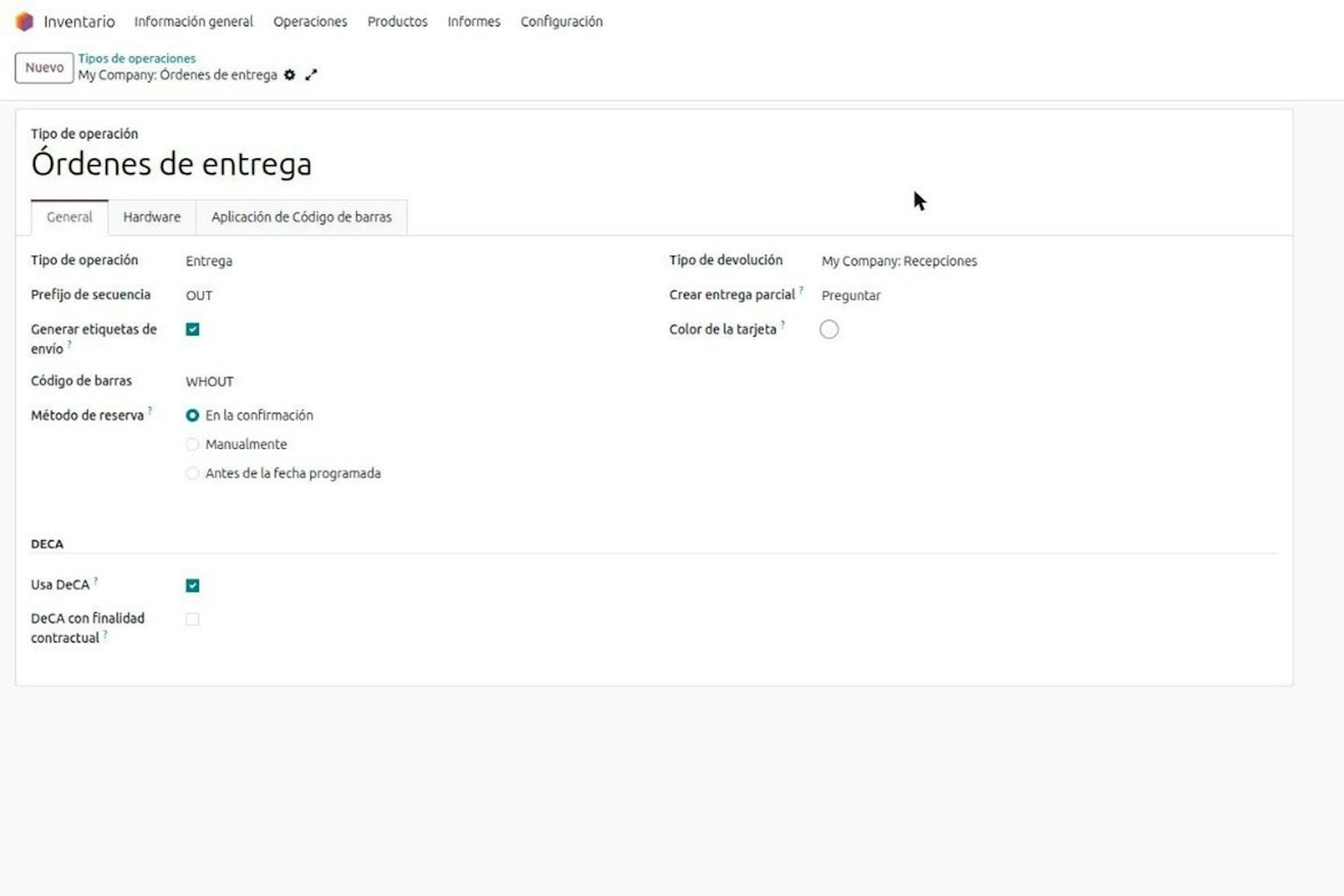
Who must issue the DeCA: both parties, and in Odoo you decide it on each delivery order.
The DeCA binds both the contractual shipper and the actual carrier, even if you own no trucks. Five questions to find out which one you are and how it shows on each Odoo delivery order.

Odoo Partner in Barcelona
Odoo Partner in Barcelona
Odoo Implementation, Consulting, and Support for Businesses in Barcelona

Odoo Partner in Madrid
Odoo Partner in Madrid
Odoo Implementation, Consulting, and Support for Companies in Madrid

Odoo Partner in Alicante
Odoo Partner in Murcia
Odoo Implementation, Consulting, and Support for Businesses in Murcia

Odoo Partner in Murcia
Odoo Partner in Murcia
Odoo Implementation, Consulting, and Support for Businesses in Murcia
Odoo Consultants
Odoo Consultants
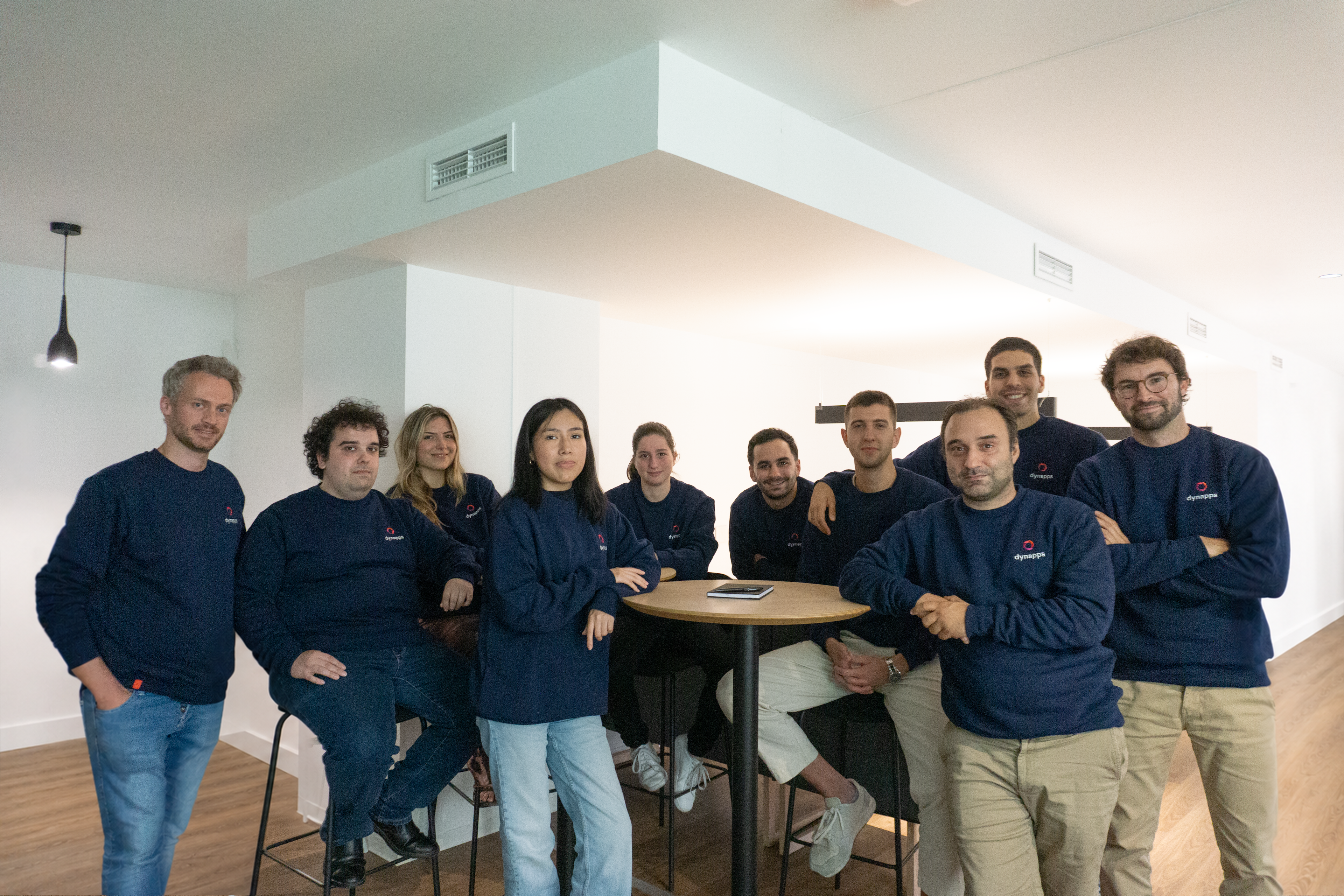
At Dynapps, we’ve been working as Odoo consultants in Spain since before we wrote the first line of configuration code: we understand your business, prioritize what truly adds value, and only then do we design the solution.