Is it hard to learn how to use Odoo? A Beginner's Guide
Is it hard to learn how to use Odoo? Many companies are looking for tools that integrate and streamline their processes to gain a competitive edge. Odoo is a powerful solution for this. In this article, Dynapps (Odoo Gold Partner) highlights the key features, offers practical tips for adopting the system, and explains how to optimize your user experience.

Is it hard to learn how to use Odoo?
If you don't know what Odoo is, it's important to know that it's a ERP system or open-source enterprise resource planning (ERP) software which integrates various functions into a single platform. The complexity of using it may stem from the need to adapt to new processes and digital tools. Odoo, in particular, has been designed with usability and customization in mind, allowing companies across various industries to implement it gradually.
User Interface and User Experience
When analyzing Odoo's learning curve, it is worth noting that one of the first impressions it makes is its modern, clean user interface. The platform features an intuitive design that makes it easy to access information and navigate between different modules. Thanks to its modular structure, users can start by using basic functions and, as they become more familiar with the system, explore more advanced features.
In addition, the layout of menus and panels is designed to be accessible to those who are not tech-savvy. The experience is enhanced by the ability to customize dashboards and views tailored to the needs of each business. This reduces the sense of complexity and makes the transition from manual to digital processes less daunting for teams.
Available learning resources
One of the great Benefits of Odoo is the wealth of resources available to users, whether you're a beginner or have experience with ERP systems. Odoo offers a wide range of tutorials, videos, detailed documentation, and user forums. This allows newcomers to access high-quality educational content without having to undergo extensive training.
In addition, Odoo has an active community where users share experiences, answer questions, and offer advice. This support network is key to facilitate learning and speed up the implementation process of the system in your company.
Step-by-Step Guide to Getting Started with Odoo
If you're one of those people who think that Learn how to use Odoo It's complex, but a quick overview of its main features can help clear up any doubts. A quick guide covering everything from initial setup to tailoring it to your business's specific needs will prove you wrong.
Installation and Initial Setup
As expected, a Odoo Tutorial for Beginners includes information on installation and initial setup. Odoo is available in both cloud and on-premises versions. Cloud installation is simpler, as it does not require your own server, and Odoo handles updates and maintenance. If you choose the on-premise installation, you will need a suitable server and must follow the instructions provided by the system.
Next, you should Select one of the versions: Community (free) or Enterprise (paid) and download it. The choice will depend on the level of support and additional features required by the business. Once the platform is installed, you should proceed with basic customization, configuring settings such as language, time zone, and module display.
If this seems too complicated, you can try out the Odoo demo. There are also partners, such as Dynapps, who can help you streamline the process.
Exploring Essential Modules
Once it has been installed, the next step is to explore Odoo's modules. Odoo consists of more than 30 integrated applications that cover various areas of business management. You can find:
Sales and CRM: To manage customer relationships and track sales opportunities.
Accounting and Finance: To keep detailed track of the company's finances.
Inventory and Purchasing: To manage product inventory and make purchases efficiently.
Human Resources: Simplify personnel administration, timesheet tracking, and payroll management.
Projects and tasks: It helps you plan and monitor projects, assign tasks, and evaluate team performance.
Customization and adaptation to business needs
In the section on customization and business adaptation, it may seem like learning to use Odoo is difficult. However, this is one of its key strengths. The system allows tailor the features to the needs of each company, either through basic configurations or by developing custom applications.
You'll be able to modify workflows, add new fields to forms, customize views and dashboards, and tailor modules to the needs of your industry. You’ll also be able to develop custom modules, that include the features you want and even allow you to connect the platform to other business systems or external software.
Tips to Make Learning Odoo Easier
The Odoo learning process It may take as long as you need to get the most out of its features. However, you may need to speed up your training for the sake of optimization and operational efficiency. We recommend taking an Odoo course so you can learn about and start using its features as soon as possible.
Participation in communities and forums
The Learning Odoo It's much easier when you join their active community. Forums, user groups, and online communities are great places to ask questions, share experiences, and get quick answers to common problems. There are platforms where experienced users offer advice and best practices.
In these forums, you can learn about and apply practical solutions to any questions or features you don't understand. Best of all, the communities discuss new features, updates and best practices that can be applied to your business. You’ll also have the option to access free courses and webinars.
Regular practice and real-world projects
The Odoo training It requires constant practice and, if possible, hands-on experience with real projects, which is where you can see how the system is implemented and operates. You can set up a test environment where you can experiment without affecting the company’s operations. This will allow you to test different modules, configurations, and customizations.
As pilot project, implement Odoo in one area of the business to evaluate its functionality and adjust it based on the results obtained. This phased approach minimizes risks and facilitates overall adoption. Keep a record of common errors, implemented solutions, and best practices learned. This will serve as a reference for future challenges.

Considerations for Implementing AI in Odoo
Odoo is a highly flexible platform, and one of its most innovative features is its ability to integrate Artificial Intelligence (AI) into various areas. The implementation of this technology can improve decision-making, automate processes, and predict business trends.
Assessment of Business Needs and Objectives
Before Integrate AI into Odoo, it’s important to assess your company’s needs. For example, you might ask yourself in which areas automation or predictive analytics could have the greatest impact. Identifying areas such as inventory management, demand forecasting, or customer service automation can be a good place to start.
Next, assess whether current and future processes have the infrastructure and capacity to implement AI solutions in a sustainable manner. A thorough assessment can reveal the true value of integrating AI into the ERP system.
Selecting the right modules and tools
Part of the digital transformation with Odoo lies in the essential modules, configuration, and the right tools. For example, some modules offer capabilities for predictive data analysis, which can help you anticipate demand and optimize inventory management.
In addition, AI in Odoo It can automate routine processes such as invoicing, email sorting, or customer tracking. There are solutions and APIs that can integrate with Odoo to expand its analytical and intelligence capabilities. The choice will depend on the type of business and the objectives set when implementing the system.
If the process becomes complicated, the expert advice from Dynapps can help ensure effective integration.
Team training and onboarding
Artificial intelligence is present in all business sectors, demonstrating that its implementation in management systems has been effective. However, it requires specific training. Therefore, the recommendation is organize workshops and training sessions for the team, focusing on the use of new tools.
It’s important to ensure that every team member understands how they will benefit from task automation. Also, roll out AI gradually, allowing the team to get used to the new features without facing a steep learning curve.
Discover what Odoo can do for your business.
An initial meeting to see if we're a good fit, followed by a demonstration tailored to your processes.
More posts like this
8-minute read
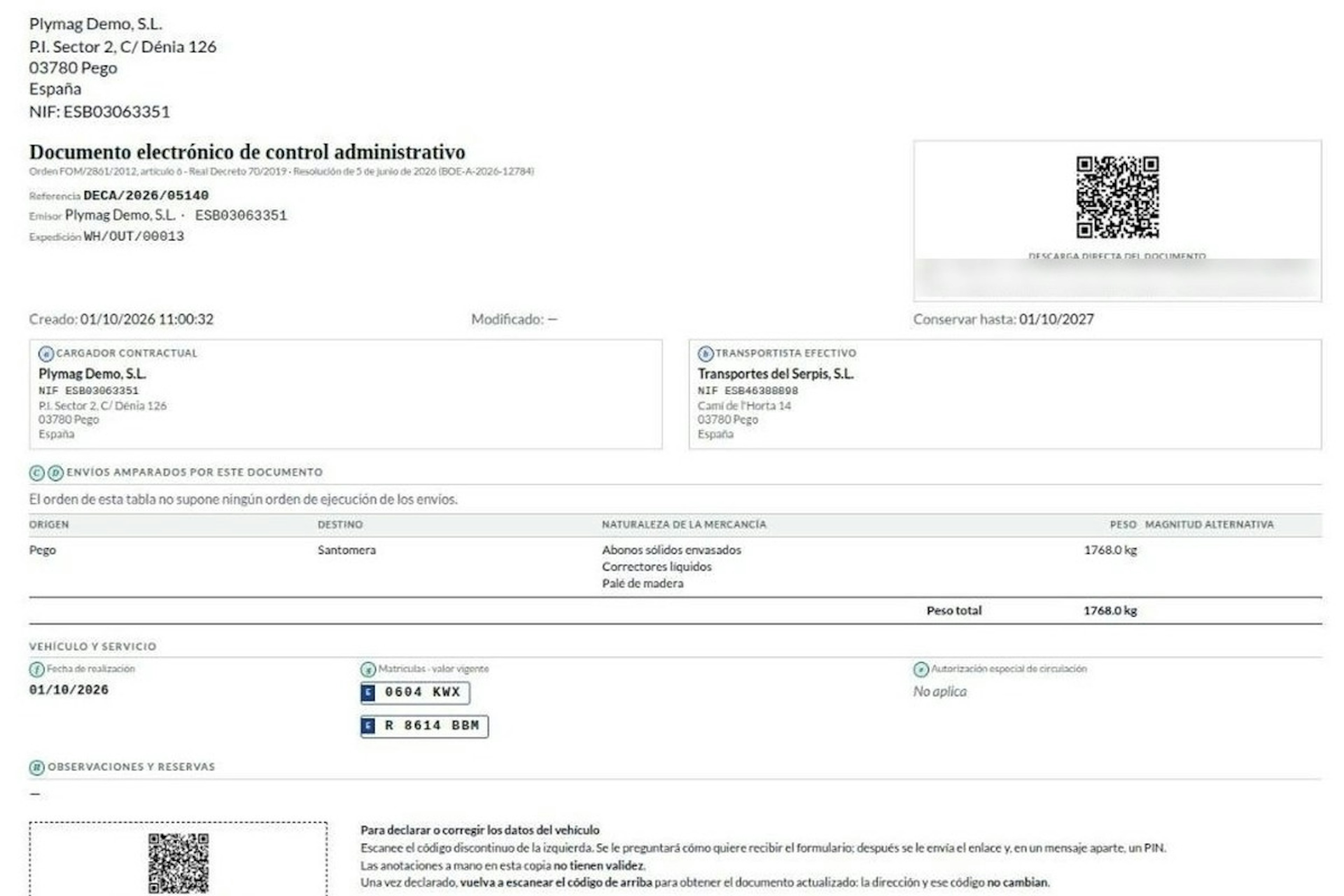
How the DeCA works in Odoo when the truck changes on the road: QR, secure link and PIN.
A breakdown, a different semi-trailer, a reservation about the load: this is how the DeCA is amended in Odoo during transport, with two QR codes, a link only the carrier receives and a six-digit PIN.
8-minute read
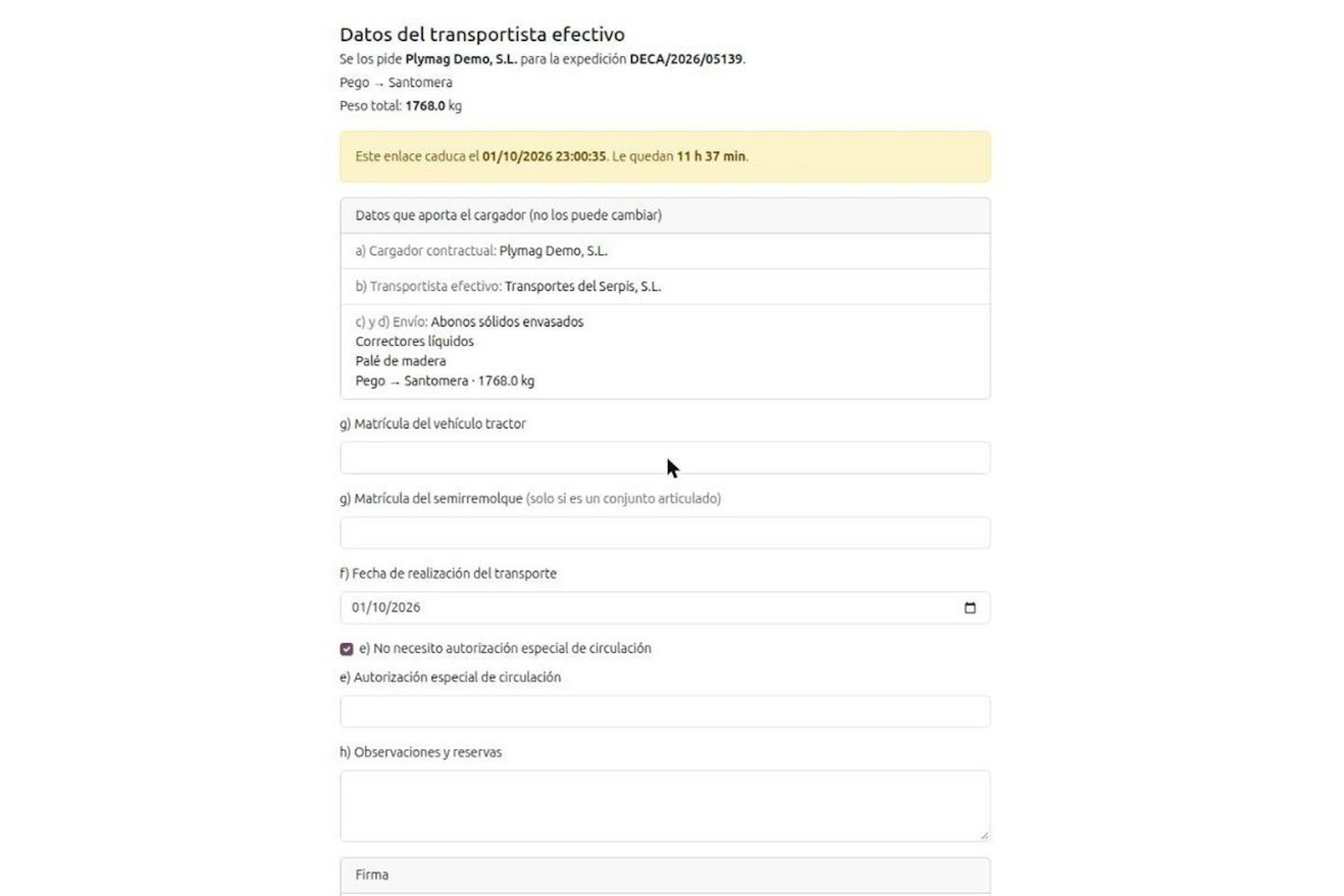
DeCA for transport companies with Odoo: you supply your data by link and issue it when you subcontract.
As the actual carrier, the DeCA binds you, but you will usually supply the special authorisation, date and plates through the link your client's Odoo sends you. When you subcontract, you will normally issue it from your own Odoo.
13-minute read
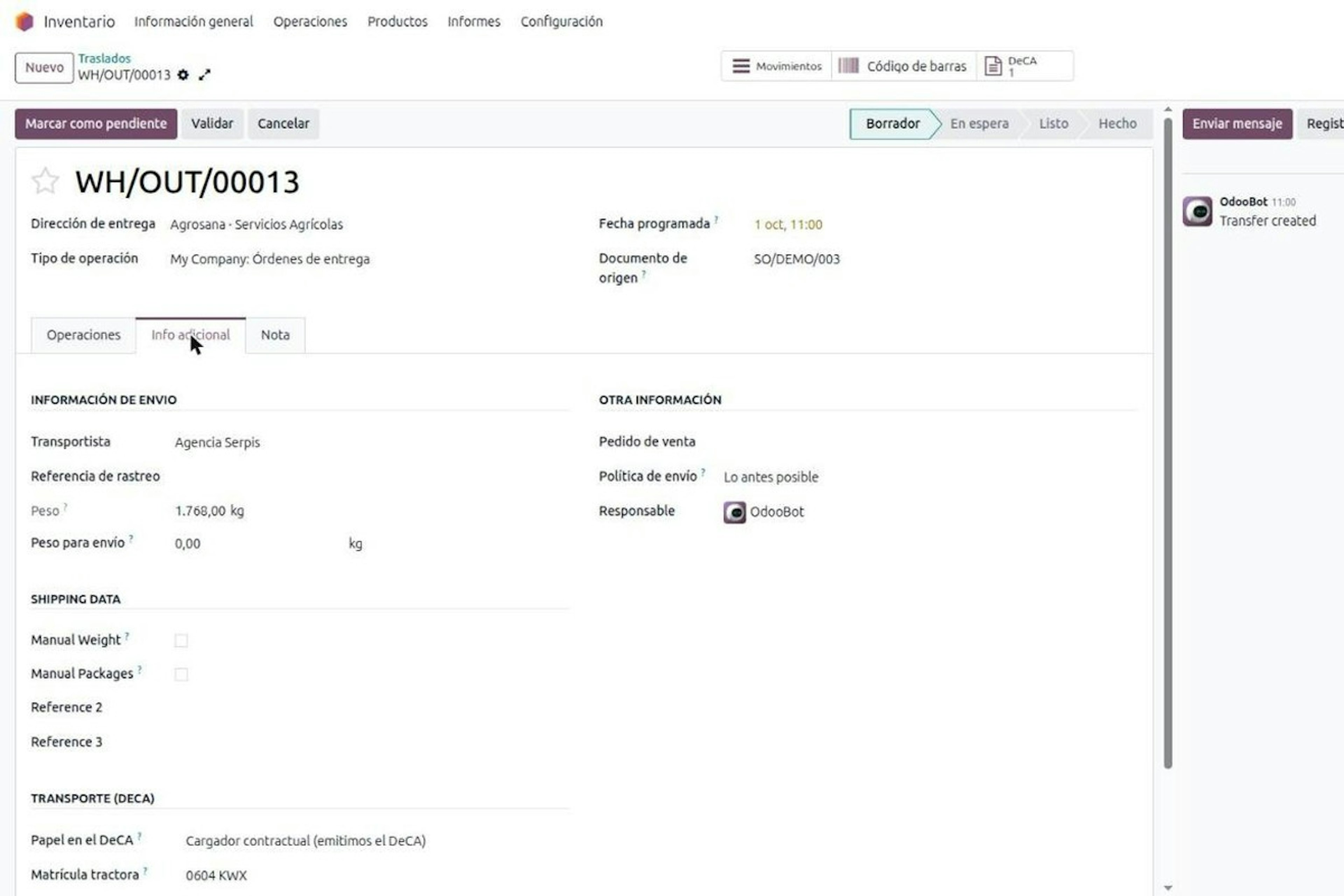
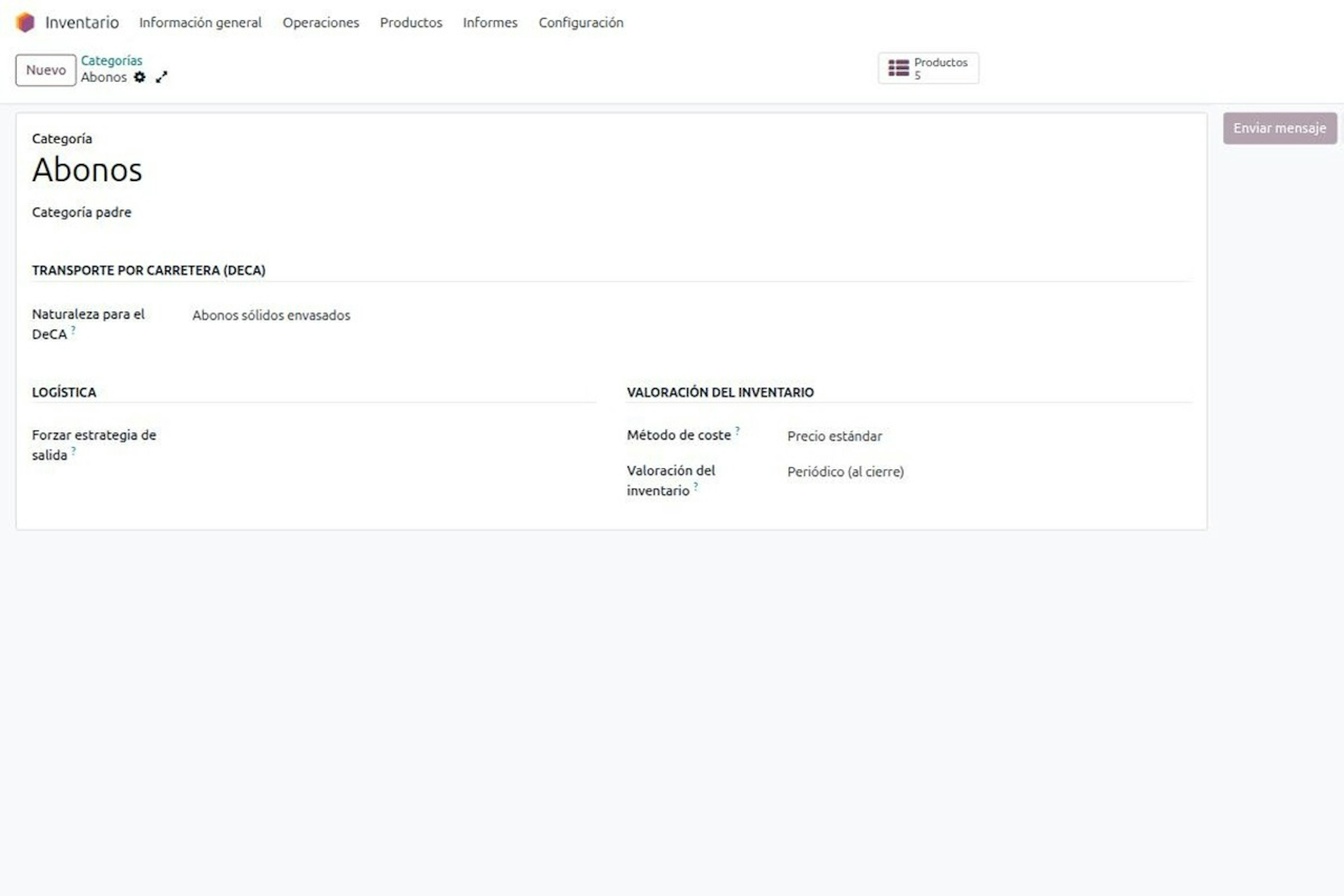
DeCA in Odoo: the transport control document, issued from the delivery order.
The DeCA is mandatory from 5 October 2026. If you run Odoo, you issue it from the delivery order with no separate tool, and the carrier adds the plate from their phone.
8-minute read
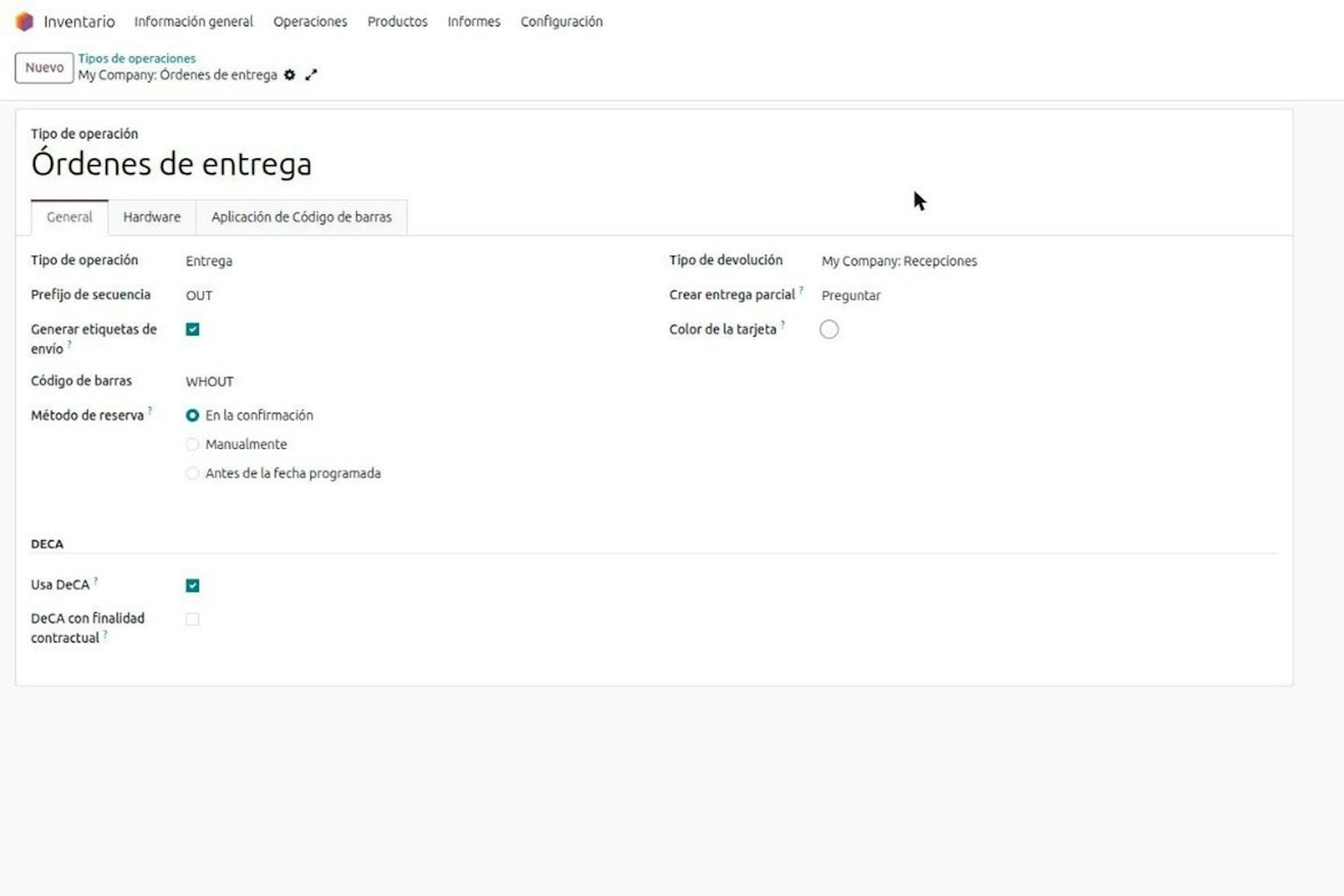
DeCA in Odoo for distribution companies: comply even without trucks.
If you distribute with Odoo and contract the transport, the DeCA binds you even if you own no truck, and you will usually be the one issuing it. What data you supply, why it is already on your delivery order and what daily work looks like.
8-minute read
Who must issue the DeCA: both parties, and in Odoo you decide it on each delivery order.
The DeCA binds both the contractual shipper and the actual carrier, even if you own no trucks. Five questions to find out which one you are and how it shows on each Odoo delivery order.

Odoo Partner in Barcelona
Odoo Partner in Barcelona
Odoo Implementation, Consulting, and Support for Businesses in Barcelona

Odoo Partner in Madrid
Odoo Partner in Madrid
Odoo Implementation, Consulting, and Support for Companies in Madrid

Odoo Partner in Alicante
Odoo Partner in Murcia
Odoo Implementation, Consulting, and Support for Businesses in Murcia

Odoo Partner in Murcia
Odoo Partner in Murcia
Odoo Implementation, Consulting, and Support for Businesses in Murcia
Odoo Consultants
Odoo Consultants
At Dynapps, we’ve been working as Odoo consultants in Spain since before we wrote the first line of configuration code: we understand your business, prioritize what truly adds value, and only then do we design the solution.