WhatsApp + Odoo: Communicate Better with Your Customers
It's no secret that communicating with customers is the best way to lead your business to success. That's why integrating WhatsApp with Odoo has brought about a significant change in the way we stay connected at all times. WhatsApp, as one of the most popular messaging platforms, offers an excellent opportunity to enhance customer interaction, as it helps provide faster and more effective responses.
This integration not only facilitates real-time communication, but also automates processes, centralizes information, and improves operational efficiency. In this article, learn how to integrate WhatsApp with Odoo and what benefits it brings to your company, based on the considerations of a Odoo Gold Partner.
WhatsApp Integration with Odoo
If you're just getting started in the world of Odoo ERP, you should know that it is one of the most comprehensive software solutions on the market. That is why, when integrating WhatsApp with Odoo This means you'll be able to centralize all communication with your customers directly within your ERP system. This integration allows you to take advantage of advanced tools, such as its CRM, Live Chat, and sales management, to improve the customer experience and streamline business processes.
Connecting WhatsApp to Odoo provides a direct communication channel that eliminates the need for external tools. Employees will be able to manage all incoming messages, respond to inquiries, send automated notifications, and even generate reports on customer interactions. This not only improves efficiency but also enables a more personalized and faster response to customers.
With tools such as WhatsApp Business API, it is possible to create automatic messages, manage frequently asked questions and even integrate it with other Odoo modules to streamline business processes. All of this enables companies to be more agile and competitive.
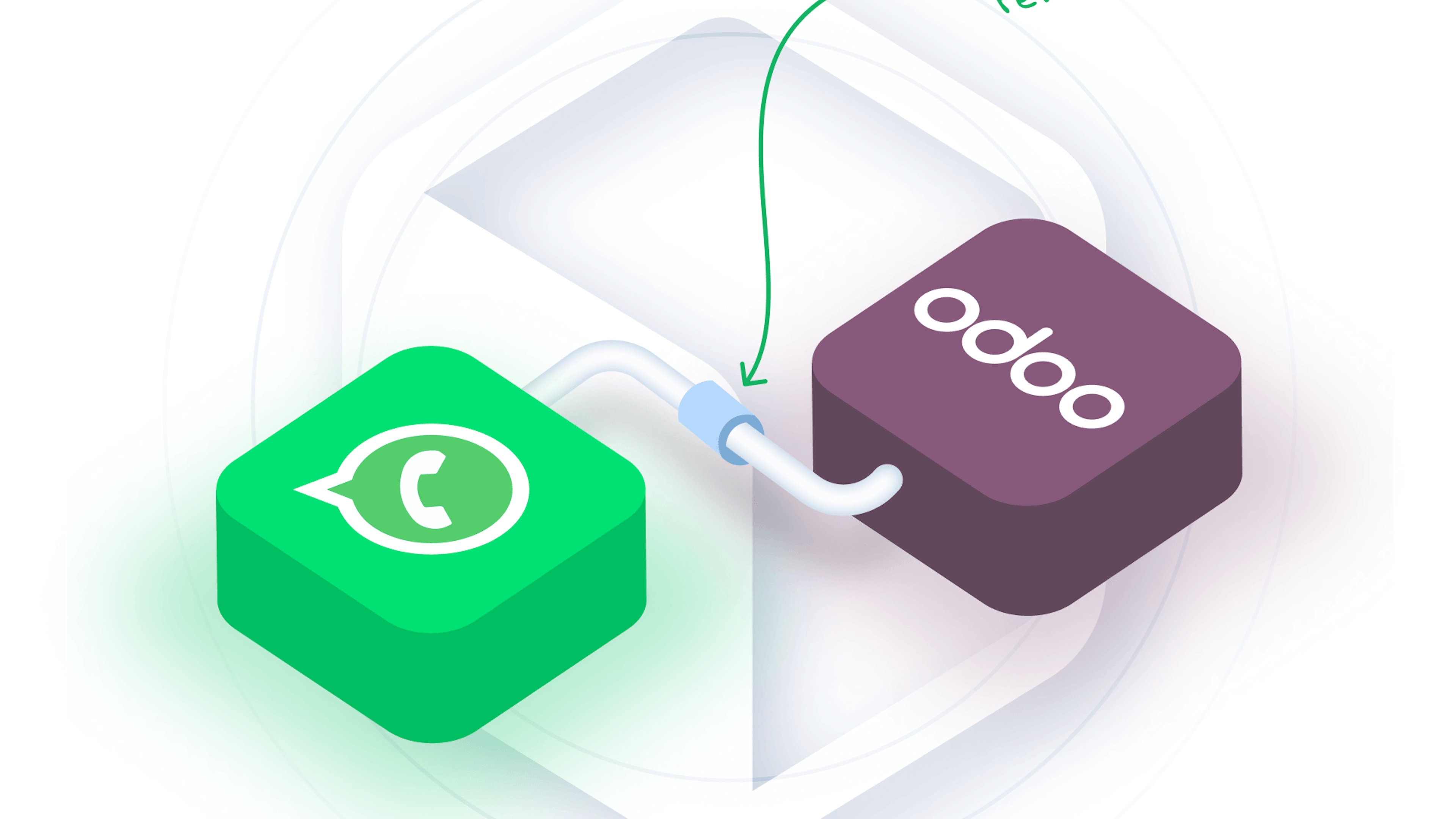
How to Connect WhatsApp with Odoo
WhatsApp is an instant messaging and voice calling app that allows you to send and receive messages, make calls, and share content. To integrate it with Odoo, a powerful ERP system for small and medium-sized businesses, there are several methods available, including:
WhatsApp Business API: This is the most robust option for businesses. With this feature, you can send automated messages, order updates, payment reminders, and more. Odoo integrates with a META API to enable more efficient management of chats and notifications. Advanced technical knowledge is required.
Third-party modules: There are modules developed by the Odoo community and other third-party providers that make it easy to integrate WhatsApp with Odoo. These modules allow you to link WhatsApp with the Odoo CRM, which makes it easier to track communication with customers directly from the ERP platform.
WhatsApp Business and Odoo: If you prefer a simpler and faster integration, WhatsApp Business can be connected to Odoo using integration apps or plugins. These settings allow you to manage chats efficiently without the need for complex configurations.
Benefits of Integrating WhatsApp with Odoo
The integration of WhatsApp with Odoo offers a wide range of benefits that can transform the way you interact with your customers. For example, WhatsApp has a large user base and is very popular, which gives businesses a direct and accessible channel of communication. Other advantages include:
Message automation: Thanks to the features of WhatsApp Business API and the Odoo integration modules, it is possible to automate a large portion of customer responses. This includes creating welcome messages, automated replies to frequently asked questions, appointment or payment reminders, and more. This automation improves efficiency and ensures consistent communication without manual intervention.
Better customer service: The possibility of receive and reply to WhatsApp messages Directly from Odoo, this streamlines customer service. Employees can view the entire communication history, allowing them to provide faster, more personalized responses without having to switch platforms.
Business Process Optimization: Integrate WhatsApp with Odoo It allows you to manage customers within the same system used for sales, inventory, and other business processes. This makes it easier to create records, track orders, and update information in real time.
Increased productivity: Integration improves productivity for sales and customer service teams, as they no longer have to switch between multiple applications. Everything is centralized in Odoo, allowing tasks to be managed more efficiently.

WhatsApp Features in Odoo
Given the most common myths about ERP systems, it’s helpful to know which features of WhatsApp in Odoo stand out the most. It offers advanced functionalities that can significantly improve business operations. From sending messages, invoices, or reminders to hosting video conferences, this integration meets the demands of a dynamic environment.
Some of its most sought-after features include:
Instant communication and automation
With the integration of WhatsApp with Odoo, communication with customers becomes much more efficient. Thanks to automation, you can set up instant replies for common questions, such as inquiries about product availability, order status, or general information about the company. This significantly improves the customer experience, as customers receive immediate and effective responses.
In addition, you can manage the real-time chats from the Odoo dashboard. This allows the team to respond quickly to customer requests and inquiries without having to manage multiple applications or interfaces. In addition, the sales follow-up process is simpler since you can send personalized notifications or reminders.
Integration with CRM, LiveChat, and POS
One of the biggest Benefits of integrating WhatsApp with Odoo is its ability to connect with other modules on the platform, such as CRM, Live Chat, and POS. This integration allows information about customers, sales, and communications to be centralized in one place. For example:
CRM: Customer data, such as WhatsApp chat history, is automatically stored in the Odoo CRM. This makes it easier to track and manage business relationships.
LiveChat: You can integrate WhatsApp as a contact option within the LiveChat system, providing a more seamless customer service experience. This strengthens the bond between businesses and their visitors.
POS: WhatsApp messages can also be integrated with Odoo's point-of-sale (POS) system. This makes it possible to update the status of orders and transactions in real time.

Key Features
Digital transformation with Odoo through WhatsApp integration requires the use of key features that can help boost your business’s productivity. Some of the features you can start using almost immediately include:
Lead generation and customer management
WhatsApp with Odoo This is a significant step forward because it allows you to capture customer data directly from chat interactions. This data can be automatically stored in the Odoo CRM, where they can be managed and segmented for future marketing campaigns or sales follow-ups.
This integration makes it easier to build a comprehensive and accurate database of potential customers. It streamlines the conversion process while ensuring the security of customer data and compliance with privacy regulations.
Invoice issuance and order tracking
The integration of WhatsApp with Odoo, In addition to automated messages, it also makes it easy to send invoices and track orders. You can automate the sending of order confirmations, delivery status updates, or even payment reminders—all from WhatsApp.
This not only improves the customer experience but also streamlines the payment and order management process. It also impacts financial transaction management, thereby optimizing inventory, logistics, and accounting operations.
How do I integrate WhatsApp with Odoo?
If your company needs an ERP system integrated with WhatsApp, Odoo is the recommended option. We recommend using an integration service like the one offered by Dynapps, which ensures an efficient process tailored to the client’s specific needs and budget. The steps to follow with professional guidance include:
Assess communication needs: Before beginning the integration, it is important to identify your company’s specific communication needs and even determine how to publish the number. This will allow you to proceed with the integration process.
Choose the right tool: Depending on your business needs, you can choose to integrate WhatsApp using the WhatsApp Business API, a third-party module, or the WhatsApp Business integration. Choose the option that best suits your needs in terms of accessibility and budget.
Install the module: If you decide to use an integration module, simply install the module in the Odoo system by following the instructions. If you prefer to use the WhatsApp Business API, you’ll need to configure it properly in Odoo so that it connects effectively. Make sure you have the necessary technical knowledge or seek assistance from an expert.
Customization: Once installed, customize the automated responses, notifications, and other settings to meet your business’s specific needs. Sync WhatsApp data with the relevant Odoo modules, such as CRM and POS.
Train the team: Now, the team needs to be trained to use the new features and manage customer interactions efficiently. They must know how to access and retrieve information to make the most of the ERP system.
Monitoring, adjustments, and support: At Dynapps, after implementation, we monitor the integration’s performance and make adjustments as needed to optimize communication and data management. We also provide ongoing support to address any questions you may have.
Odoo is the ideal ERP solution for small and medium-sized businesses, and its innovative features are immediately apparent. Integrating WhatsApp into Odoo with the help of Dynapps ensures a seamless and effective integration. Our team of experts will guide you every step of the way, ensuring that you get the most out of this powerful combination.
Would you like to learn more about Odoo? Contact us to find out how you can transform your processes.
Discover what Odoo can do for your business.
An initial meeting to see if we're a good fit, followed by a demonstration tailored to your processes.
More posts like this
8-minute read
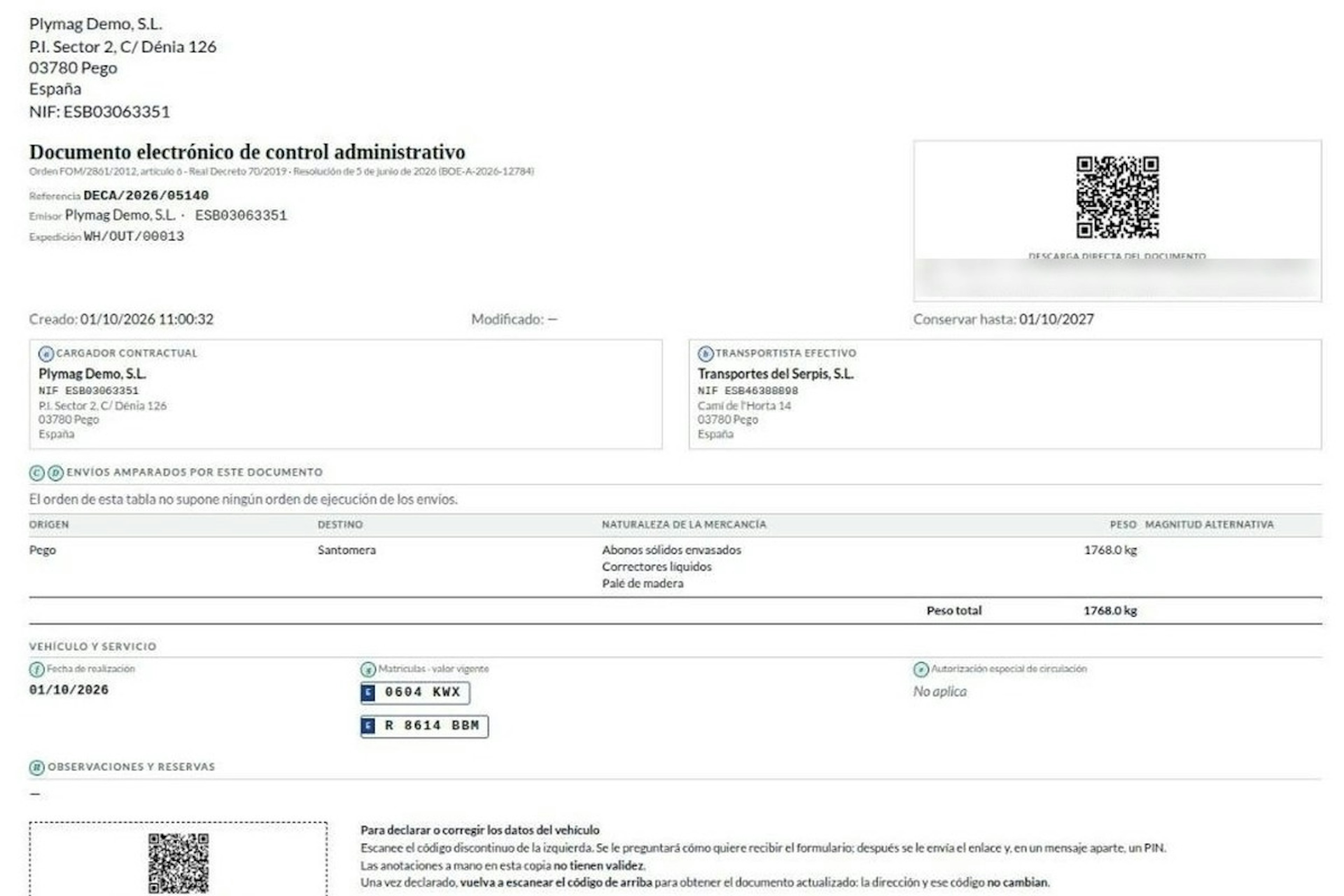
How the DeCA works in Odoo when the truck changes on the road: QR, secure link and PIN.
A breakdown, a different semi-trailer, a reservation about the load: this is how the DeCA is amended in Odoo during transport, with two QR codes, a link only the carrier receives and a six-digit PIN.
8-minute read
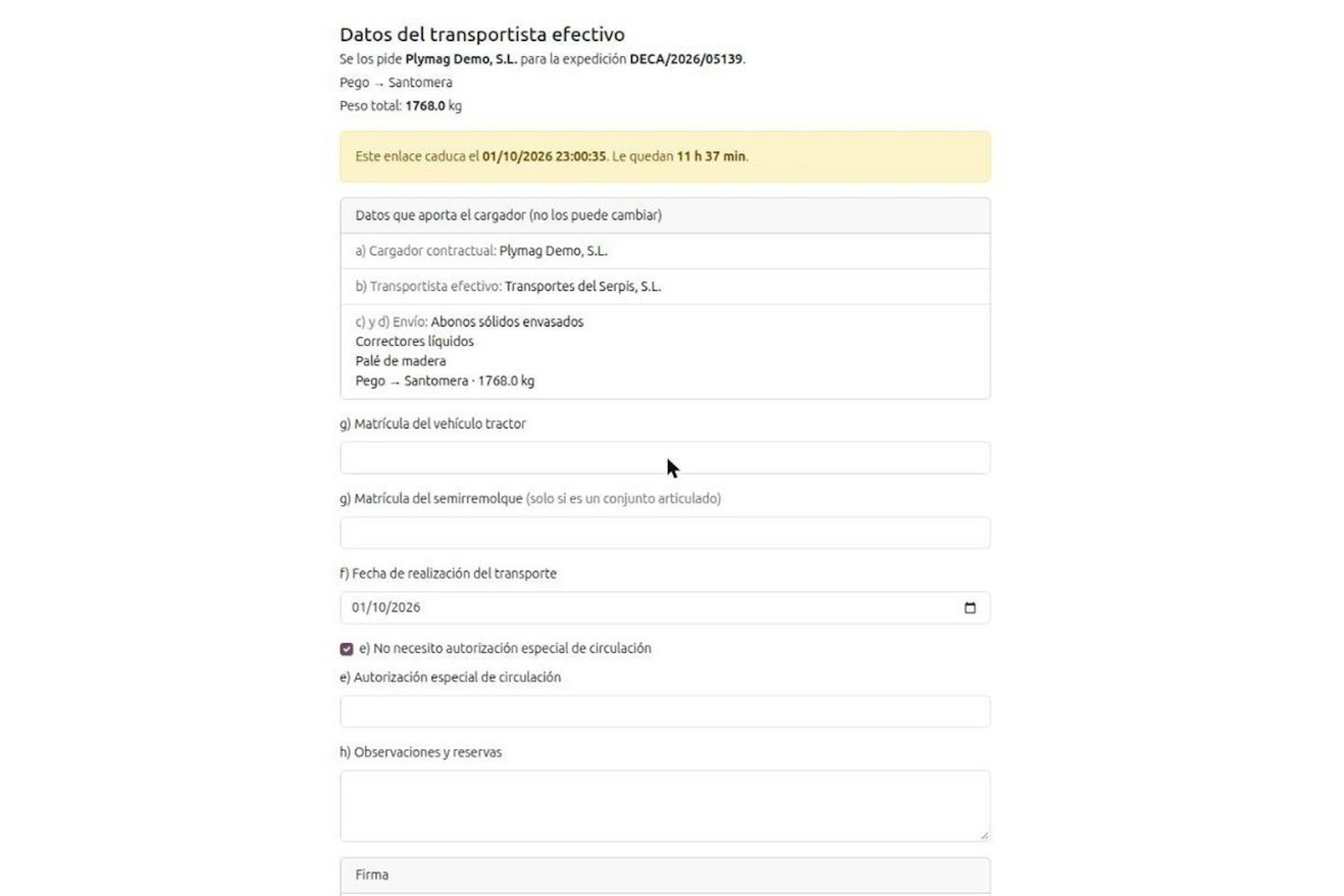
DeCA for transport companies with Odoo: you supply your data by link and issue it when you subcontract.
As the actual carrier, the DeCA binds you, but you will usually supply the special authorisation, date and plates through the link your client's Odoo sends you. When you subcontract, you will normally issue it from your own Odoo.
13-minute read
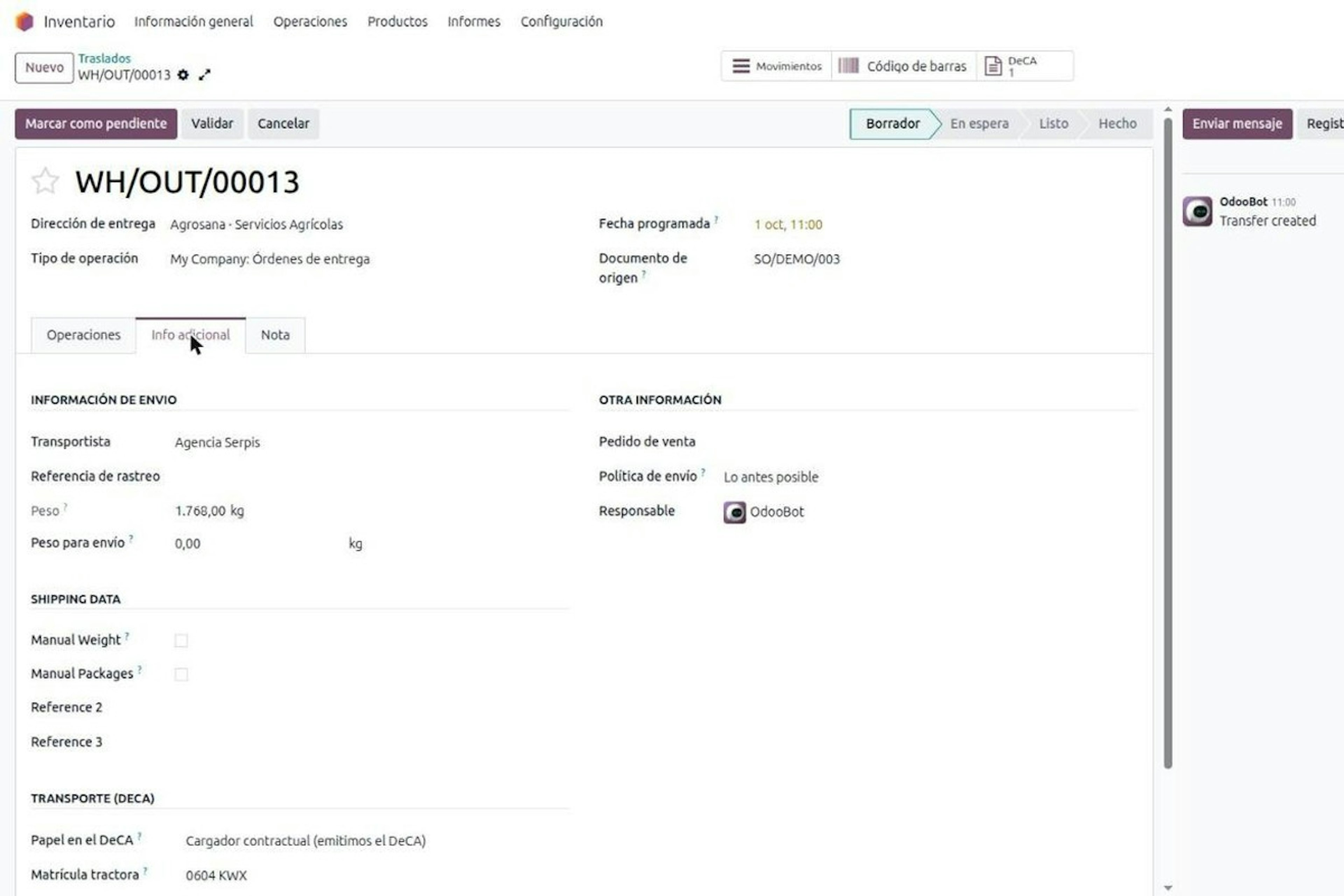
DeCA in Odoo: the transport control document, issued from the delivery order.
The DeCA is mandatory from 5 October 2026. If you run Odoo, you issue it from the delivery order with no separate tool, and the carrier adds the plate from their phone.
8-minute read
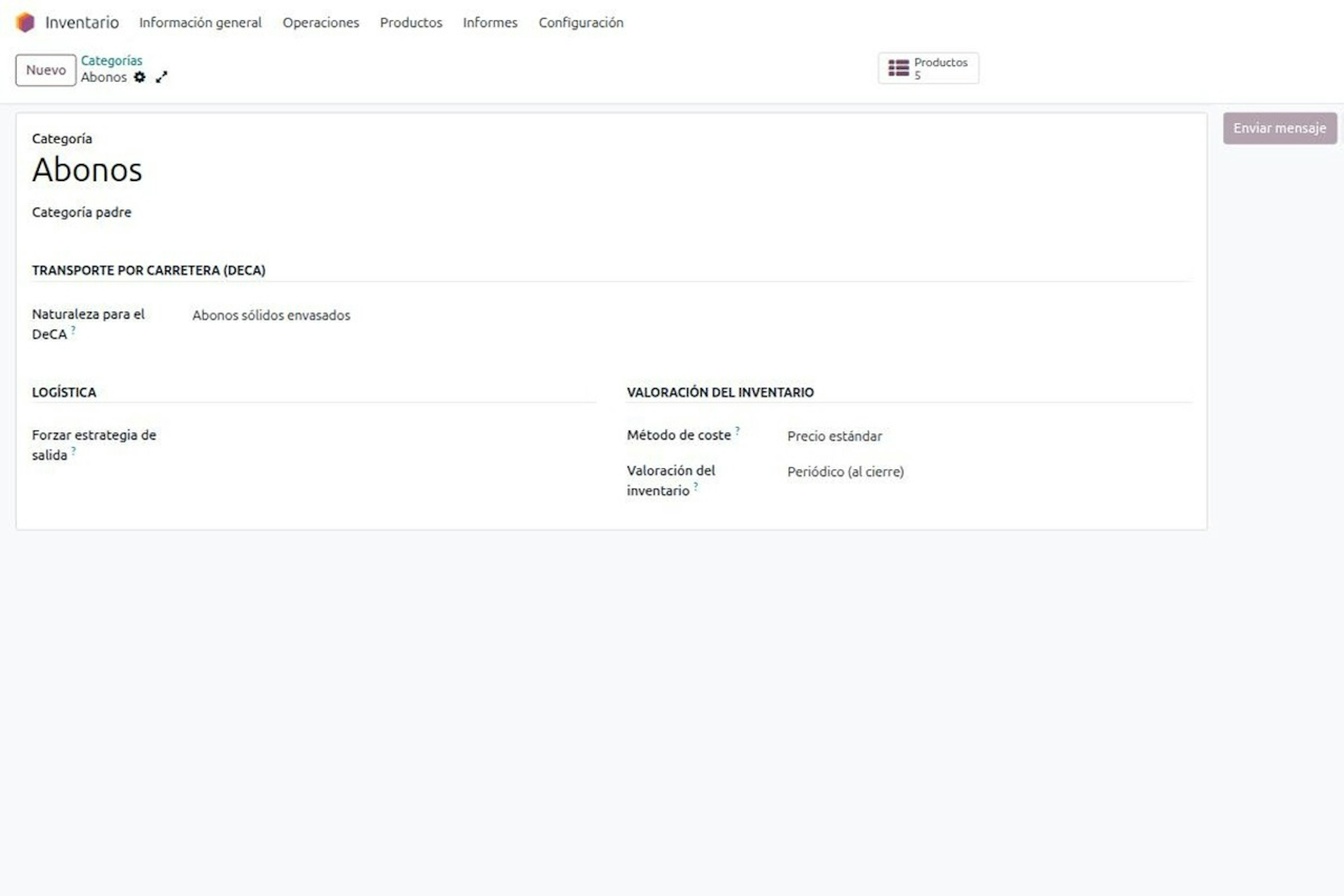
DeCA in Odoo for distribution companies: comply even without trucks.
If you distribute with Odoo and contract the transport, the DeCA binds you even if you own no truck, and you will usually be the one issuing it. What data you supply, why it is already on your delivery order and what daily work looks like.
8-minute read
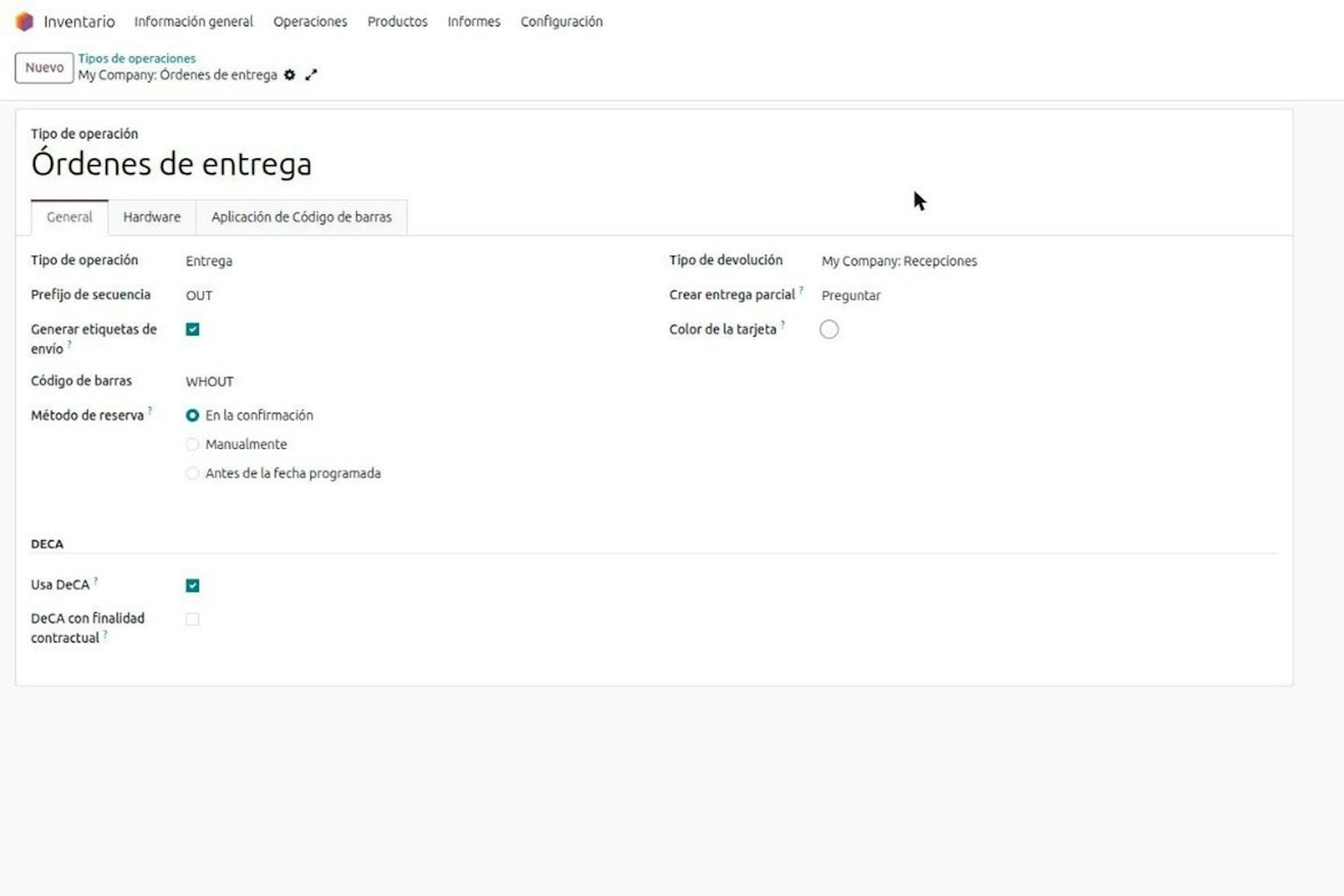
Who must issue the DeCA: both parties, and in Odoo you decide it on each delivery order.
The DeCA binds both the contractual shipper and the actual carrier, even if you own no trucks. Five questions to find out which one you are and how it shows on each Odoo delivery order.

Odoo Partner in Barcelona
Odoo Partner in Barcelona
Odoo Implementation, Consulting, and Support for Businesses in Barcelona
Odoo Partner in Madrid
Odoo Partner in Madrid
Odoo Implementation, Consulting, and Support for Companies in Madrid

Odoo Partner in Alicante
Odoo Partner in Murcia
Odoo Implementation, Consulting, and Support for Businesses in Murcia

Odoo Partner in Murcia
Odoo Partner in Murcia
Odoo Implementation, Consulting, and Support for Businesses in Murcia
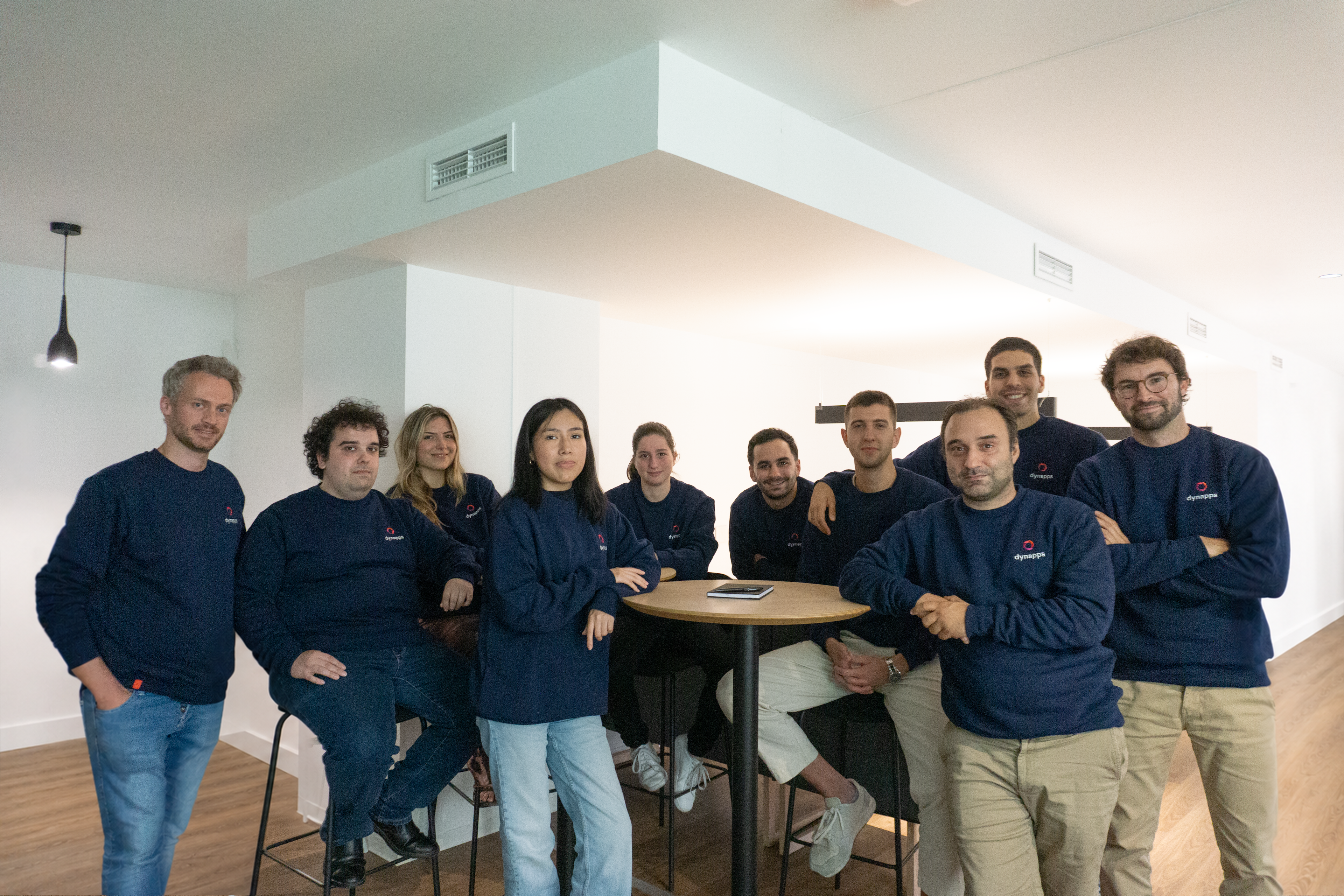
Odoo Consultants
Odoo Consultants
At Dynapps, we’ve been working as Odoo consultants in Spain since before we wrote the first line of configuration code: we understand your business, prioritize what truly adds value, and only then do we design the solution.