Technical Guide to Configuring and Optimizing Odoo's Point of Sale
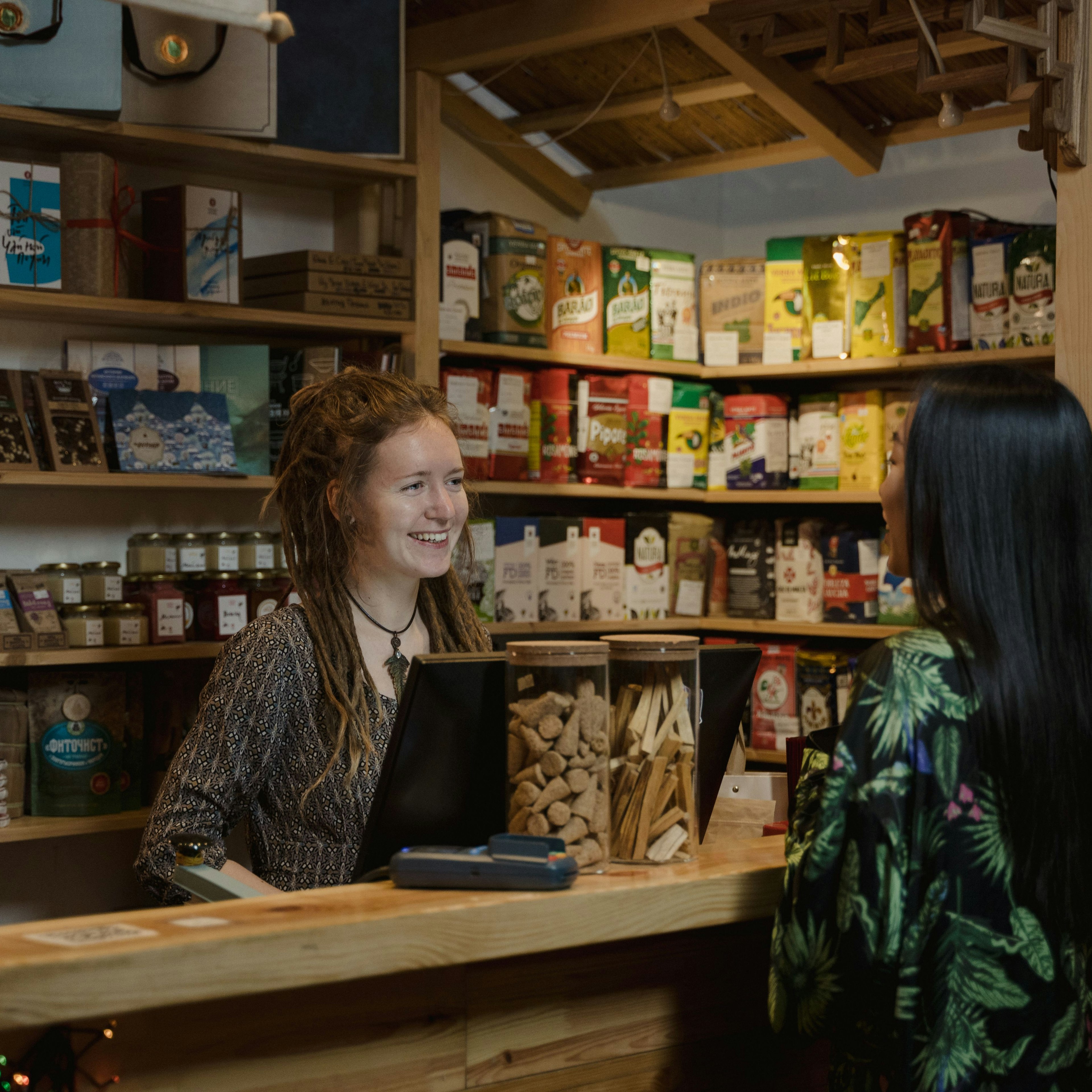
Picture this scenario: it’s Saturday afternoon, your restaurant is packed, and suddenly the Wi-Fi goes down. The servers are left frozen with orders in hand, customers are waiting, and you’re losing sales because the Odoo Point of Sale cannot process orders. This is not just a theoretical problem; it is a reality that affects retail and hospitality businesses in areas with unreliable internet connectivity.
The good news is that Odoo POS is designed to work offline, but incorrect configuration can turn this advantage into a headache. In this technical guide, we explain How Offline Mode Actually Works, what the critical pain points are, and how to optimize your infrastructure so you never miss a sale.
How Odoo's POS Offline Mode Works
Odoo Point of Sale is a single-page application (SPA) that runs in the browser. When you log in to PoS, the system preloads all essential data into the browser's local database (IndexedDB): products, customers, tax settings, and payment methods. From that point on, all sales transactions are processed using this local copy, and the transactions are automatically synchronized with the central server when an internet connection is available.
This approach offers a full business continuity during outages, but it presents three technical challenges that you need to manage:
Initial Load: If you have 14,000 products, the page may take 4–5 minutes to load or may fail entirely due to the browser running out of memory.
Delayed Synchronization: If you log out while you're offline, Odoo will attempt to synchronize transactions to a session ID that no longer exists, causing errors.
Risk of Data Loss: If the browser's IndexedDB is cleared before syncing (for example, when space is automatically freed up), you will lose all sales that haven't been sent to the server.
The 3 Critical Challenges of Offline PoS
Slow Charge
Large catalogs can slow down the browser. Odoo v18+ allows you to limit the number of preloaded products using system settings.
Synchronization Broken
Closing offline sessions can cause issues when you reconnect. Keep the session active until you regain connectivity.
Data Loss
If IndexedDB is cleared before syncing, you'll lose sales. Never clear the cache without confirming that it has synced.
Investment Solutions: Resilient Infrastructure
Optimizing PoS performance under low-connectivity conditions isn't a matter of luck; it's the result of a strategic investment in infrastructure and configuration. Here are the three levers you need to pull:
1. Server Sizing
A server with insufficient CPU and RAM will not be able to deliver data to the PoS quickly. Make sure you have at least 4 CPUs and 8 GB of RAM for instances with more than 50 active products. Our Odoo Support Service includes performance audits.
2. System Parameter Settings (Odoo v18+)
Enable point_of_sale.limited_product_count and point_of_sale.limited_customer_count to load only essential data. This can reduce the login time from 5 minutes to less than 30 seconds.
3. IoT Box as a Local Proxy
One Odoo IoT Box It acts as an intermediary between your POS devices and the central server, managing printers and barcode scanners locally. In environments with unstable connectivity, this eliminates critical latency. Check out our Point-of-Sale Implementation for advanced settings.
Operating protocol: keep the session active
The most costly mistake A common mistake made by operations teams is logging out of the POS while they are offline. Although it may seem logical to "close the register" at the end of the day, if you don't have an internet connection, pending transactions will be left orphaned in the browser's IndexedDB. When you reconnect, Odoo will attempt to synchronize data to a session ID that is no longer active, generating the dreaded error "Records do not exist or have been deleted."
Protocol recommended by Dynapps: Keep the session open until connectivity is restored. Set up visual alerts on the POS so that staff know when they are operating in offline mode and avoid logging out prematurely. If you work in locations with extremely unstable connectivity, consider implementing a inventory management system hybrid with daily manual reconciliation.
Discover what Odoo can do for your business.
An initial meeting to see if we're a good fit, followed by a demonstration tailored to your processes.
More posts like this
8-minute read
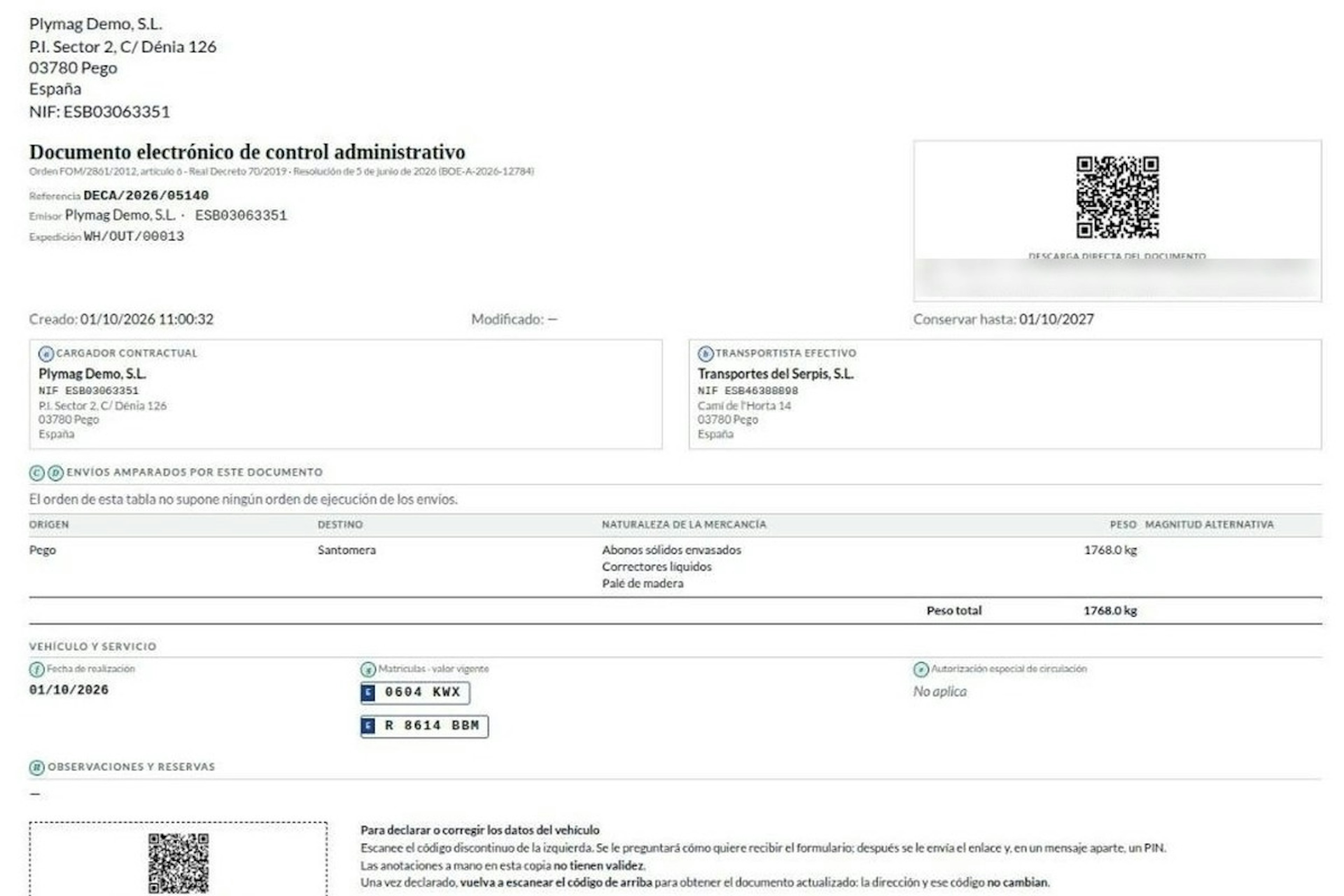
How the DeCA works in Odoo when the truck changes on the road: QR, secure link and PIN.
A breakdown, a different semi-trailer, a reservation about the load: this is how the DeCA is amended in Odoo during transport, with two QR codes, a link only the carrier receives and a six-digit PIN.
8-minute read
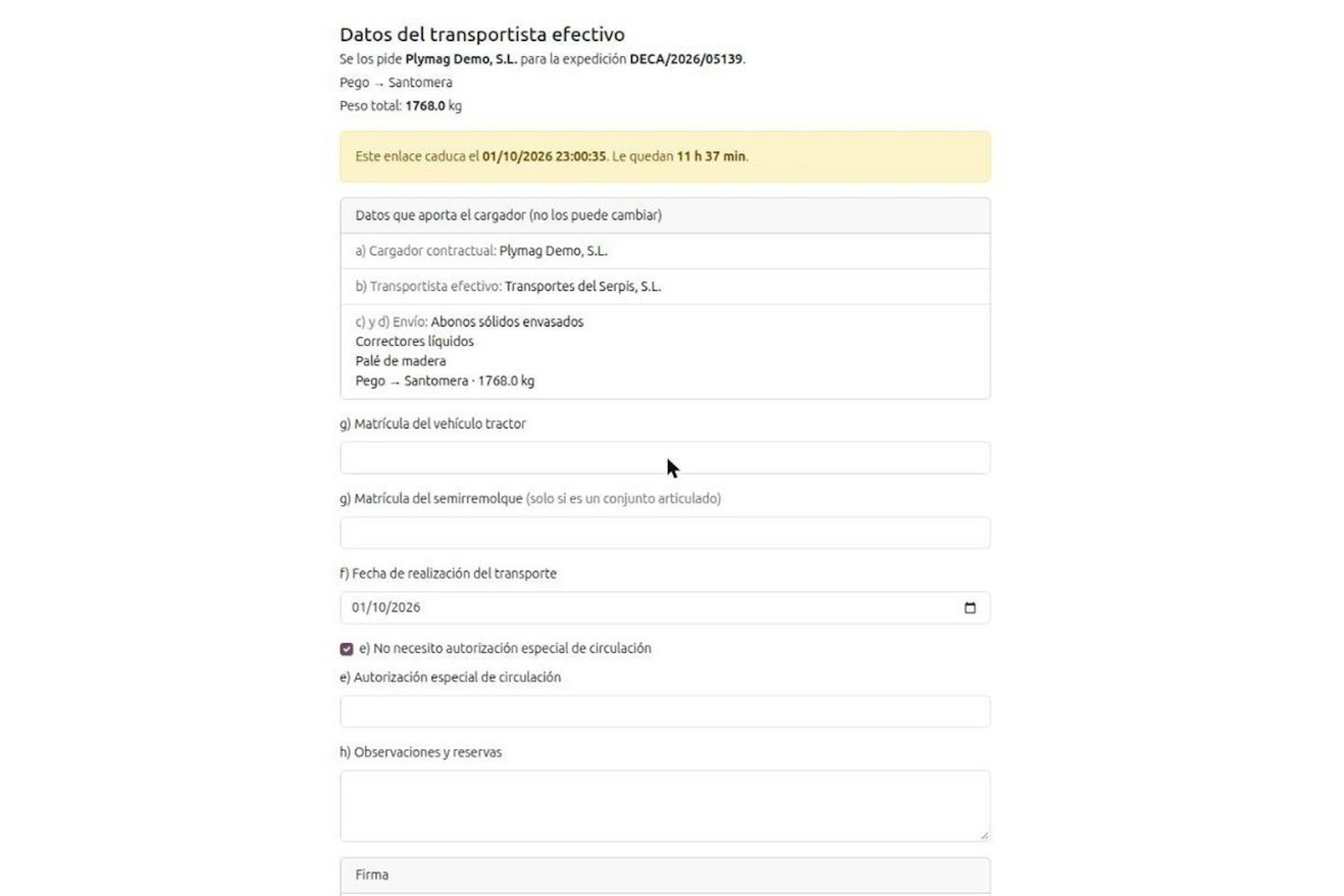
DeCA for transport companies with Odoo: you supply your data by link and issue it when you subcontract.
As the actual carrier, the DeCA binds you, but you will usually supply the special authorisation, date and plates through the link your client's Odoo sends you. When you subcontract, you will normally issue it from your own Odoo.
13-minute read
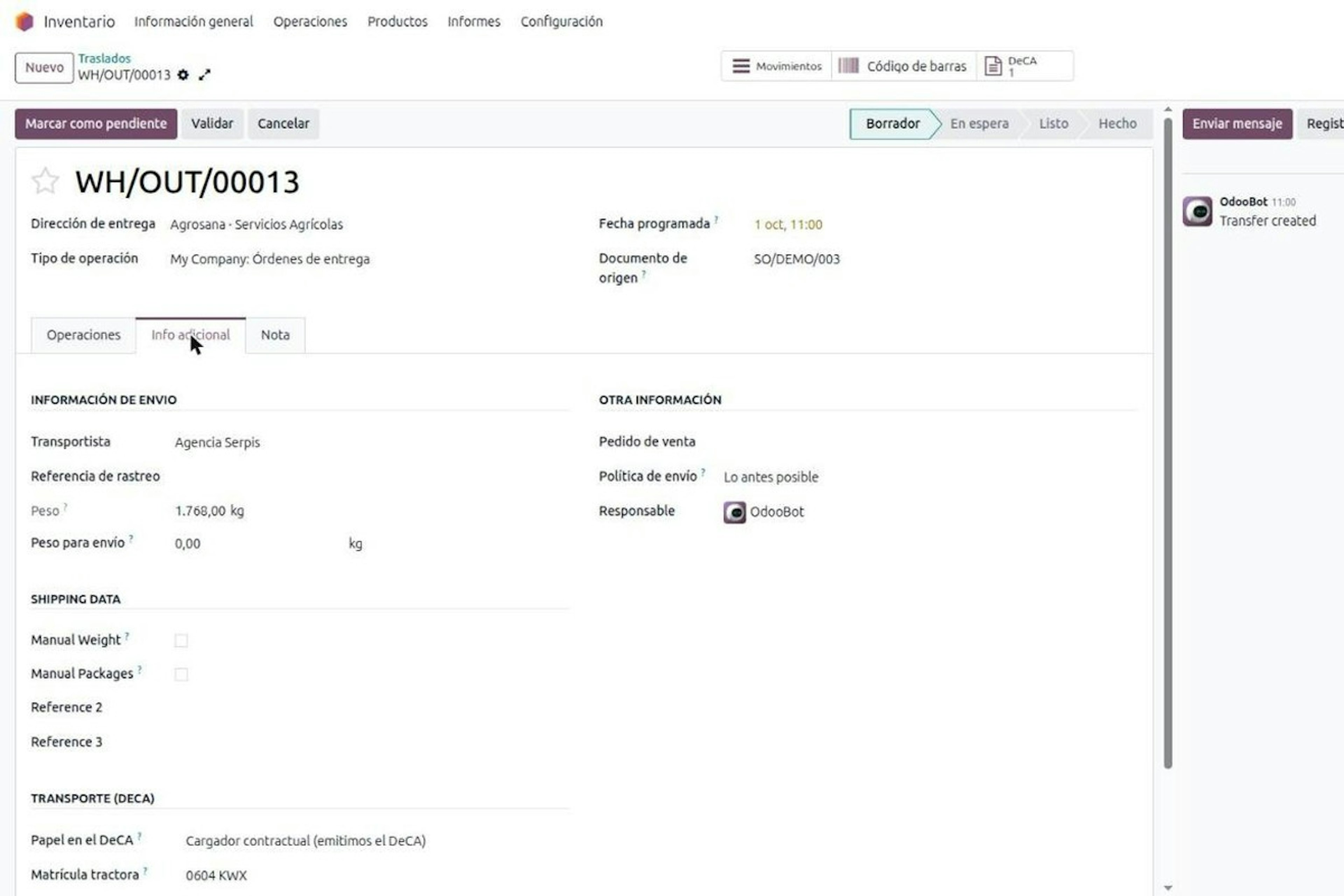
DeCA in Odoo: the transport control document, issued from the delivery order.
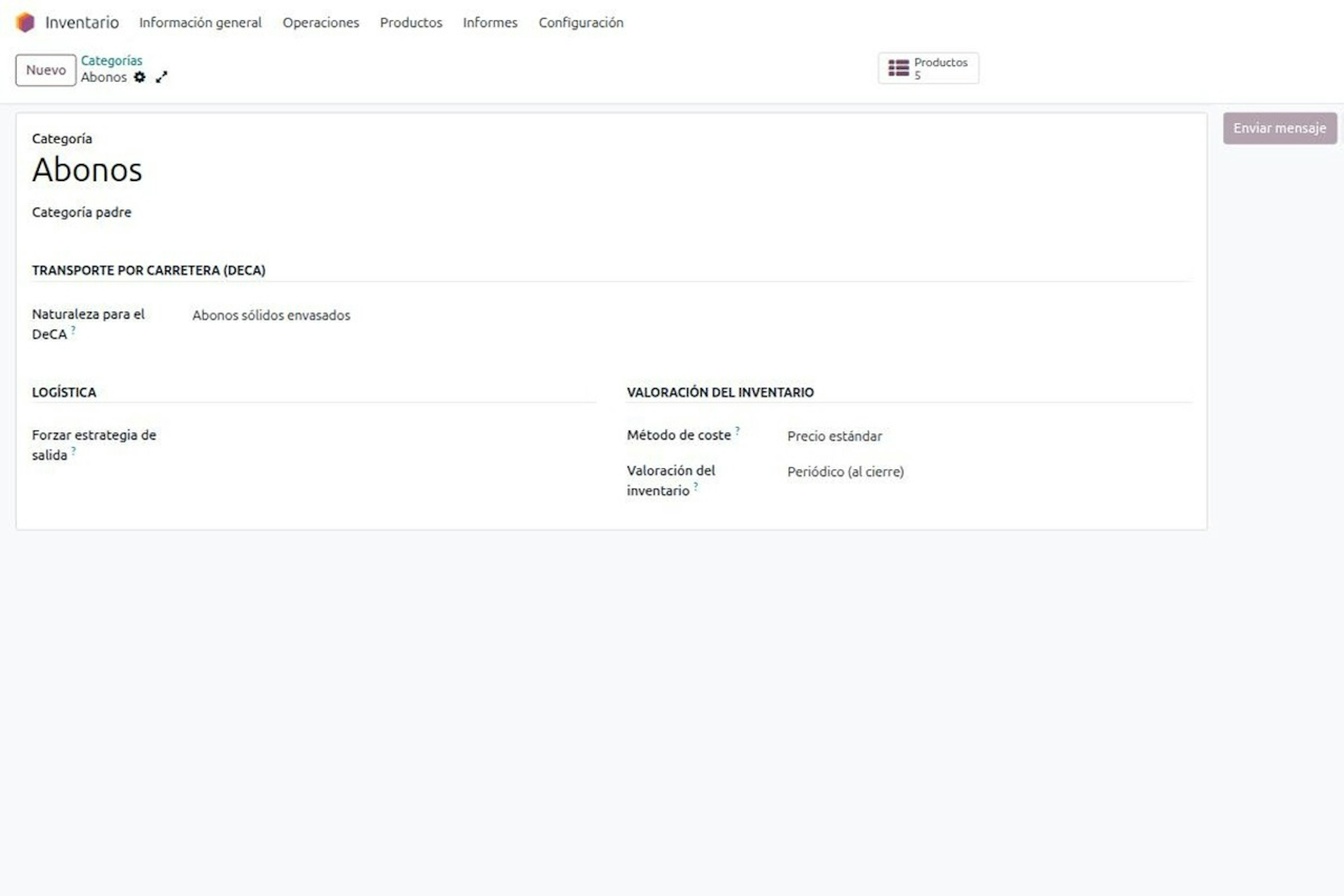
The DeCA is mandatory from 5 October 2026. If you run Odoo, you issue it from the delivery order with no separate tool, and the carrier adds the plate from their phone.
8-minute read
DeCA in Odoo for distribution companies: comply even without trucks.
If you distribute with Odoo and contract the transport, the DeCA binds you even if you own no truck, and you will usually be the one issuing it. What data you supply, why it is already on your delivery order and what daily work looks like.
8-minute read
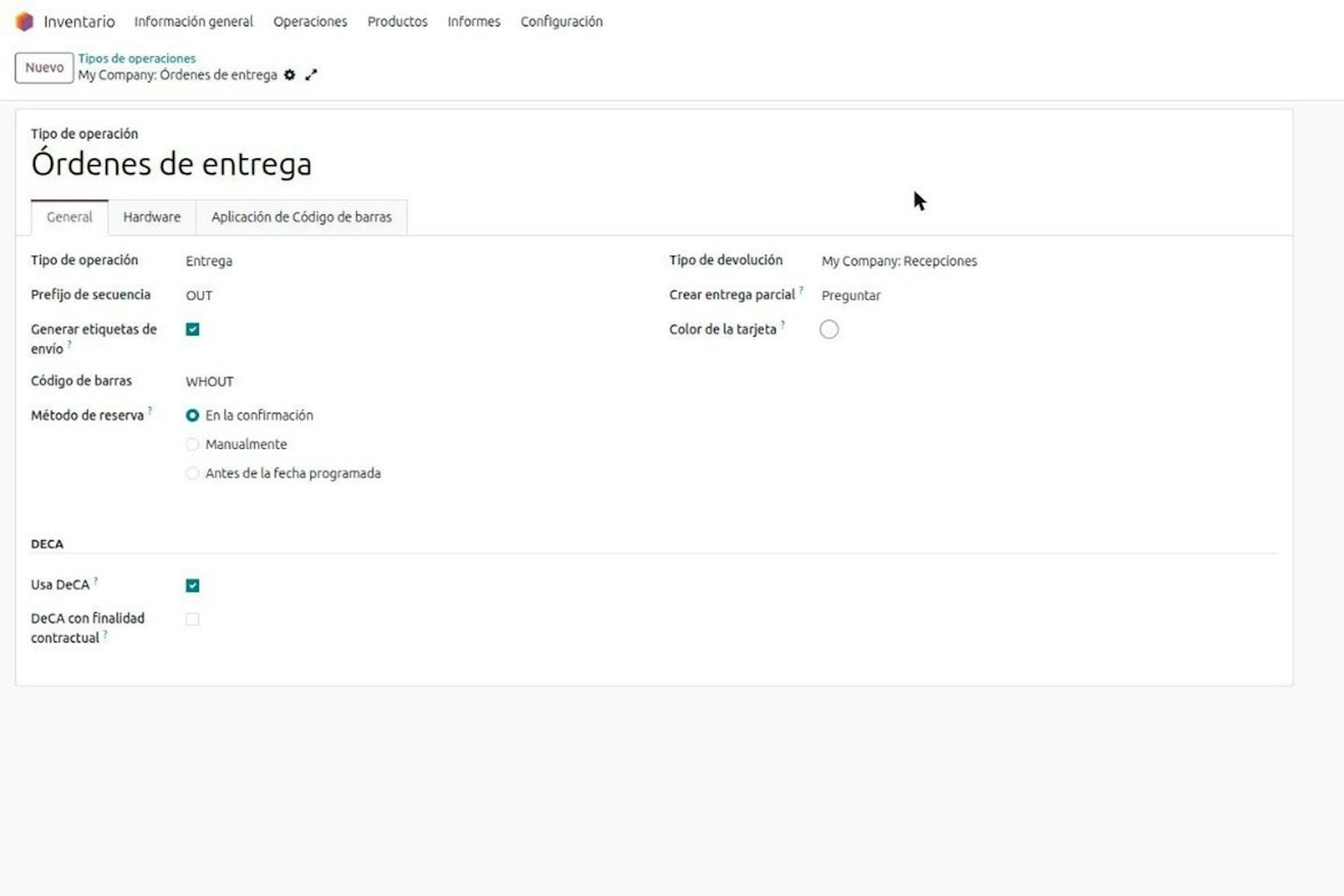
Who must issue the DeCA: both parties, and in Odoo you decide it on each delivery order.
The DeCA binds both the contractual shipper and the actual carrier, even if you own no trucks. Five questions to find out which one you are and how it shows on each Odoo delivery order.

Odoo Partner in Barcelona
Odoo Partner in Barcelona
Odoo Implementation, Consulting, and Support for Businesses in Barcelona
Odoo Partner in Madrid
Odoo Partner in Madrid
Odoo Implementation, Consulting, and Support for Companies in Madrid

Odoo Partner in Alicante
Odoo Partner in Murcia
Odoo Implementation, Consulting, and Support for Businesses in Murcia

Odoo Partner in Murcia
Odoo Partner in Murcia
Odoo Implementation, Consulting, and Support for Businesses in Murcia
Odoo Consultants
Odoo Consultants
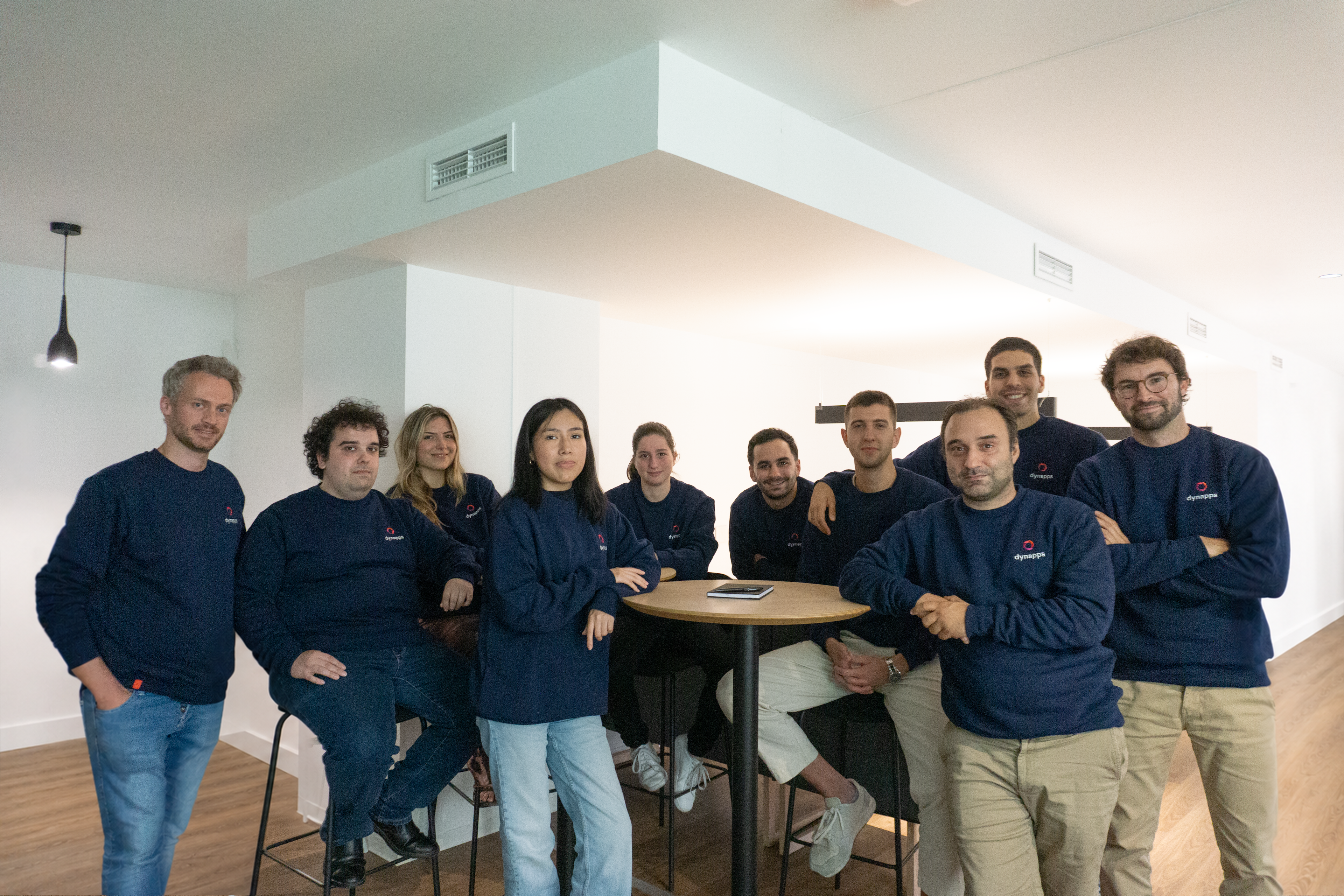
At Dynapps, we’ve been working as Odoo consultants in Spain since before we wrote the first line of configuration code: we understand your business, prioritize what truly adds value, and only then do we design the solution.