Getting Started with Odoo: An Essential Guide for Beginners in 2025
Getting Started with Odoo: Everything You Need to Know as a Beginner
Although Odoo, an accessible and versatile ERP (Enterprise Resource Planning) system, is often touted as an ideal solution for companies looking to improve their operations, it can be challenging. Odoo It stands out as an open-source platform that offers unparalleled customization and scalability, adapting to the needs of every business. This makes it an attractive option for companies of all sizes and across all industries. If you’re new to the world of ERP systems and are considering implementing Odoo for beginners, you’ve come to the right place.
Whether you're looking to streamline your financial, sales, human resources, or any other business processes, Odoo has a module to meet your needs. In this article, we’ll walk you through the first steps to get started with Odoo and explain how this system is the perfect partner for improving your business’s operational efficiency. You’ll also discover how Dynapps supports you throughout the implementation process.
What is Odoo, and why should you choose it?
Odoo is an open-source enterprise resource planning (ERP) system. Its modular design allows companies to select and customize modules according to their specific needs. It stands out for its flexibility, making it an ideal choice for both small and large organizations. Unlike other ERP systems, Odoo offers a user-friendly interface and a gentler learning curve, making it an excellent choice for beginners.
There are many reasons to choose it. For example, its modularity, as it offers a variety of modules to meet your business needs. You can start with the essentials and add more as your business grows. Plus, it’s affordable and customizable, scales with your business, and is very easy to use.
Key Features of Odoo
Odoo offers a range of features that make it stand out as a leading ERP solution for businesses of all sizes. Some of its most notable features include:
Intuitive interface: With a clean, easy-to-navigate interface, even users without technical experience can quickly get the hang of the system.
Process automation: Odoo allows you to automate a wide range of processes, such as invoicing, inventory management, and task scheduling. All of these features increase efficiency and reduce the risk of human error.
Cloud and on-premises deployment: It can be deployed on both on-premises servers and in the cloud, offering flexibility based on each company's needs and preferences.
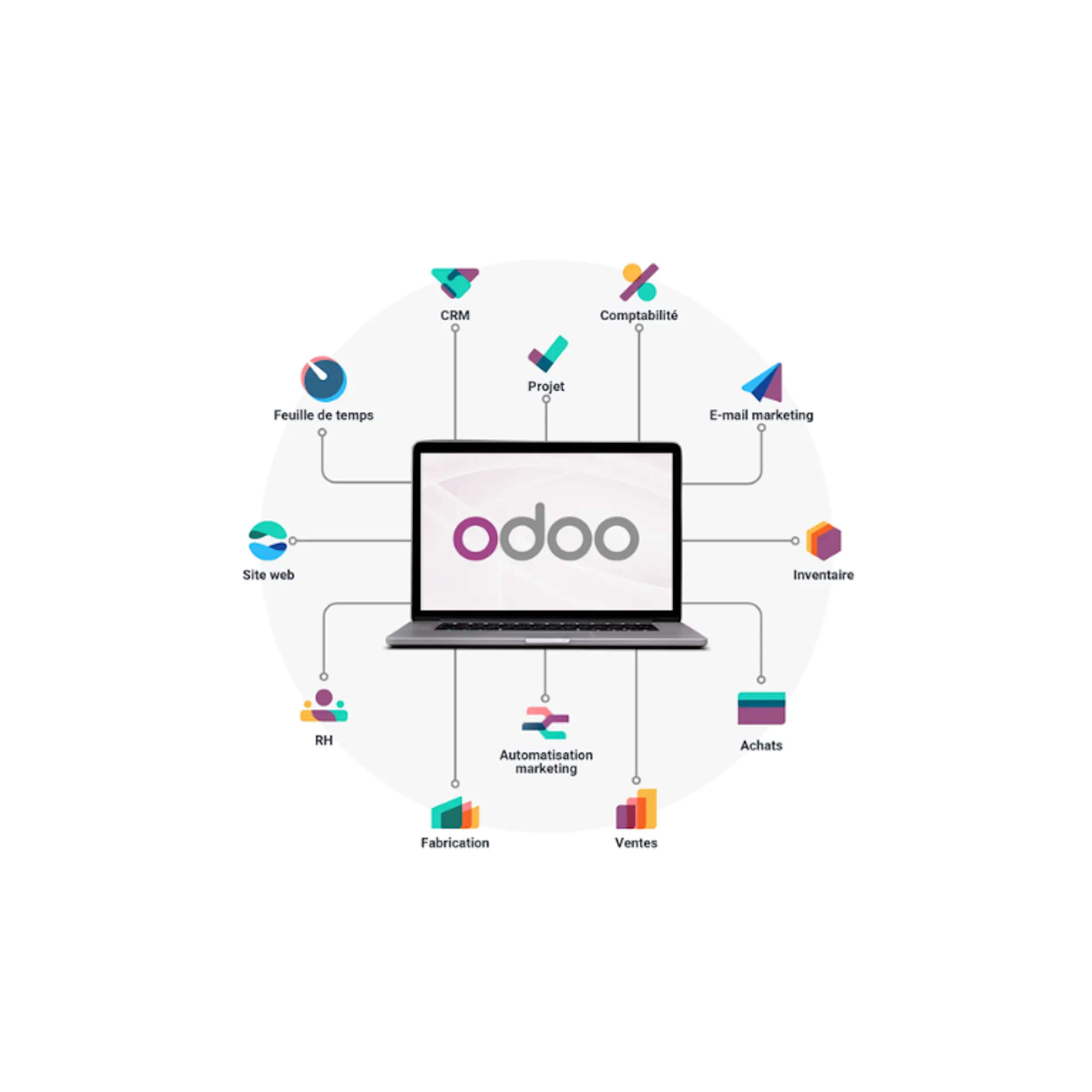
Integrated modules: From sales, purchasing, and inventory management to accounting, human resources, and CRM, Odoo has it all. These features enable full integration across all company departments and promote teamwork.
Reports and analytics: Odoo includes advanced analytics tools that allow you to generate detailed reports on all aspects of business operations.
Benefits of Using Odoo in Your Business
Using Odoo for beginners can bring a number of benefits to a business. The main advantage is that it will streamline processes and improve operational efficiency, thanks to all the features it offers. Among the most notable are:
Process integration: With Odoo, all areas of the business can be interconnected. Integration between sales, purchasing, inventory, and accounting provides greater visibility and control over operations.
Cost reduction: By automating tasks and eliminating the need to manage multiple disconnected systems, Odoo can reduce operating costs and improve return on investment.
Scalability: This solution grows with your business. You can start with just a few modules and add more as your company expands, without having to switch systems.
Improved decision-making: Thanks to its powerful analytical tools, it provides valuable insights that will help you make quick and informed decisions based on up-to-date data.
Customization: Odoo’s customizable modules and interface ensure that you can tailor it to your company’s needs without any limitations.

Installing and Setting Up Odoo for Beginners
Getting started with Odoo is a simple and accessible process, even for those with no prior experience installing ERP software. However, there are different versions, and it’s important to know the basic steps to get started smoothly.
Prerequisites for installation
Before you begin installing Odoo, it is important to ensure that your system meets the necessary requirements for the software to function properly. Some of these requirements are listed below:
Operating system: It can be installed on operating systems such as Linux (Ubuntu is recommended), Windows, or macOS. However, installation on Linux is the most common and stable.
Database: Odoo uses PostgreSQL as its database, so you'll need to have it installed and configured.
Python: The software is written in Python, so you'll need to have Python 3.7 or later installed on your system.
Additional dependencies: It is recommended that you have certain Python libraries and dependencies that Odoo uses to function properly.
Steps to install Odoo locally
If you prefer to have complete control over the system, installing Odoo in a local environment may be a good option. A step-by-step guide to this installation includes the following steps:
Download Odoo: Visit the official Odoo website and download the version for your operating system. If you find this too challenging, feel free to contact our experts.
Install dependencies: Make sure all necessary dependencies, such as Python and PostgreSQL, are installed on your server.
Set up PostgreSQL: Create a PostgreSQL database for Odoo and configure the necessary permissions.
Install Odoo: Follow the instructions provided in the official Odoo documentation to install the software on your server.
Set up Odoo: Perform the initial setup of Odoo, including creating users and configuring the company.
Initial Setup and Initial Adjustments
Once Odoo is installed, you'll need to make a few initial adjustments to start using the system. A step-by-step guide includes the following:
Create users and assign permissions: Set up user accounts and assign the appropriate roles and permissions to each member of your team.
Set up your company: Enter basic company information, such as name, address, currency, and logo, to customize your Odoo instance.
Install additional modules: Depending on your company's needs, you can install additional modules, such as sales, purchasing, inventory, accounting, and others.
Run a test: Run a few tests to ensure that the system is working properly, verifying that the modules are configured correctly and that they integrate effectively with one another.

Exploring the Essential Odoo Modules
Odoo stands out as a comprehensive ERP solution that offers a wide variety of modules designed to manage different aspects of your business. If you're just getting started, it's important to understand the basic features, as they form the foundation the system provides for optimizing and automating processes.
Sales Module
The Odoo Sales module is one of the most useful tools for managing the entire sales cycle, from creating opportunities to invoicing. Thanks to its simple interface and integration with other features, the process becomes more streamlined and efficient. With this module, you can create quotes and easily convert them into sales orders, manage customers, and track their progress.
In addition, integration with the inventory module allows you to check product availability in real time and optimize inventory management. It can also automatically generate electronic invoices, which simplifies payment processing and administrative tasks. It’s very easy to learn with the Odoo Sales course.
Purchasing Module
The Odoo Purchasing module is responsible for managing supplier relationships and efficiently tracking purchase orders. It allows for comprehensive tracking of the entire process, from requesting quotes to receiving products. It also simplifies the management of supplier payments and the generation of purchasing reports.
With this module, you can create and manage purchase orders, compare prices across different suppliers, and keep detailed records of transactions. Plus, since it integrates with the inventory feature, it allows you to track the flow of products from order placement to receipt. This helps you maintain more accurate control over your inventory. You can learn more at the Odoo CRM Course.
Inventory Module
This feature is essential for managing product inventory efficiently. It allows you to monitor every stage of the inventory process: receiving, storage, and shipping. Odoo for Beginners automates many of the tasks associated with inventory management, saving time and reducing the risk of errors.
Thanks to integration with other modules, such as Sales and Purchasing, you can monitor product availability in real time. In addition, you can track inventory across different locations, which is ideal for companies with multiple warehouses.
Accounting Module
Accounting is one of the cornerstones of business management, and the Odoo module offers a comprehensive solution. Thanks to its features, it is possible to manage the entire financial cycle, from invoice entry to report generation. It enables compliance with tax regulations for tax filing, which helps prevent errors and save time.
This module allows you to record customer and vendor invoices, process payments and collections, and generate financial statements, such as balance sheets and income statements. In addition, integration with other modules enables automatic transaction updates, ensuring the accuracy of accounting data.
Customizing Odoo to Meet Your Company's Needs
One of the biggest advantages of Odoo for beginners is its flexibility and customizability. Although the system comes with a wide range of standard modules, it can also be adapted to meet the specific needs of a business. This is important if a business has unique processes that aren’t covered by the standard modules.
Installation of additional modules
Odoo has an extensive App Store where you can find modules that expand the system's functionality. These are designed to meet a wide range of needs, from project management to CRM, marketing, and more.
To install these modules, simply go to the app store, search for the module you need, and install it with just a few clicks. It’s easy and doesn’t require any advanced technical knowledge. Once installed, you can activate the module from the admin panel and customize it to suit your needs.
Configuring custom fields and views
In addition to the add-on modules, Odoo also allows you to customize fields and views in existing modules. If certain fields aren't relevant to your business or if you need to add additional information, you can do so in the settings.
For example, in the Sales module, you can add fields such as additional product details or information about discounts. You can also configure the views to better suit your workflow, improving the user experience and access to relevant information.
Creating custom workflows
Odoo also allows you to create custom workflows so that processes can be tailored exactly to your company's needs. This is especially useful for automating repetitive tasks and ensuring that everything runs consistently.
For example, you can create a workflow for the sales cycle that assigns tasks to employees, sends confirmation emails, and generates invoices once a sale is closed. These can be easily configured from the Odoo user interface, without the need for advanced technical knowledge.
Want to learn more about Odoo? Contact us to find out how you can transform your processes.
Discover what Odoo can do for your business.
An initial meeting to see if we're a good fit, followed by a demonstration tailored to your processes.
More posts like this
8-minute read
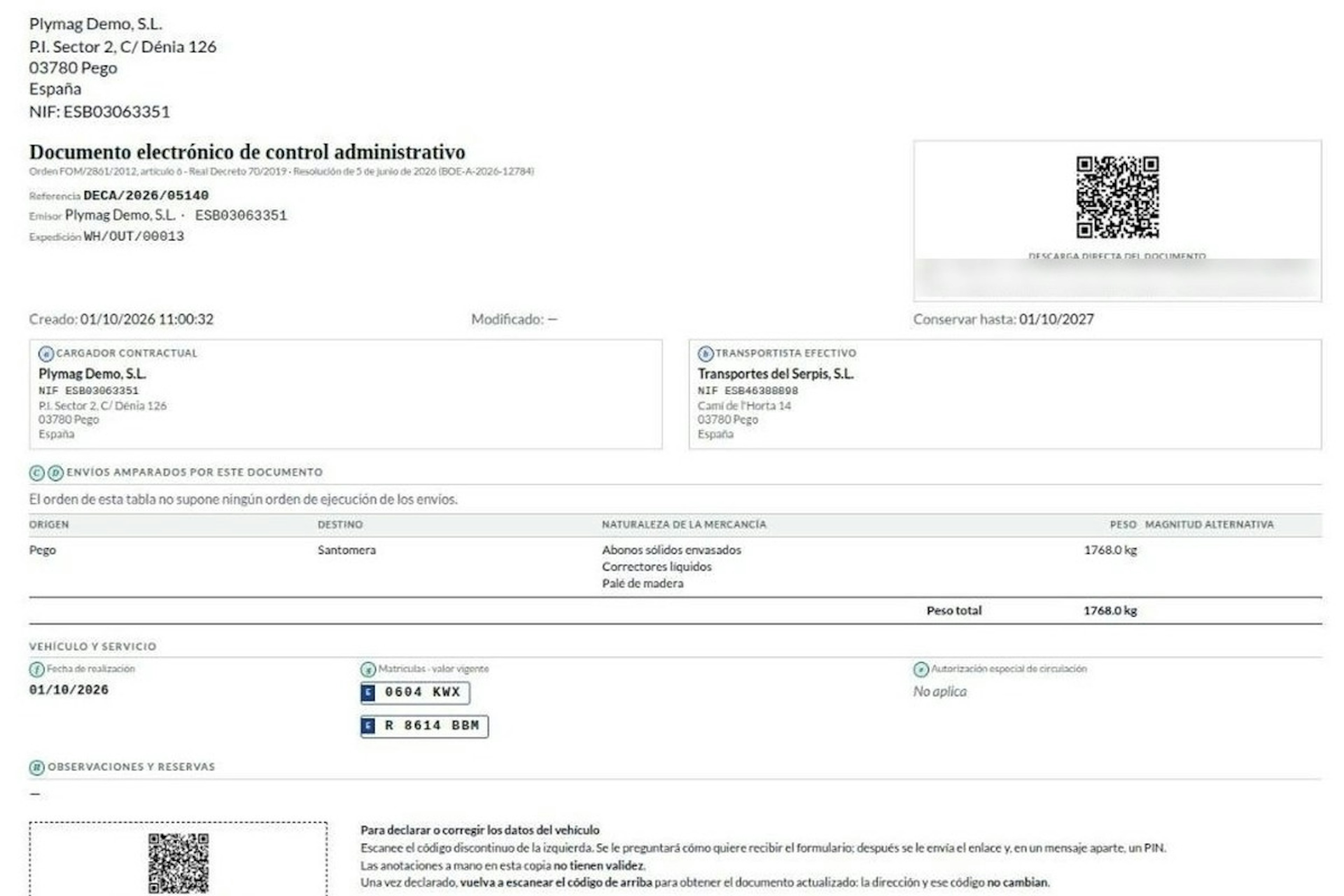
How the DeCA works in Odoo when the truck changes on the road: QR, secure link and PIN.
A breakdown, a different semi-trailer, a reservation about the load: this is how the DeCA is amended in Odoo during transport, with two QR codes, a link only the carrier receives and a six-digit PIN.
8-minute read
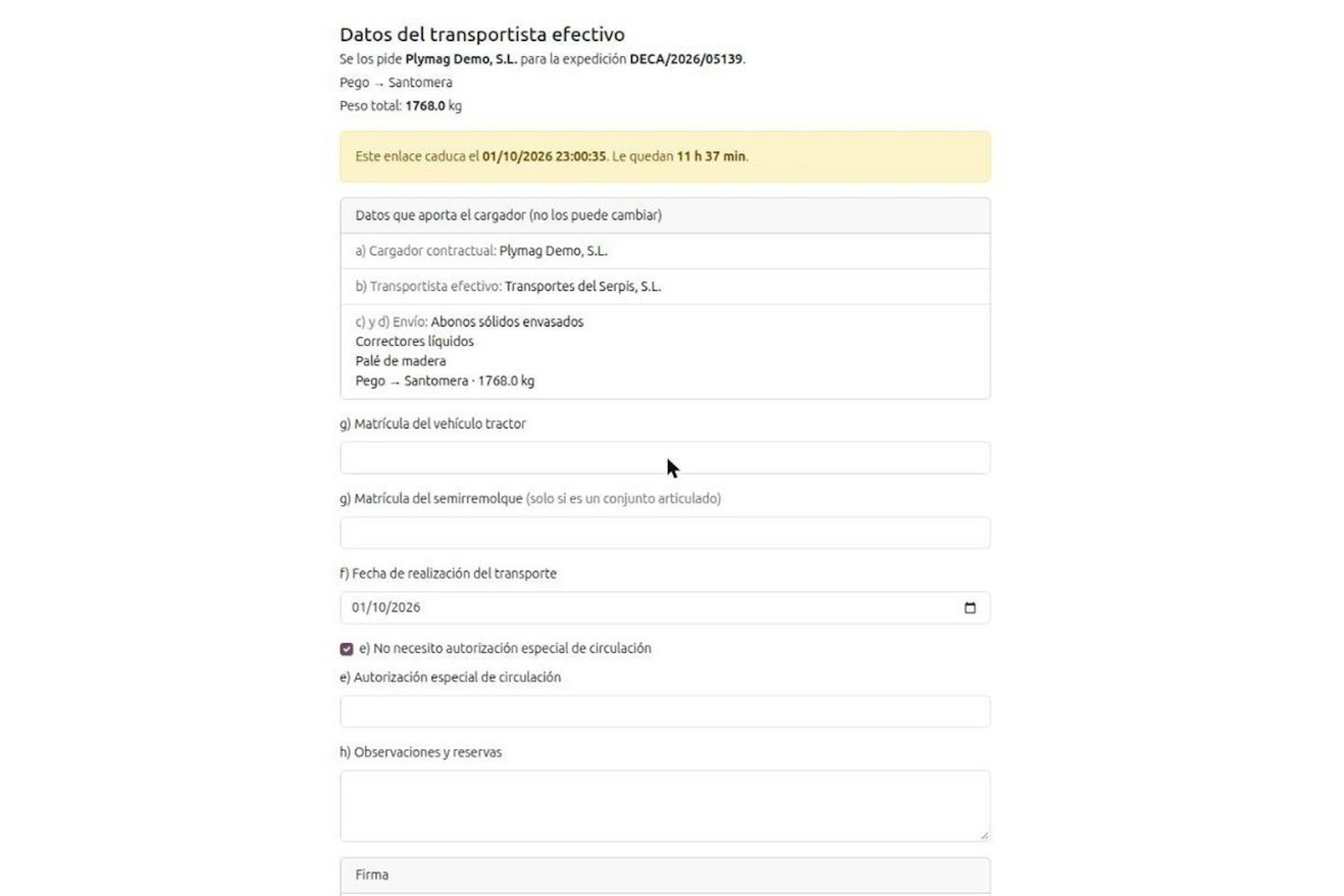
DeCA for transport companies with Odoo: you supply your data by link and issue it when you subcontract.
As the actual carrier, the DeCA binds you, but you will usually supply the special authorisation, date and plates through the link your client's Odoo sends you. When you subcontract, you will normally issue it from your own Odoo.
13-minute read
DeCA in Odoo: the transport control document, issued from the delivery order.
The DeCA is mandatory from 5 October 2026. If you run Odoo, you issue it from the delivery order with no separate tool, and the carrier adds the plate from their phone.
8-minute read
DeCA in Odoo for distribution companies: comply even without trucks.
If you distribute with Odoo and contract the transport, the DeCA binds you even if you own no truck, and you will usually be the one issuing it. What data you supply, why it is already on your delivery order and what daily work looks like.
8-minute read
Who must issue the DeCA: both parties, and in Odoo you decide it on each delivery order.
The DeCA binds both the contractual shipper and the actual carrier, even if you own no trucks. Five questions to find out which one you are and how it shows on each Odoo delivery order.

Odoo Partner in Barcelona
Odoo Partner in Barcelona
Odoo Implementation, Consulting, and Support for Businesses in Barcelona

Odoo Partner in Madrid
Odoo Partner in Madrid
Odoo Implementation, Consulting, and Support for Companies in Madrid

Odoo Partner in Alicante
Odoo Partner in Murcia
Odoo Implementation, Consulting, and Support for Businesses in Murcia

Odoo Partner in Murcia
Odoo Partner in Murcia
Odoo Implementation, Consulting, and Support for Businesses in Murcia

Odoo Consultants
Odoo Consultants
At Dynapps, we’ve been working as Odoo consultants in Spain since before we wrote the first line of configuration code: we understand your business, prioritize what truly adds value, and only then do we design the solution.