The 5 Best Time-Tracking Apps for Your Business in 2026
Productivity and regulatory compliance require an accurate time-tracking system: track work hours, generate evidence, and make data-driven decisions. For hybrid or remote teams, traceability is critical. The key is to combine simplicity with scalability. With Dynapps (Odoo Gold Partner), you can accelerate implementation and grow seamlessly. This guide helps you make the right choice without compromising your digital future.
Why You Need a Time and Attendance System in 2026
Labor regulations require traceable evidence of time tracking for both salaried and hourly employees, so recording clock-ins, clock-outs, breaks, and remote work can no longer rely on manual timesheets. A digital system adjusts shifts, prevents absenteeism, and aligns schedules with collective bargaining agreements and holidays, reducing errors and administrative time. Real-time visibility makes it easier to redistribute workloads and anticipate peaks in demand, which is crucial during campaigns and seasonal periods. In hybrid work environments, remote clock-in with geolocation or biometric verification adds an extra layer of security. To complete the picture, it’s important to understand the ERP framework; you’ll find this article helpful: Odoo 19 and how it integrates with HR and accounting management. With reliable records, the company reduces legal risks, improves planning, and makes data-driven decisions. The sooner the process is digitized, the sooner the margin for error will be reduced and resources will be optimized.
How to Choose the Best Free Time Tracking App
The free version should cover the essentials: web and mobile clock-in, basic reports, data export, and role-based permission controls; additionally, the interface should be intuitive and the learning curve short. Consider how easy it is to sign up users, manage issues, and integrate with SSO as your team grows. Without digital time tracking, there is no data; without data, there is no continuous improvement or objective performance evaluation. Verify that historical data is retained and can be migrated without limits, even in free plans. Future integration is key: APIs, webhooks, and ERP connectors prevent repetitive tasks and transcription errors. If your business bills by the hour or by project, linking timesheets to billing is crucial; you can see how this works in Odoo Invoicing. Also review privacy policies and data retention practices—vital for labor audits—and ensure that documentation and the technical community provide at least basic support.

Integration with Odoo: Dynapps' Competitive Advantage
Integrating the free employee time tracking system with Odoo multiplies its value because time entries are linked to projects, orders, and cost centers, closing the loop from planning to billing. This traceability allows you to allocate hours to quotes, compare margins, and adjust rates based on objective criteria. Absence management impacts planning and payroll; a single workflow prevents duplication and errors, speeding up monthly closings. Dynapps designs architectures that respect your current processes, preserve historical data, and maintain compatibility with future modules for HR, CRM, purchasing, and accounting. On the tax front, it’s wise to anticipate new reporting and filing requirements; here’s a useful reference on Odoo Verifactu. For field- and warehouse-intensive sectors, synchronizing work orders with inventory reduces stockouts and downtime; this analysis of Odoo in logistics offers practical insights. Result: a more agile operation, with less friction and better-informed decisions.

2026 Ranking: The 5 Best Time Tracking Apps
The market offers a wide range of options, and when making a decision, it’s helpful to consider five solution profiles that cover the most common scenarios. The common denominator is a free plan with clock-in, reports, and export features, ideal for small and medium-sized businesses just starting out with free employee time tracking. We evaluate usability, security (2FA, roles), mobility, user limits, and ERP integration options. Scalability makes a difference when the team grows and the focus shifts from “just clocking in” to “managing capacity and costs.” If your business sells online, integrating time tracking with your digital channel speeds up quotes and deliveries; here’s how to sell more with Odoo eCommerce. For expanding SMEs, best practices for ERP implementation also help; this guide to ERP for SMEs summarizes key efficiency tips. With this foundation, choose the solution that best fits your needs and avoid painful migrations.
App 1: Basic Data Entry and Essential Reports
A profile designed for quick setup: user registration, web/mobile clock-in, and CSV/PDF export with simple controls. The interface is generally intuitive and requires minimal configuration, which speeds up adoption by non-technical teams. It allows you to log breaks and notes per clock-in to provide context for incidents and facilitate audits. Daily and weekly reports cover standard inspections and communication with middle management. As is common, advanced permissions or complex calendars are not included in the free plan. This approach is ideal for micro-businesses or pilot projects seeking free employee time tracking without relying on IT. It provides a path for integration via API or a simple connector to keep the door open for growth. If the business scales up, migrating to a module in Odoo will be straightforward and without losing historical data.
App 2: Project and Task Timelines
This profile focuses on profitability by assigning hours to projects, tasks, and clients to analyze margins in detail. Time tracking aligns with budgets and service sheets, with views by project and by person that make it easier to prioritize. The free plan typically limits advanced export features but retains key productivity reports. It is ideal for creative studios, consulting firms, and software companies, where billable time impacts revenue. Tags and comments allow you to categorize activities and identify bottlenecks without additional tools. On the other hand, absence management can be basic and may require add-on modules. The integration with Odoo allows for automatic billing of approved hours and tracking of variances. This improves decision-making by comparing planned versus actual hours without manual processes.
App 3: Automation and Passive Monitoring
The goal here is to reduce oversights and improve accuracy through reminders, inactivity alerts, and assisted tracking. The dashboards display trends by customer or service without the need to set up complex reports, making them ideal for intensive multitasking. In scenarios with strict compliance requirements, it is advisable to review data handling and retention periods before enabling advanced features. The free version typically restricts sophisticated roles or approval workflows but retains the essentials to get started. This approach helps standardize digital time tracking and reduce recording errors. By integrating with the ERP, approved timesheets automatically feed into projects and payroll. This reduces the administrative burden and shortens closing cycles. At the same time, managers can detect time-tracking discrepancies more quickly.
App 4: Mobility, Geolocation, and Schedules
Designed for field teams, it enables mobile clock-in with location tracking, verification via selfies, and management of rotating shifts. Offline mode ensures data is recorded in areas without coverage and syncs as soon as the signal is restored. Management of permissions, absences, and last-minute changes is supported by real-time notifications to the supervisor. The free plan typically includes a generous user limit and standard exports for audits. This plan is suitable for retail, construction, transportation, or technical services with mobile crews. The learning curve may be steeper due to the variety of scenarios and operational exceptions. Connecting this data to inventory and work orders in Odoo impacts logistics timelines and costs. The result is employee attendance tracking that evolves from a mere formality into an operational lever.
App 5: Open Source and Self-Hosted
A self-managed option that can be deployed on the company’s own servers or in the cloud of its choice, with full control over the data. The main advantage is customization and unlimited users with no per-seat fees, along with flexible export options and invoicing extensions. It requires technical expertise for installation, backups, and updates, so it’s advisable to plan for internal support. It’s ideal for organizations with stable IT infrastructure or data sovereignty requirements. The community provides plugins and guides, though support will depend on available resources. Integration with Odoo can be achieved via API or validated connectors to synchronize times and costs. In any case, it is a solid approach for robust and sustainable time tracking. When properly configured, it allows for growth without commercial ties.
Dynapps Services for Time and Attendance Tracking Fully Integrated with Odoo
Once the free pilot is up and running, it’s time to consolidate processes into a single ERP system that integrates HR, projects, reports, and finance. Dynapps develops a roadmap that includes an assessment, system architecture, historical data migration, and dashboards so that everyone works from a single source of truth. This translates to fewer duplicates, faster monthly closings, and simpler audits, as well as better data governance. For freelancers and micro-businesses with reporting obligations, this guide clarifies the scope: who is required to use Verifactu. If your company combines operations with training or a corporate campus, this overview of Odoo for education can inspire use cases. With this foundation, free employee time tracking evolves into a comprehensive, scalable system ready for audits and growth.
Consulting and module customization
The consulting service is based on your actual rules (shifts, irregular work schedules, agreements, and calendars) so that every time an employee clocks in, there is clear context and accountability. Roles, validation workflows, and audit criteria are defined, along with integrations with SSO, directories, and security policies. The rollout prioritizes quick wins that accelerate adoption and demonstrate early value through visible metrics. Dashboards display KPIs for capacity, absenteeism, and deviations, aiding in resource planning. For markets with new tax requirements, this summary of the regulatory framework is useful: Verifactu Regulation 2025. With this preparation, the system is ready to scale without reworking processes or losing traceability. Continuous monitoring ensures that every improvement aligns with business objectives.
Training and support for your team
The sessions combine real-life cases, best practices, and incident simulations to help each participant master their role. Participants learn how to clock in via the web and mobile apps, document breaks, request time off, and log tasks with the appropriate level of detail. Managers and HR learn to approve timesheets, create reports, manage complex schedules, and interpret metrics. The training materials remain available for new hires and internal transfers, facilitating sustained adoption. Usage metrics are defined to detect early barriers and adjust the tool without losing productivity. A clear data-driven culture reduces conflicts and improves the work environment, with known rules and full traceability. Thus, the investment in time management translates into measurable productivity. The organization gains order and predictability in its day-to-day operations.
Support, maintenance, and updates
The service covers incidents, functional adjustments, and compatibility with new versions to ensure operational continuity. Backups, monitoring, and security reviews are scheduled to ensure the integrity of the historical data. Legal or contractual changes are incorporated into rules and schedules without interrupting operations or affecting the closing process. Improvements are tested in a staging environment and released through controlled windows with communication to the teams. Integrations are reviewed to prevent breakdowns due to changes in APIs or credentials. Data retention is managed according to criteria agreed upon with HR and Legal, facilitating future audits. With this cycle, the digital time tracking system remains aligned with the business and its priorities. The company reduces hidden maintenance costs and gains stability.

How to Get Started with Your Free Time Tracking System and Odoo
Define the scope: locations, teams, shifts, and success metrics for the first quarter, prioritizing critical processes. Select the free app plan that best fits your current operations and review its integration capabilities. Plan the integration with Odoo to unify data and automate payroll, reports, and invoicing, reducing repetitive tasks. Conduct a pilot with a representative team and document real-world issues to adjust rules and permissions. Migrate essential historical data and train managers and HR with practical guides and initial support. Activate dashboards and biweekly reviews until the system stabilizes, with clear and measurable objectives. Once everything is up and running, expand coverage in phases and formalize data governance. If you’re looking to accelerate this plan, Dynapps can support you with controlled timelines and costs.
Discover what Odoo can do for your business.
An initial meeting to see if we're a good fit, followed by a demonstration tailored to your processes.
More posts like this
8-minute read
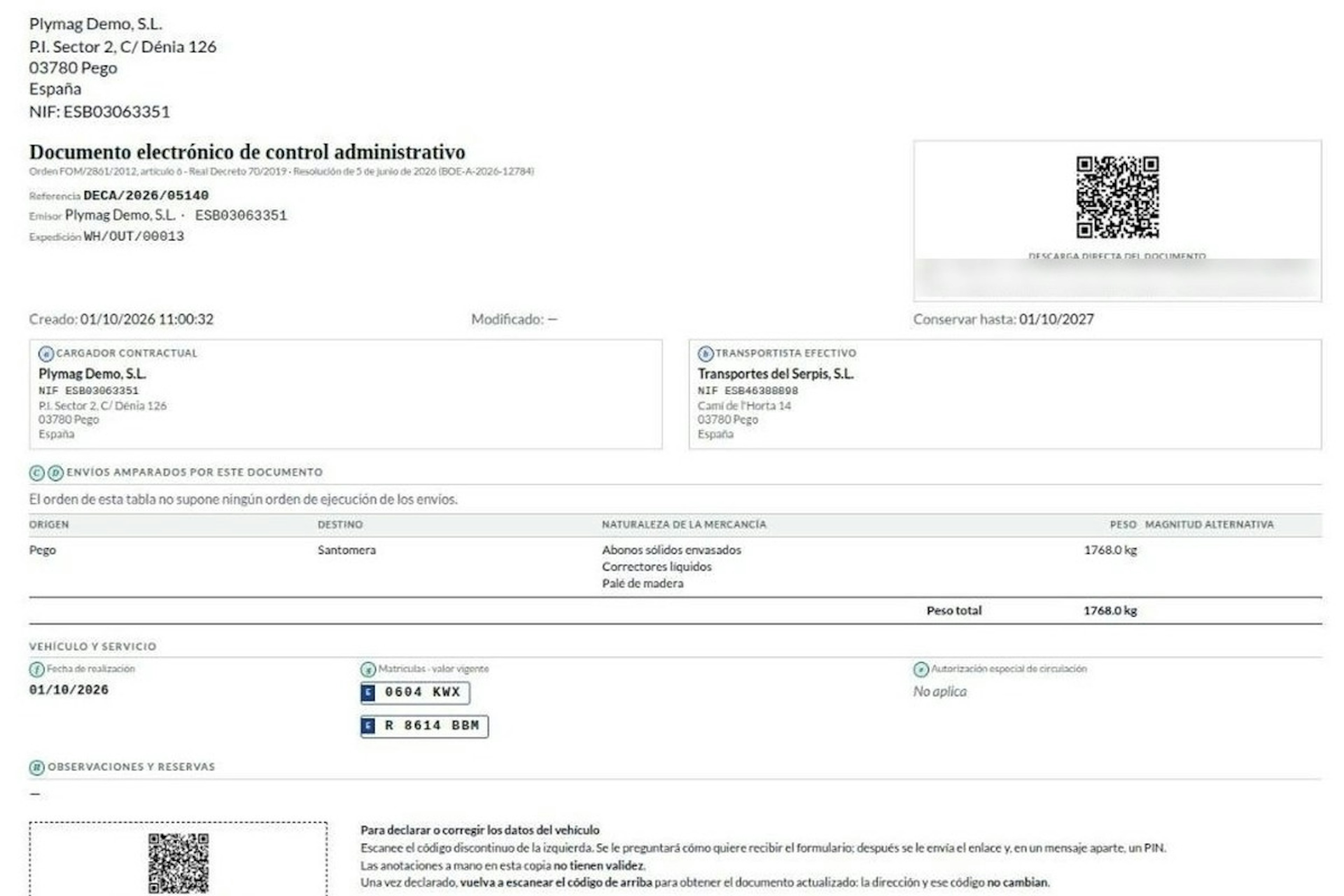
How the DeCA works in Odoo when the truck changes on the road: QR, secure link and PIN.
A breakdown, a different semi-trailer, a reservation about the load: this is how the DeCA is amended in Odoo during transport, with two QR codes, a link only the carrier receives and a six-digit PIN.
8-minute read
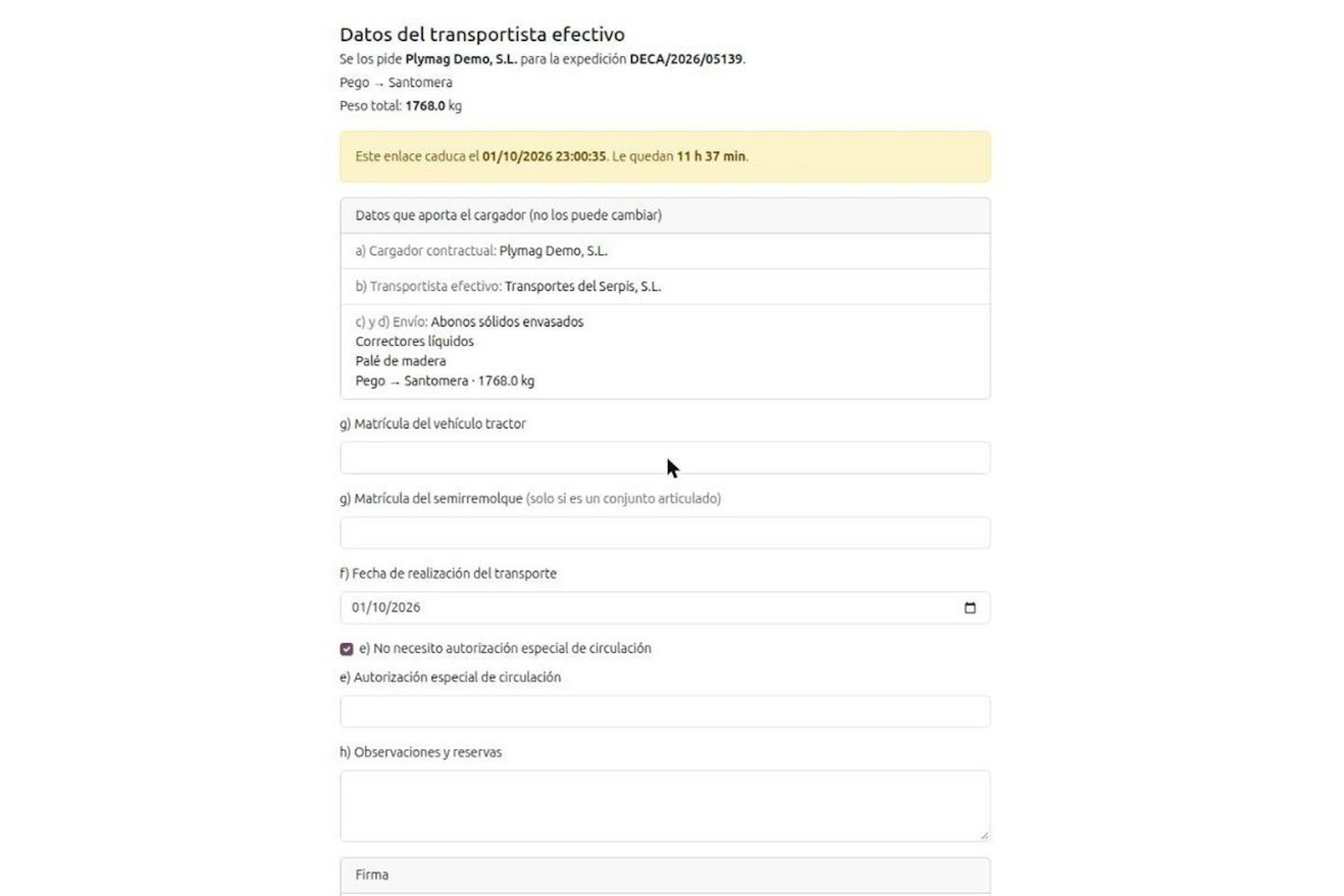
DeCA for transport companies with Odoo: you supply your data by link and issue it when you subcontract.
As the actual carrier, the DeCA binds you, but you will usually supply the special authorisation, date and plates through the link your client's Odoo sends you. When you subcontract, you will normally issue it from your own Odoo.
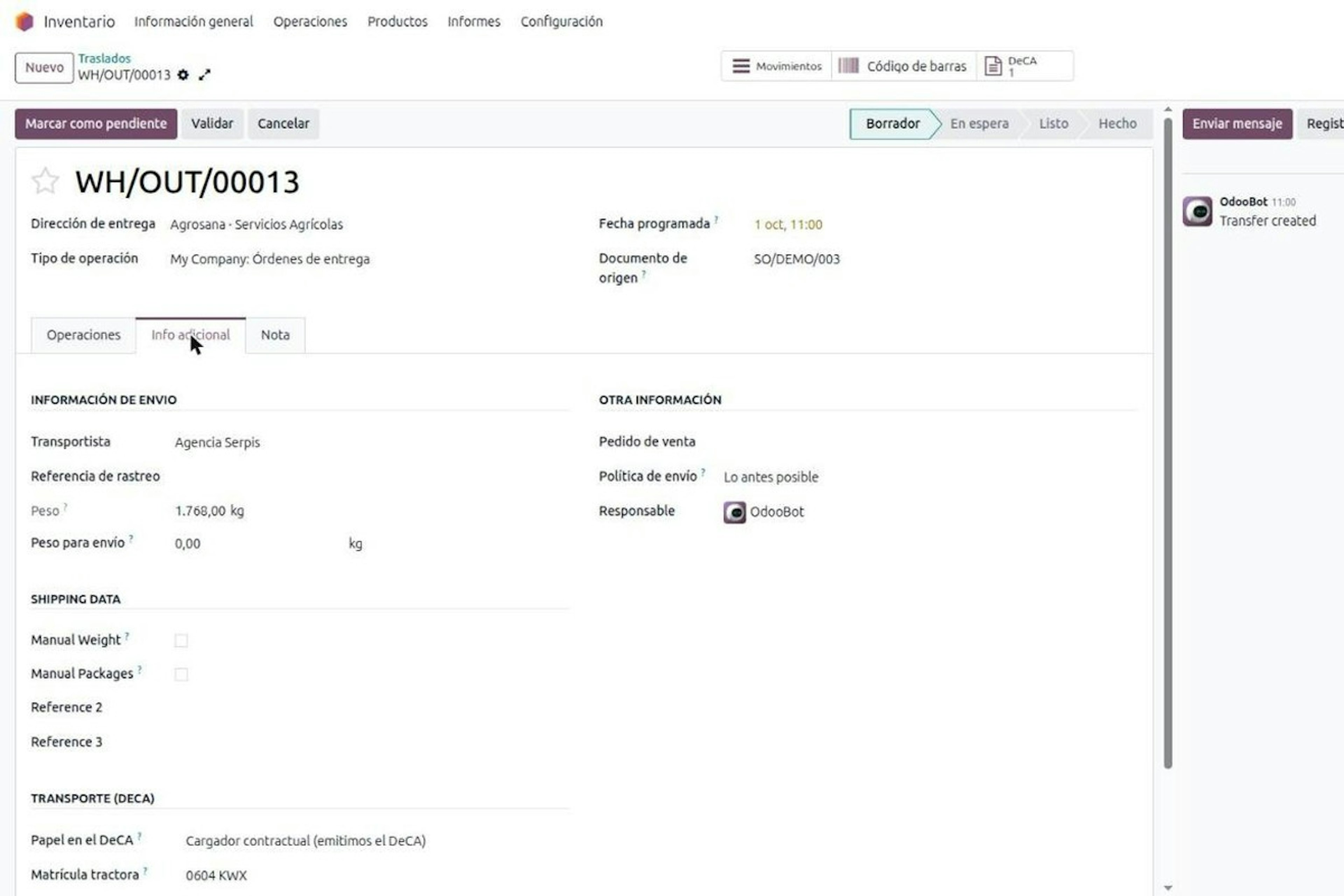
13-minute read
DeCA in Odoo: the transport control document, issued from the delivery order.
The DeCA is mandatory from 5 October 2026. If you run Odoo, you issue it from the delivery order with no separate tool, and the carrier adds the plate from their phone.
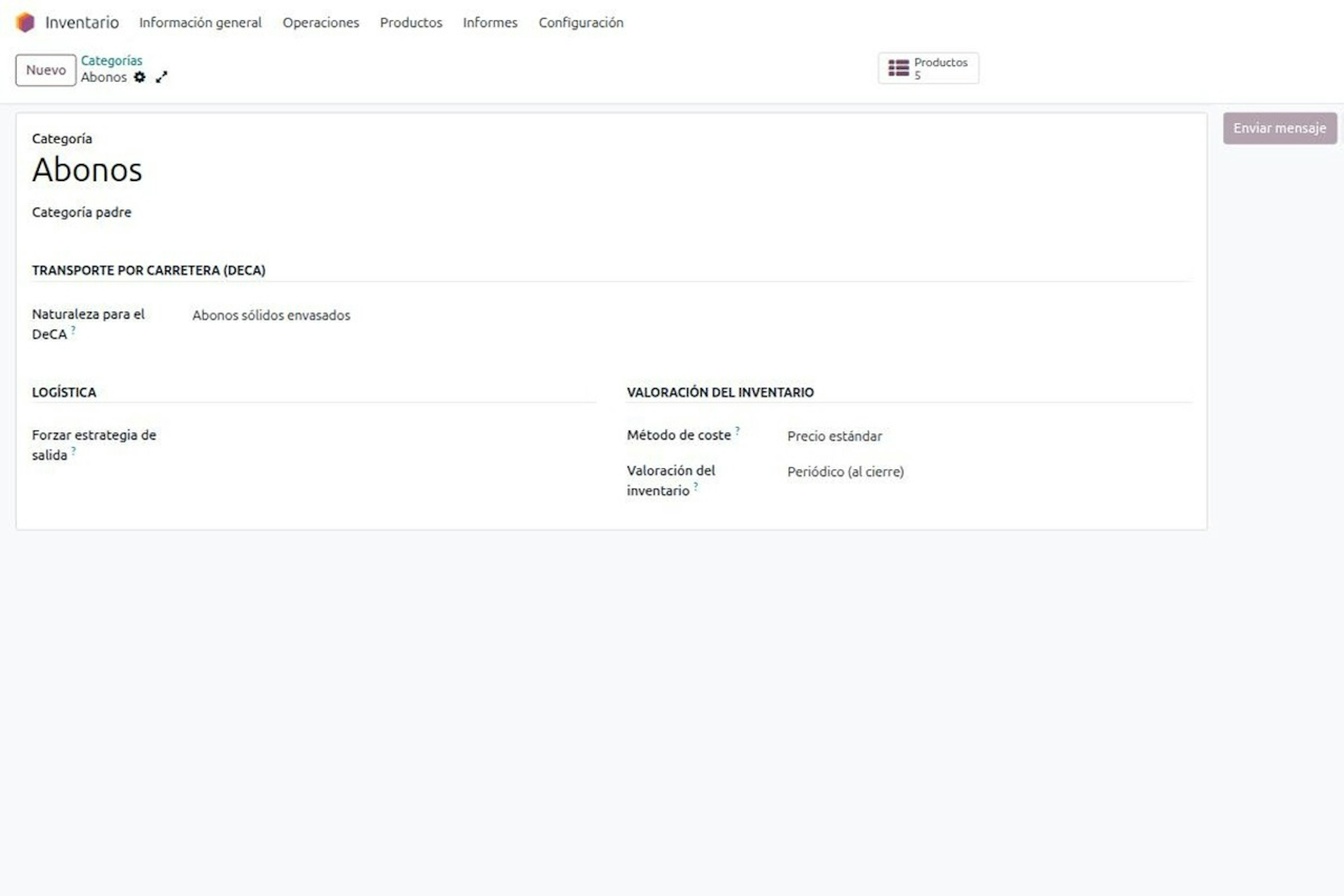
8-minute read
DeCA in Odoo for distribution companies: comply even without trucks.
If you distribute with Odoo and contract the transport, the DeCA binds you even if you own no truck, and you will usually be the one issuing it. What data you supply, why it is already on your delivery order and what daily work looks like.
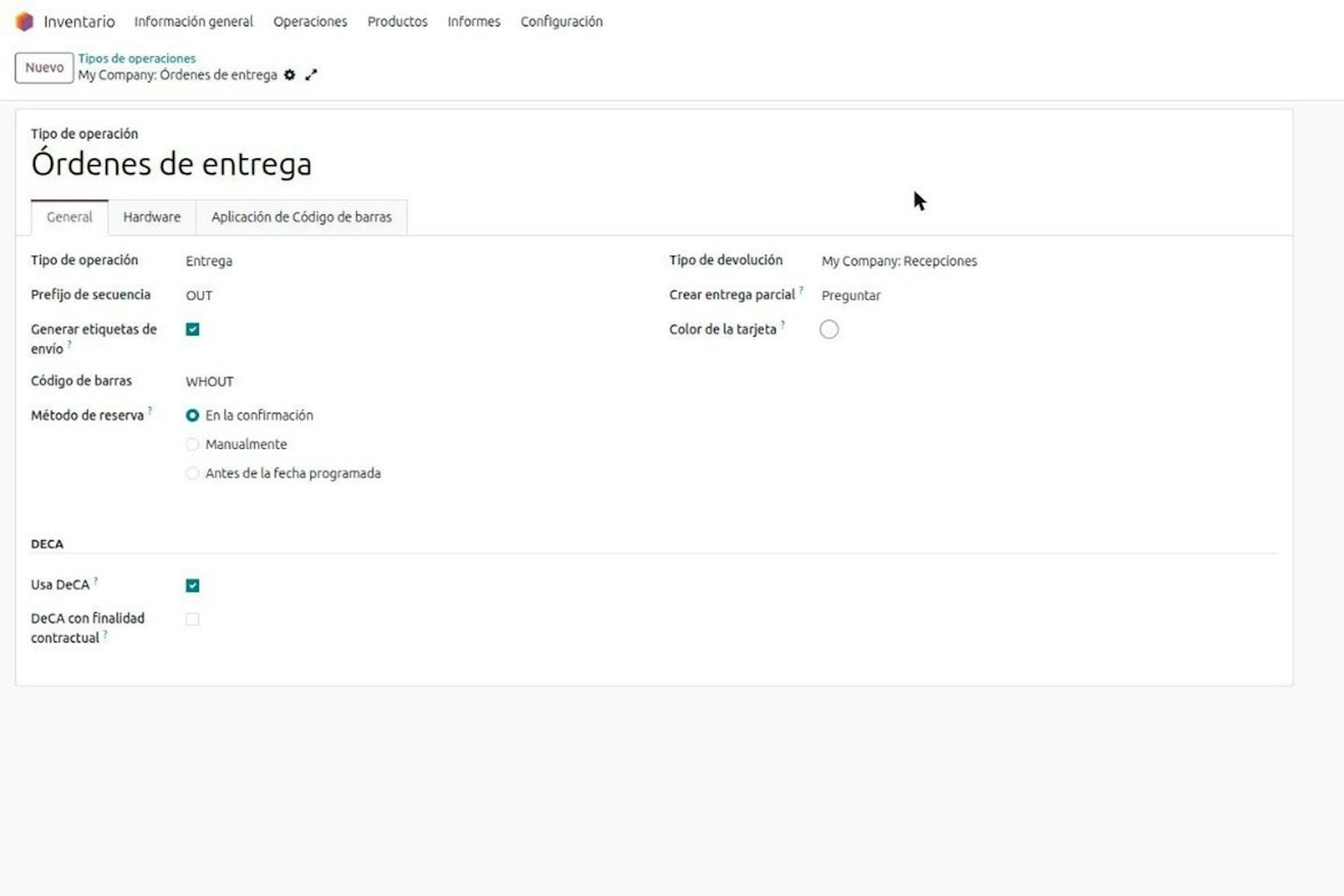
8-minute read
Who must issue the DeCA: both parties, and in Odoo you decide it on each delivery order.
The DeCA binds both the contractual shipper and the actual carrier, even if you own no trucks. Five questions to find out which one you are and how it shows on each Odoo delivery order.

Odoo Partner in Barcelona
Odoo Partner in Barcelona
Odoo Implementation, Consulting, and Support for Businesses in Barcelona
Odoo Partner in Madrid
Odoo Partner in Madrid
Odoo Implementation, Consulting, and Support for Companies in Madrid

Odoo Partner in Alicante
Odoo Partner in Murcia
Odoo Implementation, Consulting, and Support for Businesses in Murcia

Odoo Partner in Murcia
Odoo Partner in Murcia
Odoo Implementation, Consulting, and Support for Businesses in Murcia
Odoo Consultants
Odoo Consultants
At Dynapps, we’ve been working as Odoo consultants in Spain since before we wrote the first line of configuration code: we understand your business, prioritize what truly adds value, and only then do we design the solution.