10 Tips for Improving Your Productivity in Odoo
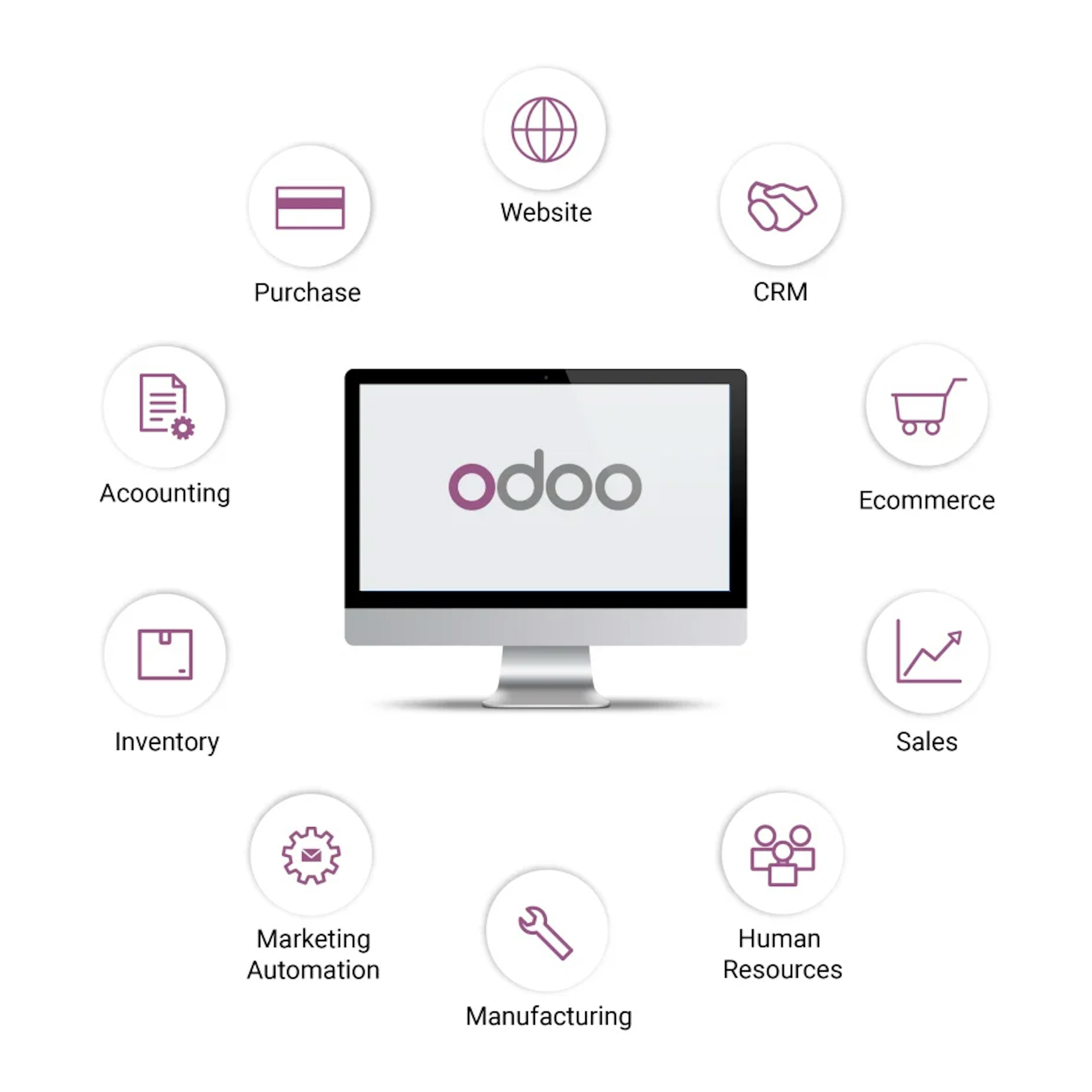
To increase productivity in Odoo, you should: automate repetitive processes, centralize information to improve communication, use decision-making tools, optimize system performance through module and cache management, customize the interface for split-screen work, and leverage Odoo’s specific modules for sales, projects, and CRM.
Speed and convenience at work are very important to everyone, as they help ensure that tasks are completed smoothly and efficiently.
That is why we want to let you know that, with Odoo, there are many ways to improve productivity while working with our business software, to make it easier to use and more practical.
Here are some Odoo productivity tips we’d like to recommend—and that we put into practice ourselves:
1. Use filters
Odoo, allows you to sort results in all its applications using filters, so you can find what you're looking for more quickly; you can also customize and edit these filters to suit your preferences. They are located in every Odoo application, in the top-right corner, below the search bar.
2. Save your frequently used filters to your favorites
This way, you'll have the filters you use most often right at your fingertips by saving your search, and it will always appear in "Favorites."
3. Use the search bar to navigate Odoo
From any Odoo application, you'll find a search box in the top-right corner where you can type any word to quickly find the result you need. Also, from the home screen of your Odoo database (where all your installed applications appear), you can type directly, and a search box will open where you can also find what you need without having to open any specific application.
4. Import your data in bulk from Excel
You can quickly and easily import any data you have in Excel format into Odoo without having to do it manually—just follow a few simple steps. You can select the “Import records” option from the Favorites menu in various applications, such as Contacts, Sales, or Products.
5. Use keyboard shortcuts in Odoo
When you're in any Odoo application, press the "Alt" key, and numbers or letters will appear above all the buttons on the screen. These are the shortcuts; therefore, by pressing those numbers or letters on your keyboard, you’ll go directly to the selected field without having to use the cursor.
In addition, if you have Odoo Enterprise, you can access other shortcuts using various key combinations to, among other things, save a record, edit it, or simply go to the home screen. You can find these shortcuts under “My Profile” → “Shortcuts.”
6. Work with multiple tabs
You can have as many Odoo tabs open in your browser as you need. It doesn't matter if you already have one open, since it won't interfere with the changes you're making in another tab. This makes it easier to view different data at the same time, among other things.
7. Record your screen as a video
You can record your screen by pressing “Windows + Alt + R” so you can show your employees examples of how to do something in Odoo or help them resolve any questions. You can record your screen with no problem at all!
8. Enlarge your screen
Your Odoo database adapts to any screen size; you can zoom in or out as much as you like, and the screen will adjust automatically. Try using “Ctrl +” or “Ctrl -”.
9. Use the mouse wheel to scroll
This is intended for any screen that is wider than usual and where not all the information can be seen at a glance.
Here’s a tip for viewing the data without having to use the mouse to drag the scroll bar that usually appears at the bottom: Press “Shift” and scroll with the mouse to scroll horizontally, provided the screen isn’t resized.
10. Split the screen in half
To boost your productivity, open two tabs on your screen so you can view them at the same time. This will allow you to compare data more quickly and complete tasks more efficiently and effectively.
You can try Odoo for free by signing up for your custom demo and let us show you everything our software can do for your business.
Discover what Odoo can do for your business.
An initial meeting to see if we're a good fit, followed by a demonstration tailored to your processes.
More posts like this
8-minute read
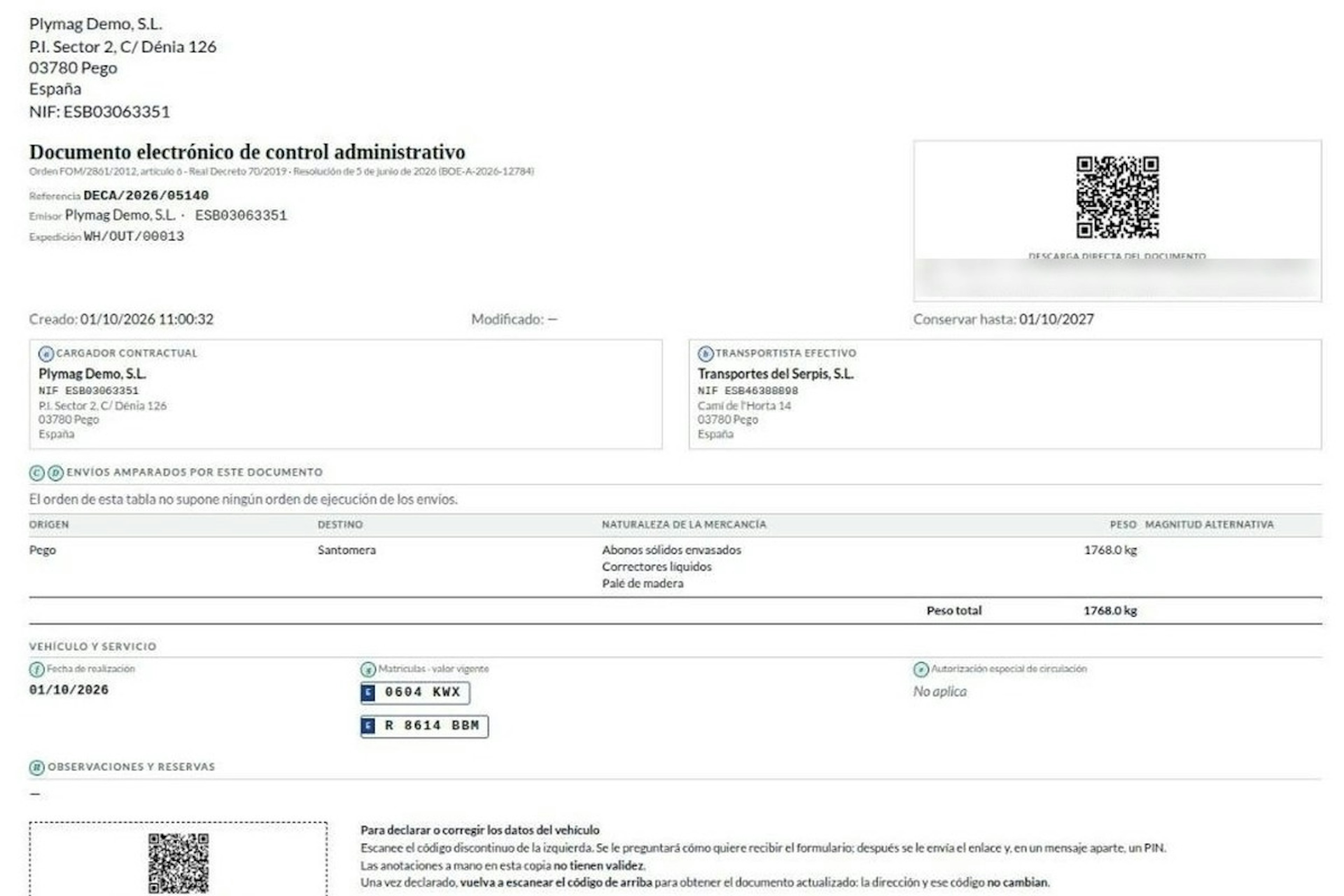
How the DeCA works in Odoo when the truck changes on the road: QR, secure link and PIN.
A breakdown, a different semi-trailer, a reservation about the load: this is how the DeCA is amended in Odoo during transport, with two QR codes, a link only the carrier receives and a six-digit PIN.
8-minute read
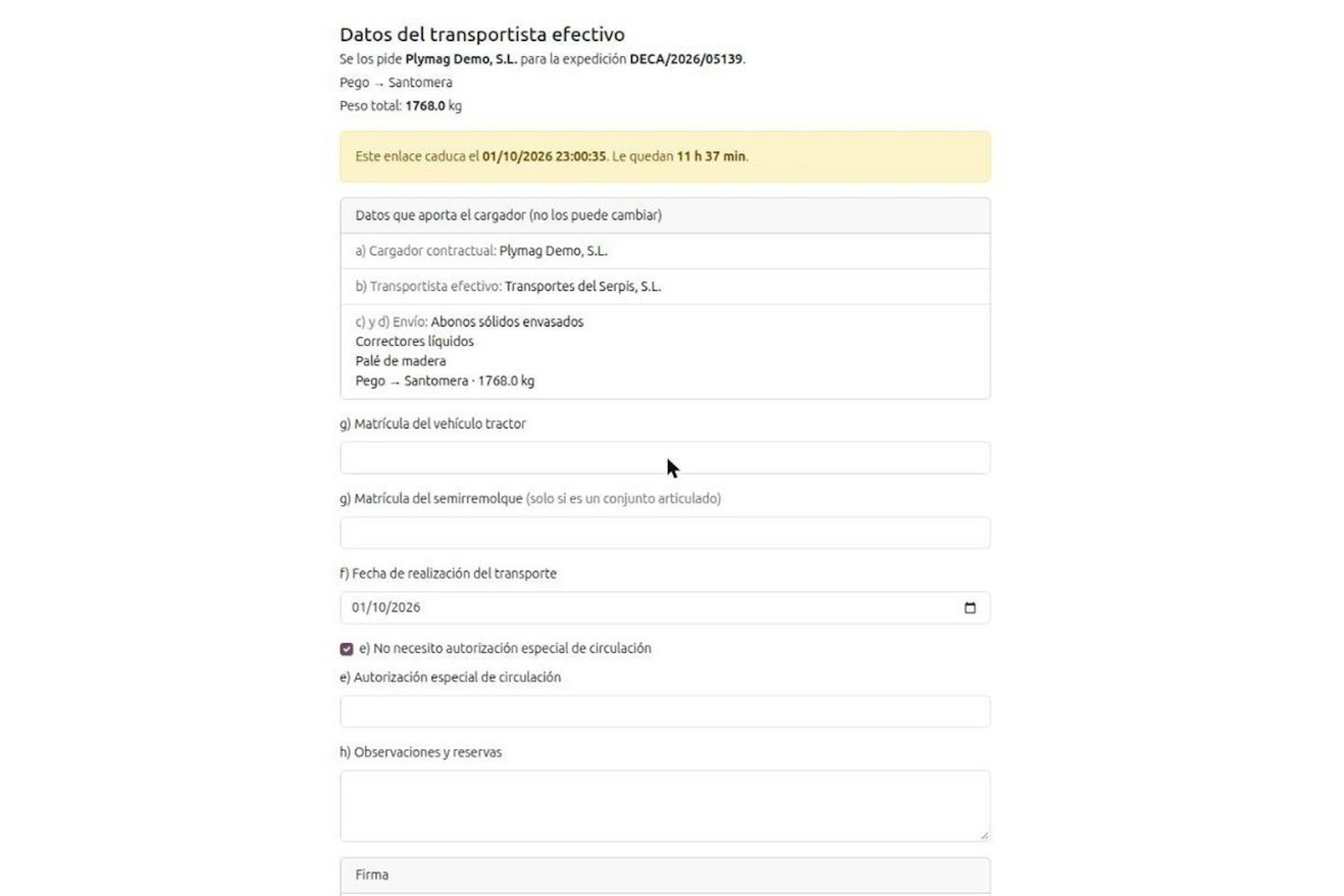
DeCA for transport companies with Odoo: you supply your data by link and issue it when you subcontract.
As the actual carrier, the DeCA binds you, but you will usually supply the special authorisation, date and plates through the link your client's Odoo sends you. When you subcontract, you will normally issue it from your own Odoo.
13-minute read
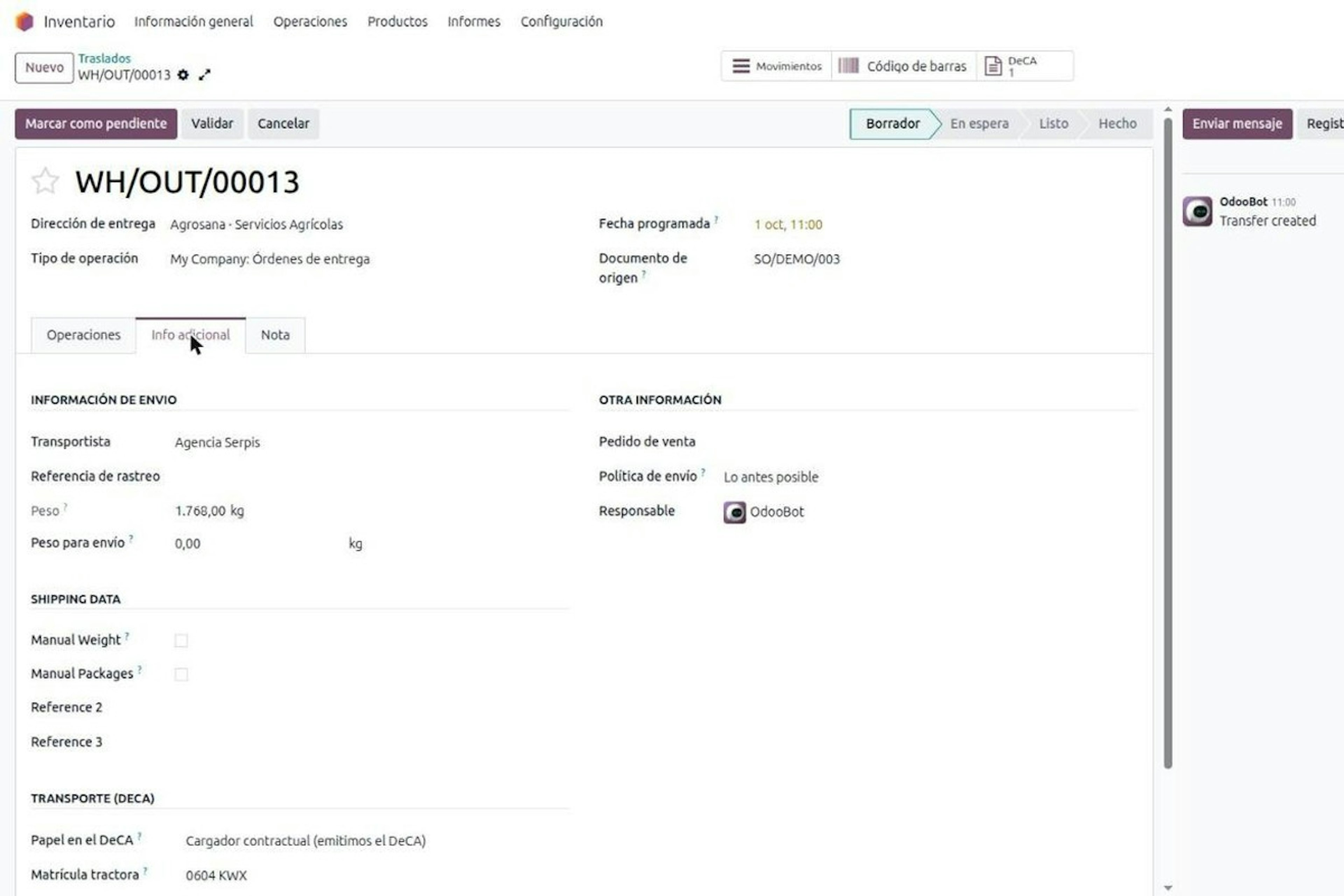
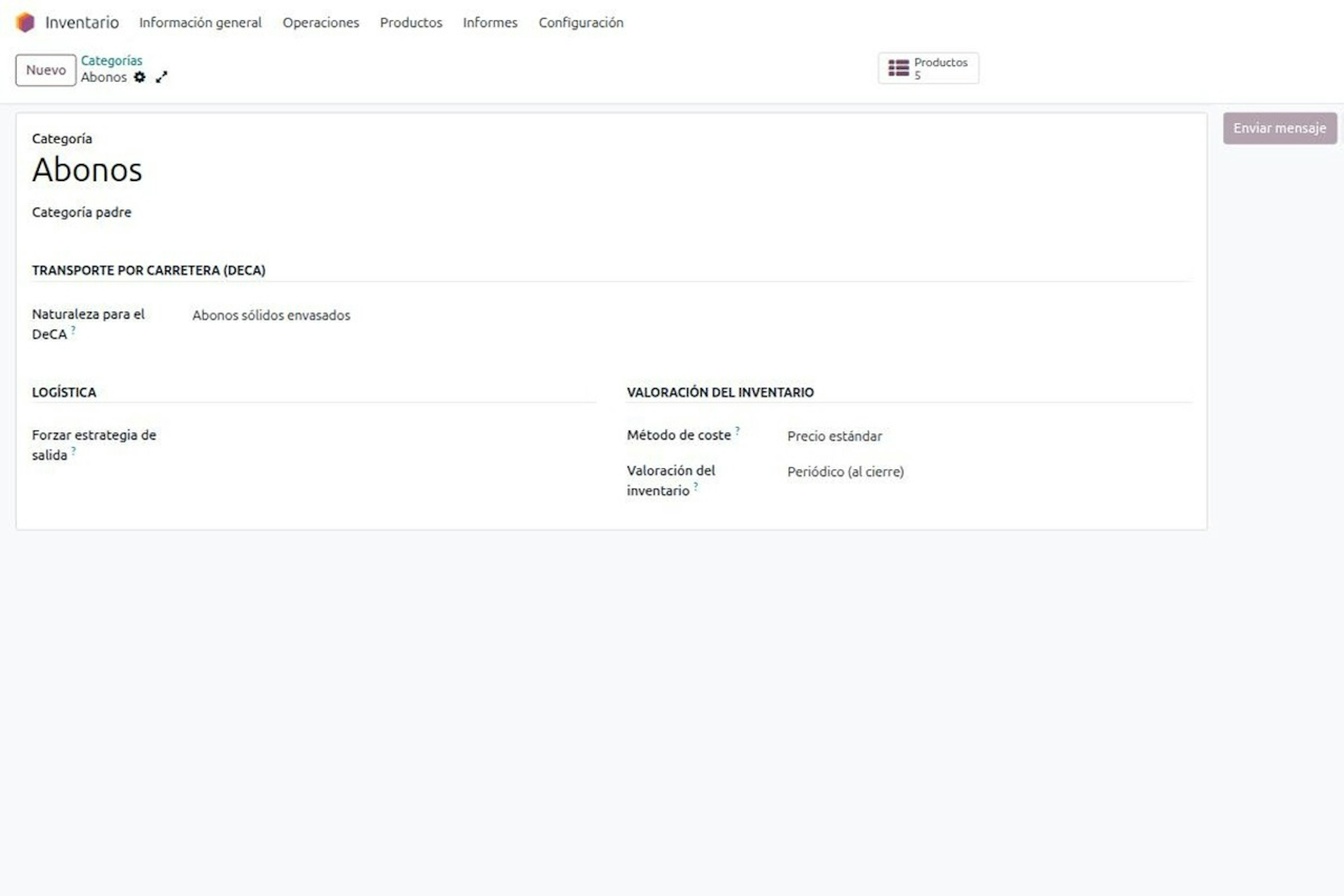
DeCA in Odoo: the transport control document, issued from the delivery order.
The DeCA is mandatory from 5 October 2026. If you run Odoo, you issue it from the delivery order with no separate tool, and the carrier adds the plate from their phone.
8-minute read
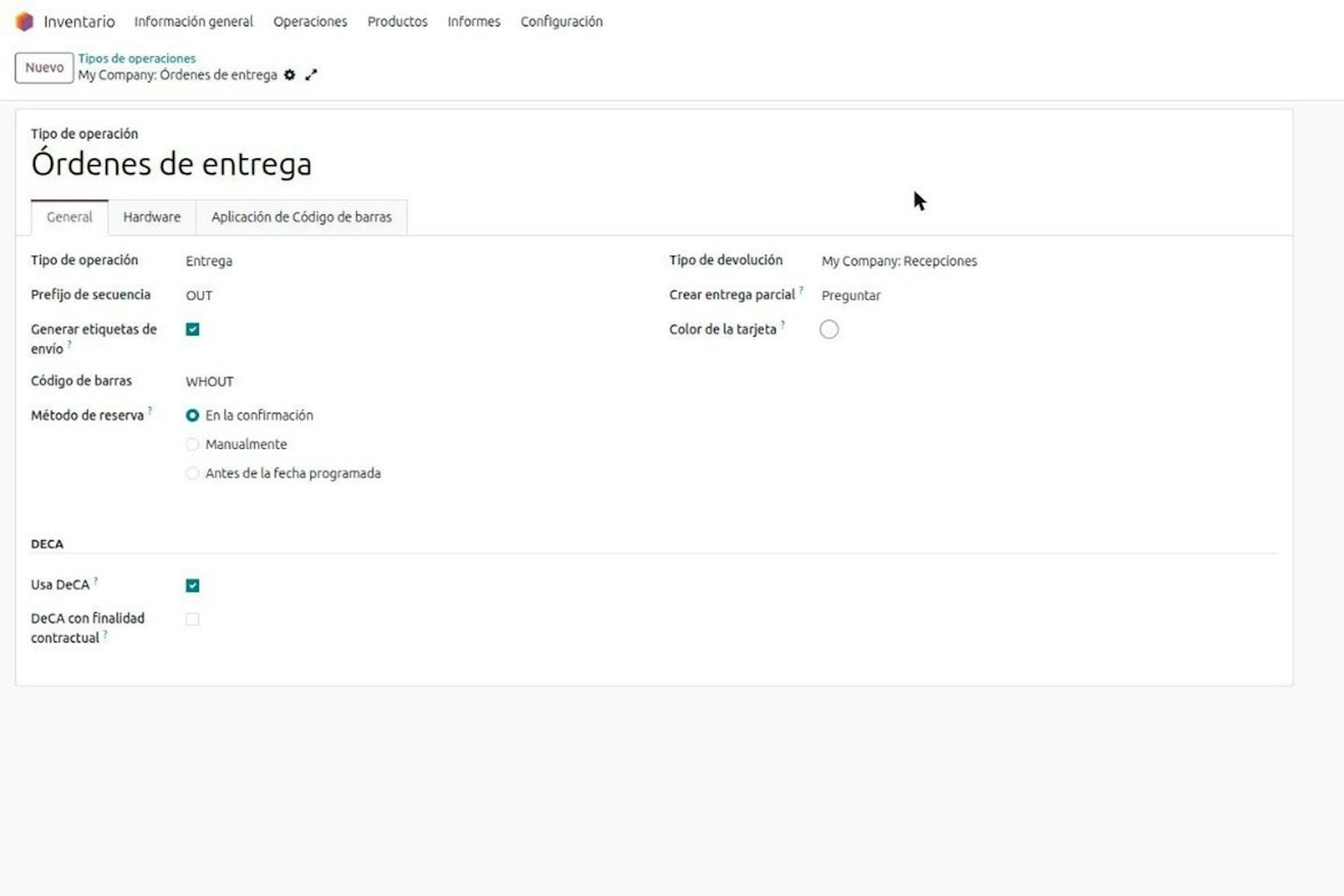
DeCA in Odoo for distribution companies: comply even without trucks.
If you distribute with Odoo and contract the transport, the DeCA binds you even if you own no truck, and you will usually be the one issuing it. What data you supply, why it is already on your delivery order and what daily work looks like.
8-minute read
Who must issue the DeCA: both parties, and in Odoo you decide it on each delivery order.
The DeCA binds both the contractual shipper and the actual carrier, even if you own no trucks. Five questions to find out which one you are and how it shows on each Odoo delivery order.
Odoo Partner in Barcelona
Odoo Partner in Barcelona
Odoo Implementation, Consulting, and Support for Businesses in Barcelona
Odoo Partner in Madrid
Odoo Partner in Madrid
Odoo Implementation, Consulting, and Support for Companies in Madrid

Odoo Partner in Alicante
Odoo Partner in Murcia
Odoo Implementation, Consulting, and Support for Businesses in Murcia

Odoo Partner in Murcia
Odoo Partner in Murcia
Odoo Implementation, Consulting, and Support for Businesses in Murcia
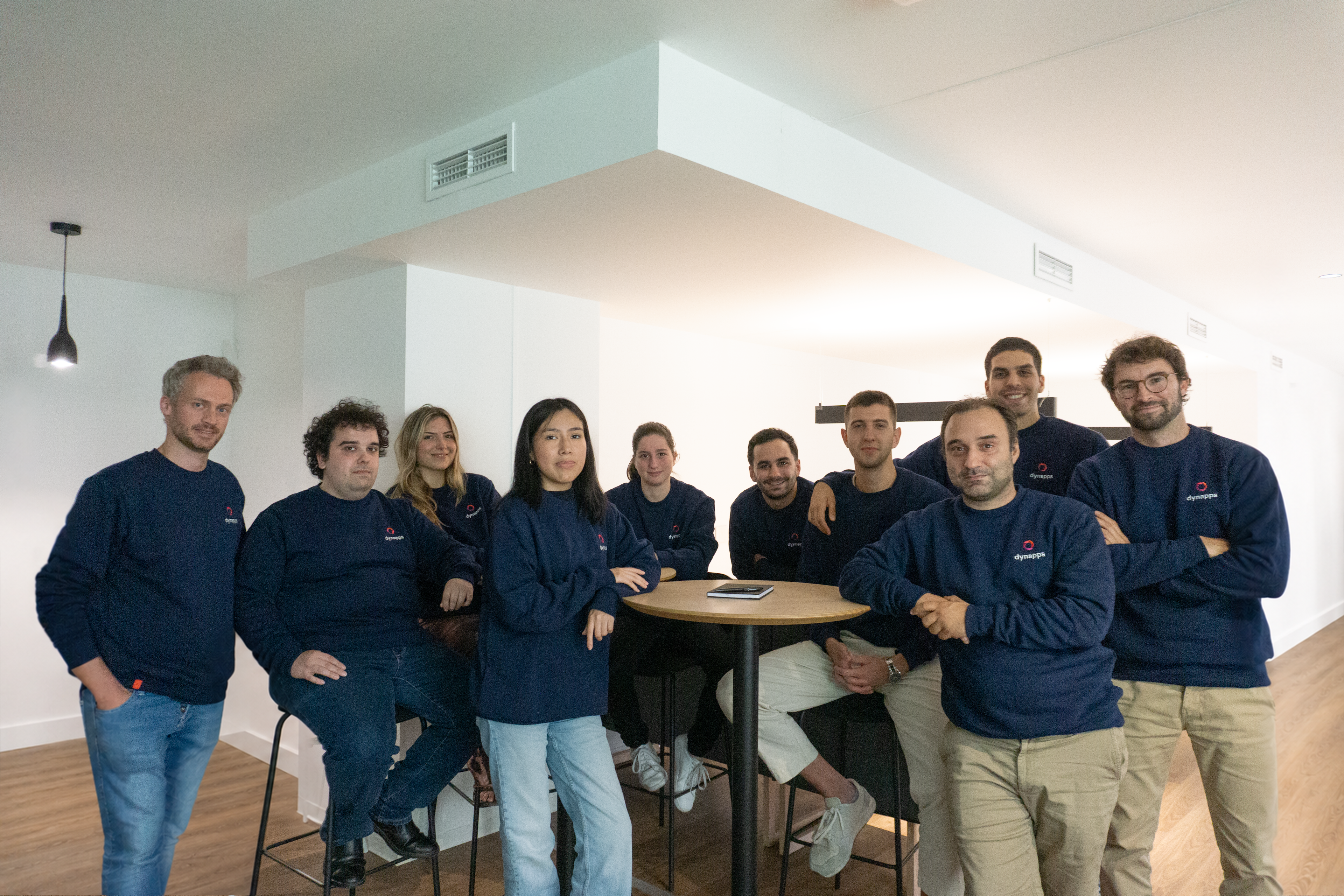
Odoo Consultants
Odoo Consultants
At Dynapps, we’ve been working as Odoo consultants in Spain since before we wrote the first line of configuration code: we understand your business, prioritize what truly adds value, and only then do we design the solution.