Odoo 20 is here. Here is what changes and how we get you there.
Odoo unveiled version 20 at Odoo Experience in Brussels on 24 September 2026. AI agents that do the work after your approval, fewer manual steps in finance, and HR and payroll in one flow. We tell you what matters for your business and plan the upgrade with you.
280+
Odoo experts
900+
customer references
05
countries
Highlights
Six shifts in Odoo 20.
AI agents that act
Agents search, create and update records with the user's own rights. By default, nothing gets written without approval.
HR and payroll in one flow
A guided payroll dashboard and payslips that read time off and schedules directly. In Belgium, Partena Professional and Odoo launch one HR and payroll environment from January 2027.
Fewer steps in accounting
Payments started from Odoo, mass bank reconciliation, a VAT reconciliation report for closing, consolidation with intercompany reconciliation.
Quotes that follow reality
Quotation lines without a product, tax included or excluded per document, an editable margin, and sections whose quantity rescales their lines.
A leaner supply chain
Stock without the Inventory app, suggested min/max levels from demand history, intercompany transfers without sales and purchase orders.
Field service inside planning
An intervention becomes a shift with several resources, a live map, stock per vehicle and travel fees.
App by app
What changes in the apps you use every day.
A selection from the Odoo 20 release. Not every change matters to every business. In the upgrade audit, we map the ones that matter to yours.
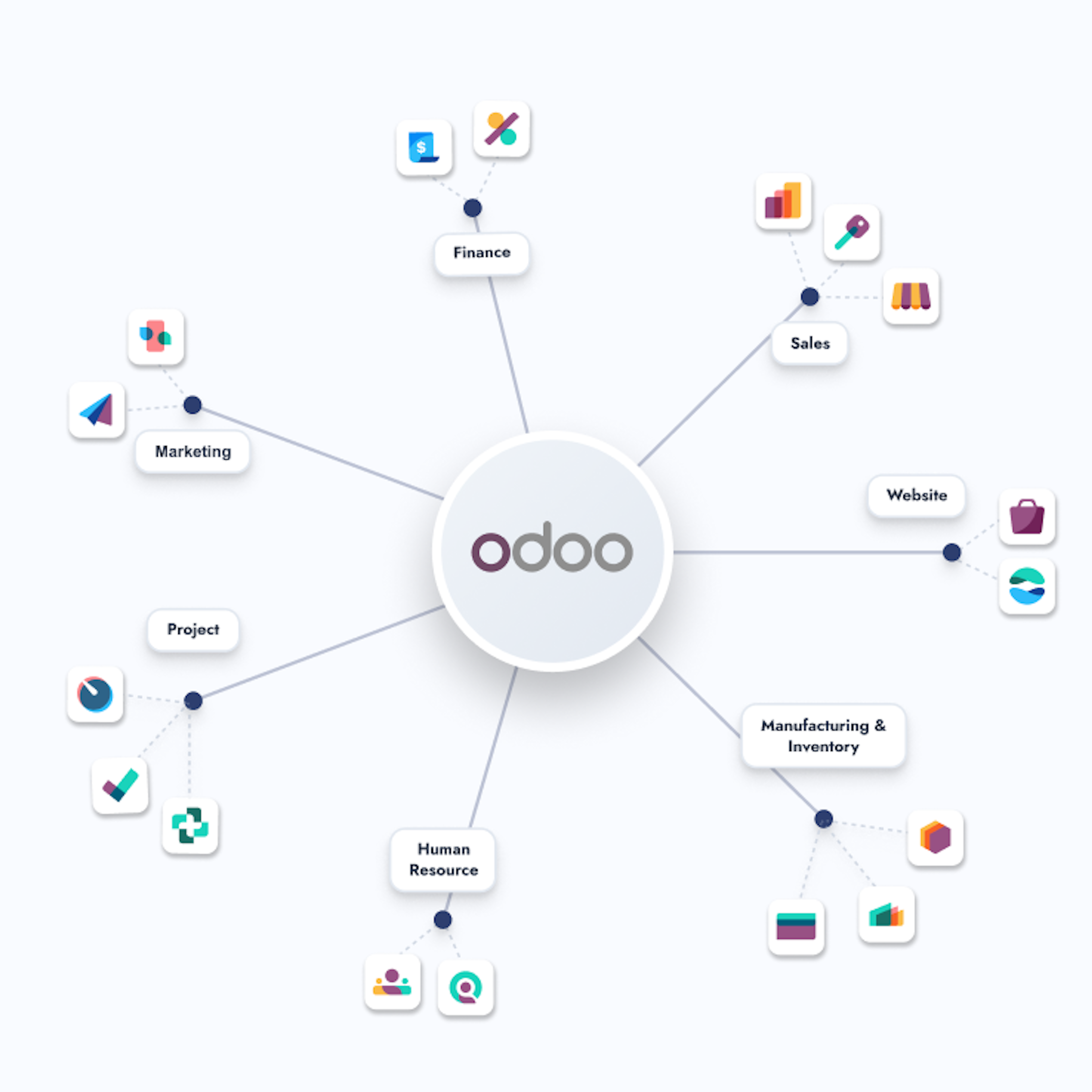
Accounting
Payments started from Odoo, mass bank reconciliation, assets under construction, a VAT reconciliation report for closing, consolidation with intercompany reconciliation.
Sales
Quotation lines without a product, tax included or excluded per document, editable margin, sections whose quantity rescales their lines.
Inventory
Stock without the Inventory app, suggested min/max levels from demand history, intercompany transfers without sales and purchase orders.
Manufacturing
Backorder planning for planned production, component replacement, continuous production across work orders.
Field service and planning
Field Service merges into Planning. An intervention becomes a shift with several resources, a live map, stock per vehicle and travel fees.
Point of sale
One invoice per session instead of miscellaneous entries, delivery and service fees, several printers per point of sale, USB scales without IoT.
Website and eCommerce
AI-assisted product editing, attribute filters, automated cross-sell suggestions.
Before you upgrade
Five things to check before you move.
Odoo 20 brings real gains. It also changes things your current setup relies on.
AI runs on credits.
AI features in Odoo 20 consume IAP credits you purchase separately. Budget for them.
Some modules merge.
Field Service moves into Planning. Interventions, resources and travel fees need a new setup.
Accounting entries change.
Point of Sale books one invoice per session instead of miscellaneous entries. Reports, filters and automations built on the old logic need a check.
Work entries disappear.
Payslips read directly from time off and working schedules. Your payroll setup needs a check.
Custom modules need a review.
Settings, fields and modules changed between Odoo 19 and 20, some of them not in the release notes. Anything built on top gets tested first.
How an Odoo 20 upgrade runs.
Discovery
A first conversation to understand your situation, your challenges, and your ambitions. We explore whether there is a match between what you need and what Dynapps does.
Tailored demo
Not a generic product tour. We prepare a demo shaped around your operations, your industry, and the specific challenges you have described.
Blueprint
A concrete offer for the implementation blueprint phase: scope, approach, timeline, investment. The first formal deliverable. A clear plan both sides can commit to.
Project kick-off
The blueprint phase starts. Process mapping, fit-gap analysis, solution design. The structured work that turns a conversation into a project.
Every Odoo version, every upgrade. We have been here.
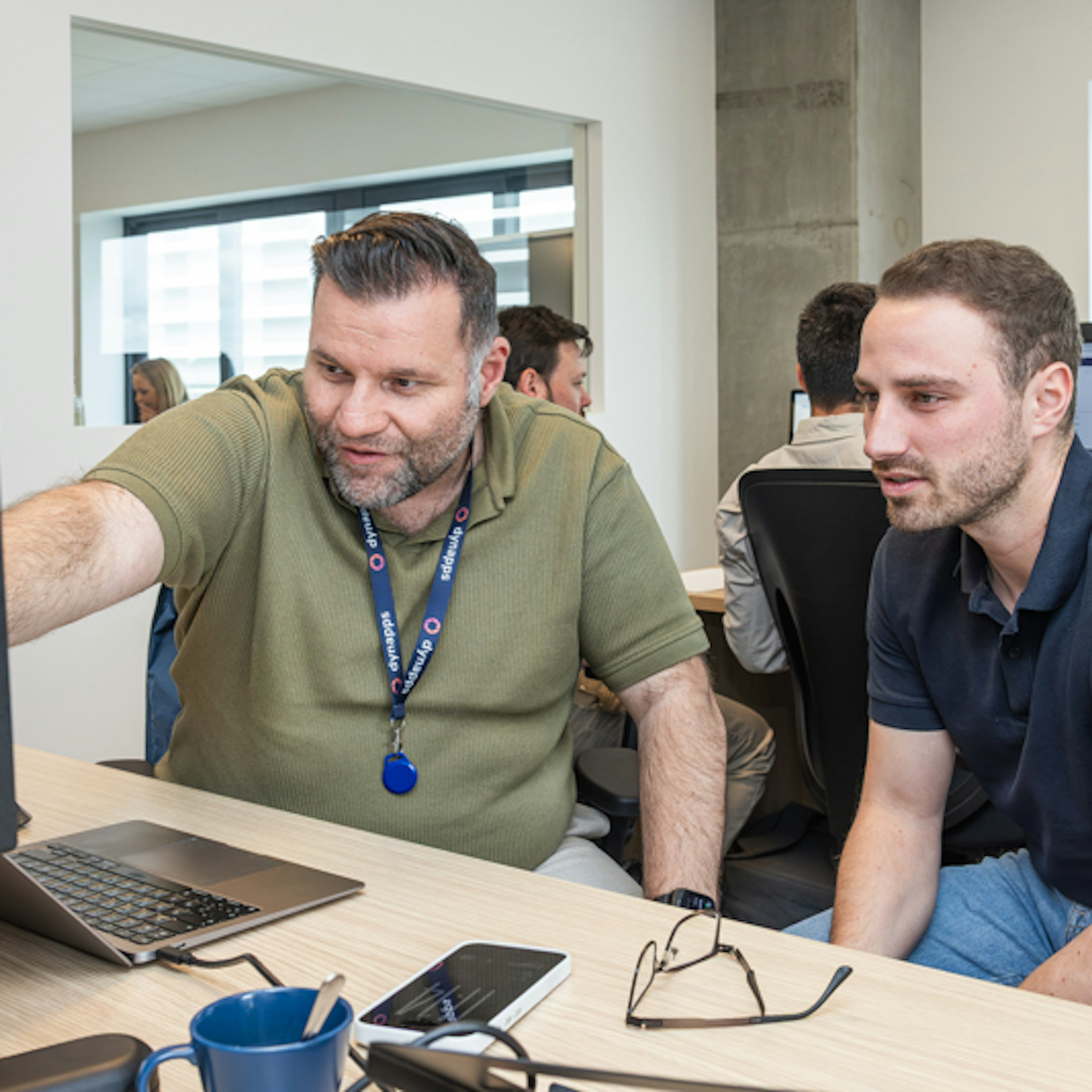
Most partners treat an upgrade as a technical job. We treat it as a business change. With 900+ customer references and Odoo Gold Partner status, we have taken customers through every major release. We upgrade from any Odoo version.
See what Odoo 20 means for your business.
Get your team ready for Odoo 20.
Can't find the answer you're looking for? Please reach out to us.
The migration to Odoo 20 runs in four phases: an audit of your current version and customisations, a migration plan with fixed timeline and investment, a controlled upgrade in a staging environment, and go-live with post-launch support. Dynapps runs each phase as a defined deliverable, not as open consultancy.
We upgrade from any Odoo version. The audit shows whether you move in one step or two.
In our experience, four to twelve weeks for a mid-sized company. The number of custom modules and integrations decides where you land.
That depends on your current version, your custom modules and your data volume. We start with an audit and then give you a fixed price.
Odoo presented Odoo 20 on 24 September 2026 at Odoo Experience in Brussels. When your database can move depends on your hosting: Odoo Online, Odoo.sh or on-premise. We check it with you in the audit.
Not by default. A new major release gets fixes in its first months. We plan most upgrades after an audit, at a moment that suits your business. If you run Odoo 17 or older, start planning now.
Agents search, create and update records on request, with each user's own access rights and, by default, only after approval. AI features run on IAP credits. The full picture is on our Odoo 20 AI page.
Payroll gets a guided dashboard, and payslips read time off and working schedules directly. In Belgium, Partena Professional and Odoo launch one HR and payroll environment from January 2027. Read more on our Odoo 20 HR page.
We wrote one page per topic, in English, French, Spanish and Dutch, based on the Odoo Experience talks and checked against the Odoo 19 and 20 source code.
Keep reading
Go deeper into Odoo 20.
AI in Odoo 20
How agents work, what they can touch and how to start without burning credits.
HR and payroll in Odoo 20
Payroll, attendances and Partena Professional in one flow. CTA: Read the HR page
Odoo 20, topic by topic
One page per app, from CRM to Manufacturing, on what changes in practice and what to plan before you upgrade. Checked against the Odoo 19 and 20 source code.